Also clean inside the Top Cover in the following situations to ensure optimal operation.
• If the printed surface or the underside of paper is dirty after printing
• After you have used up a roll
• After borderless printing
• After printing on small paper
• After printing on paper that generates a lot of cutting debris
• If you have replaced the roll
• After printing on paper that generates a lot of paper dust
• If the message "Blue platen switch is dirty." is displayed
Important
• If the Platen inside the Top Cover becomes dirty, it may soil the underside of paper. We recommend cleaning
the Platen after borderless printing or printing on small paper.
• If the Ejection Guide is dirty, it may soil the edge of the paper when the paper is cut. We recommend clean-
ing the Ejection Guide even if it does not appear dirty, because it may actually be covered with paper dust.
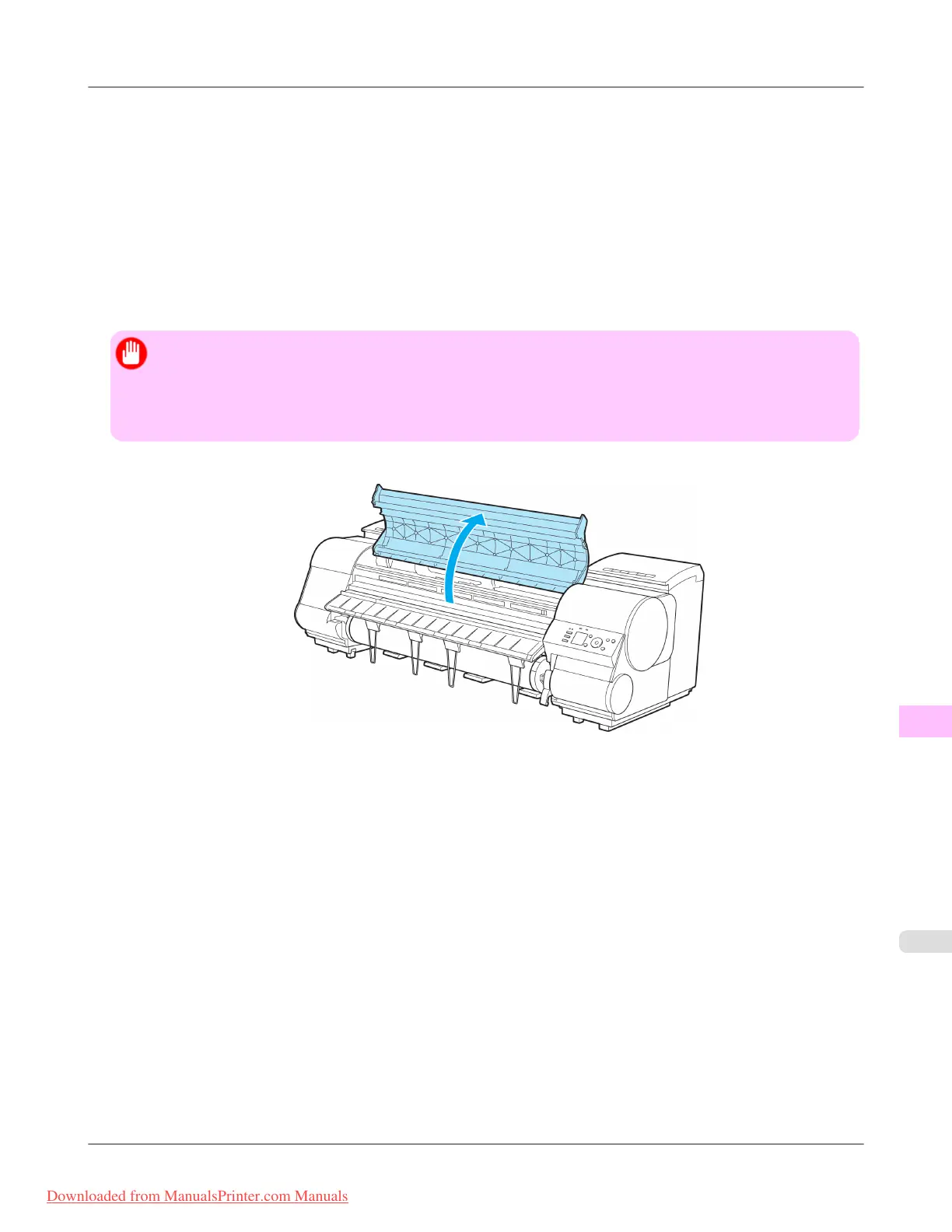
1. Open the Top Cover.
Maintenance
>
Cleaning the Printer
>
iPF8300 Cleaning Inside the Top Cover
11
1027
Downloaded from ManualsPrinter.com Manuals














 To Next Page