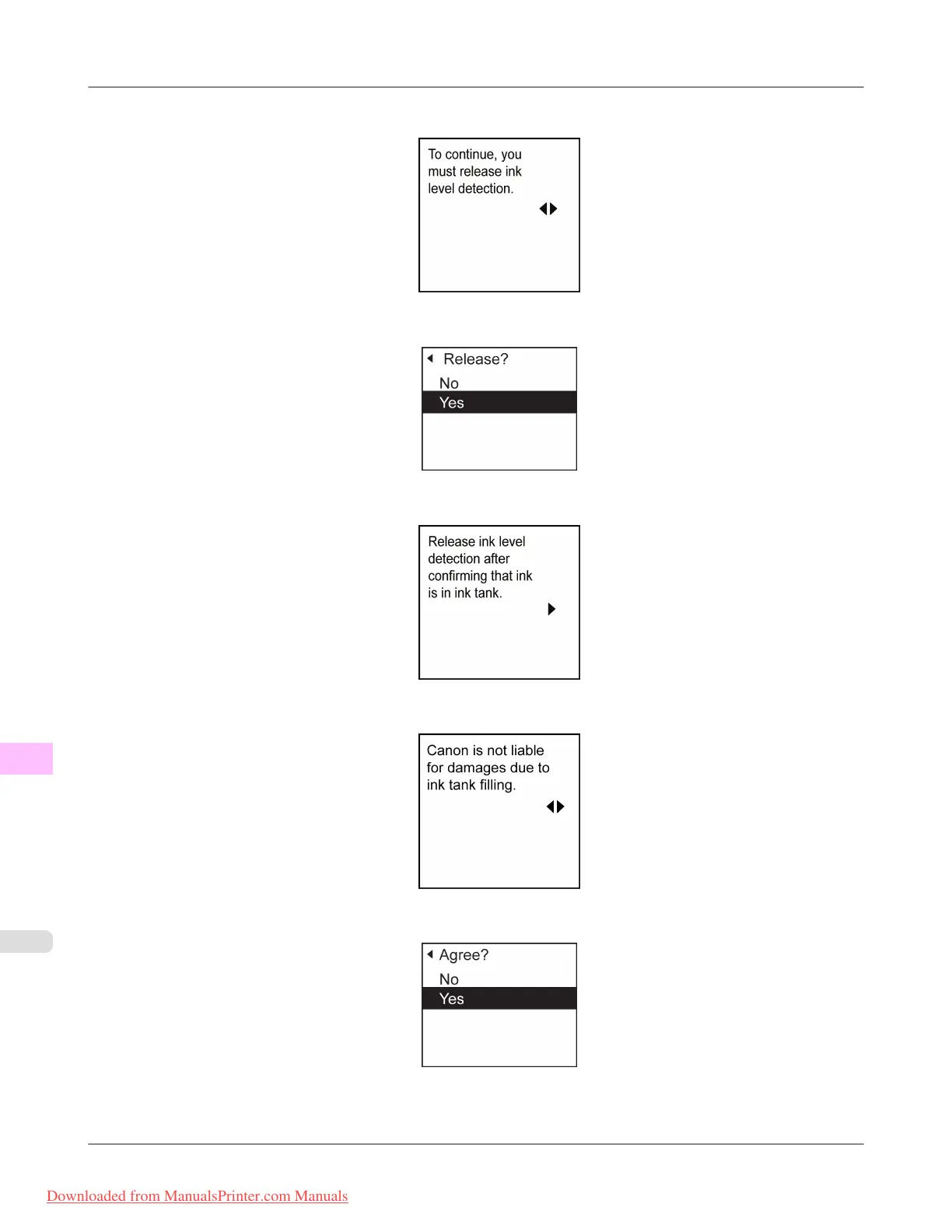
4. After checking the message, press the ▶ button.
5. Press ▲ or ▼ to select Yes, and then press the OK button.
6. Check the message and press the ▶ button.
7. Check the message and press the ▶ button.
8. Press ▲ or ▼ to select Yes, and then press the OK button.
Troubleshooting
>
Other problems
>
Ink Level Detection iPF8300
12
1076
Downloaded from ManualsPrinter.com Manuals














 To Next Page