Printing a group of individual topics in the manual
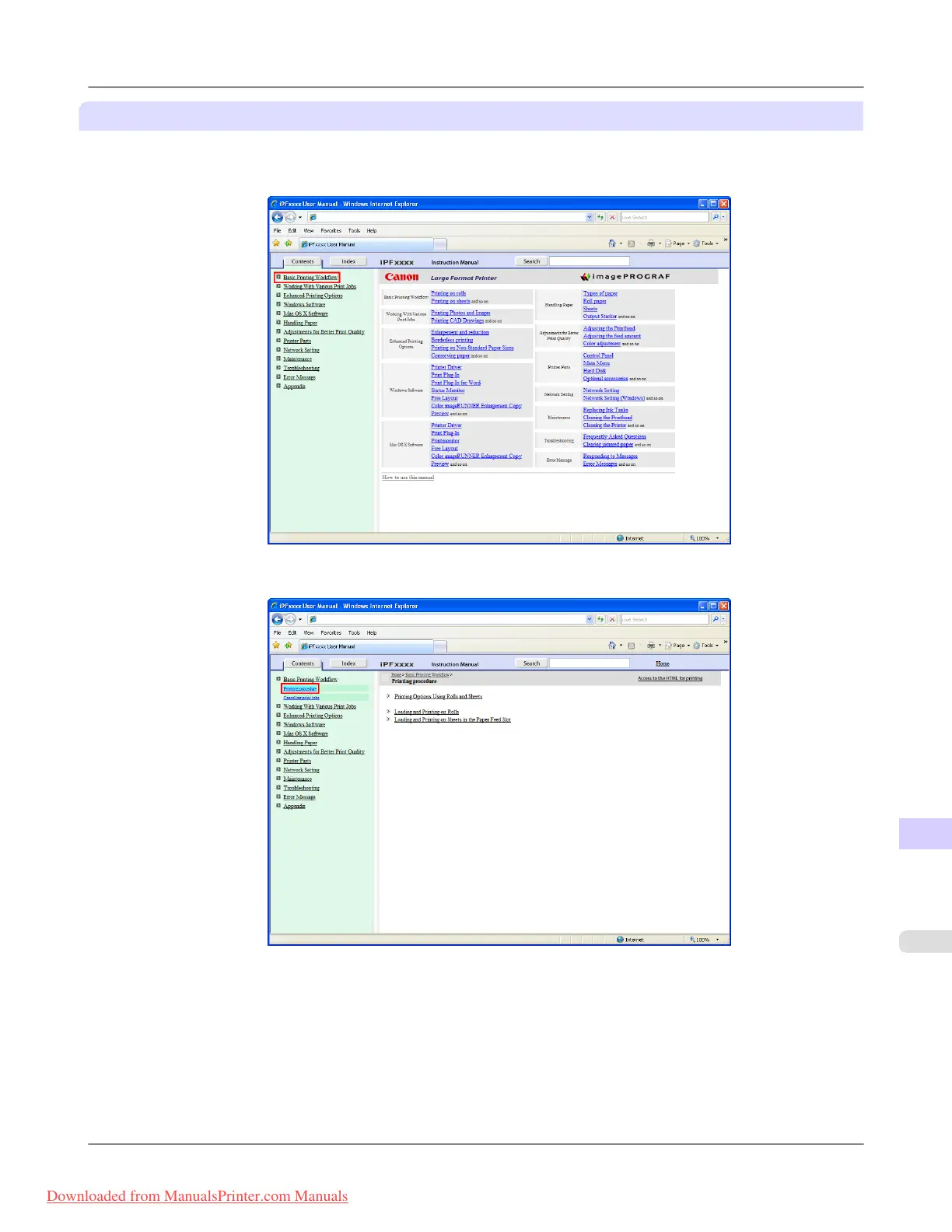
When you access printable HTML versions from subtitles in the table of contents, you can specify a group of topics to print.
1. Click a section title in the table of contents. Here, Basic Printing Workflow is used as an example.
2. Under Basic Printing Workflow, click Printing Procedure.
Appendix
>
How to use this manual
>
iPF8300 HTML Version of the Manual for Printing
14
1115
Downloaded from ManualsPrinter.com Manuals














 To Next Page