11. Make sure the width of the loaded roll is displayed in the B Roll Width list—in this case, 10 in. (254.0mm).
Note
• If the width of the roll loaded in the printer is not shown in B Roll Width, click L Printer Informa-
tion on the Main pane to update the printer information.
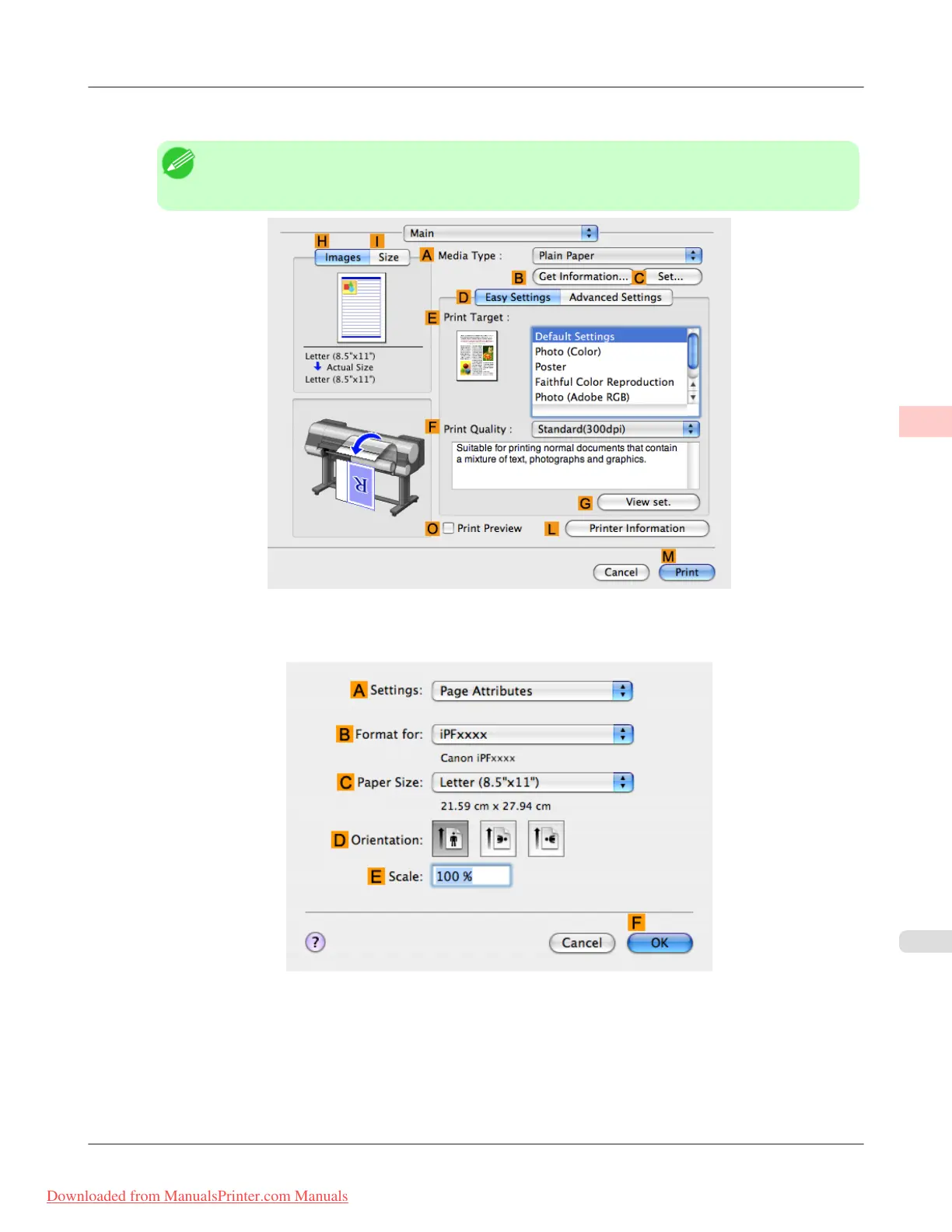
12. Make sure the C Page Size setting matches the original size as selected in CPaper Size in the Page Attributes
dialog box—in this case, 10"x12".
13. On the Page Setup pane, select the D Enlarged/Reduced Printing check box.
14. Select the H Borderless Printing check box.
15. Click E Fit Paper Size under D Enlarged/Reduced Printing.
Enhanced Printing Options
>
Borderless Printing
>
iPF8300 Borderless Printing by Resizing Originals to Match the Paper Size (Mac OS X)
3
101
Downloaded from ManualsPrinter.com Manuals














 To Next Page