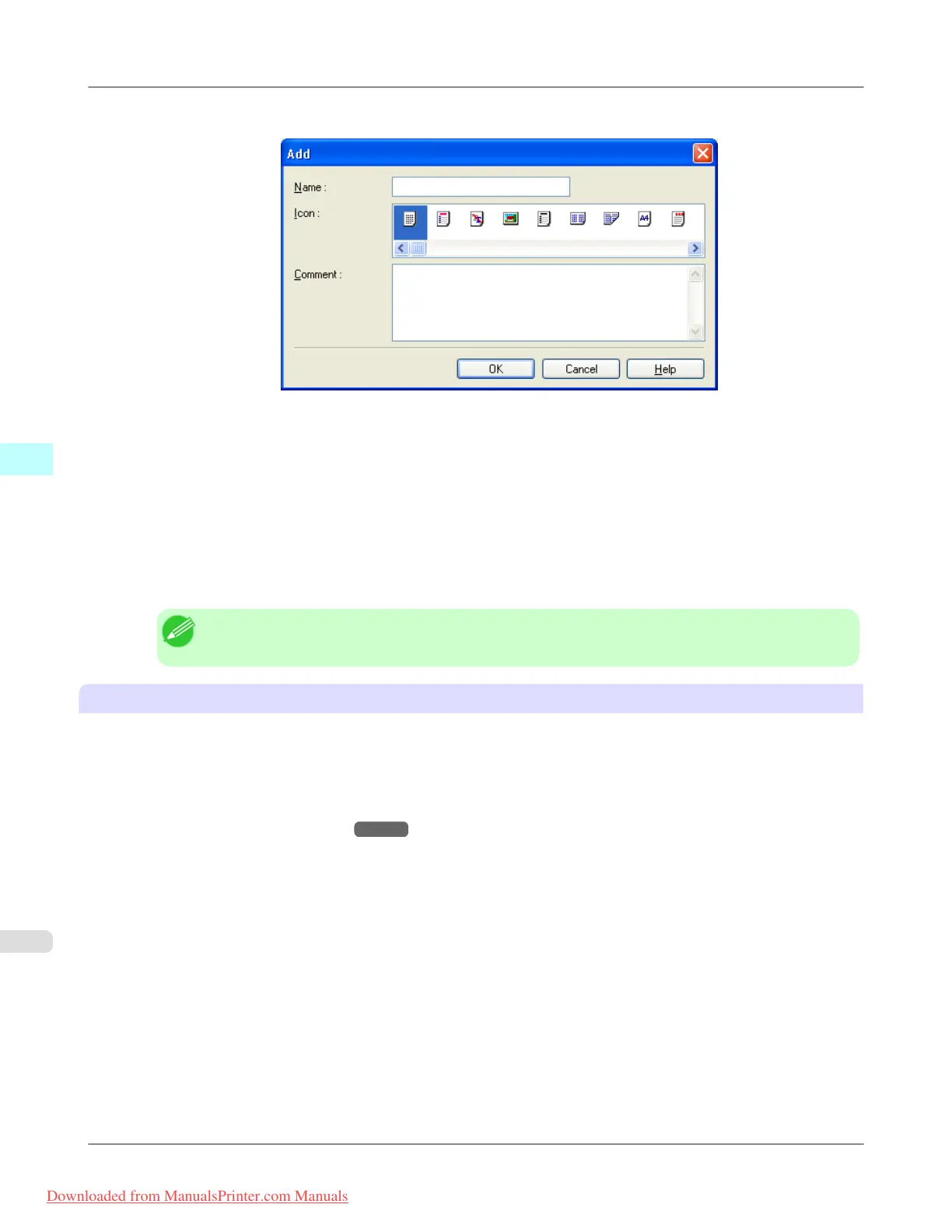
5. Click H Add to display the Add dialog box.
6. Enter a desired name in Name, such as Photos for Presentations or Monthly Report.
7. Choose a fitting icon for these print settings in the Icon list.
8. In Comment, enter a description of the favorite to be added, as desired.
9. Click OK to close the Add dialog box.
The favorite you have added is now displayed in A Favorites.
Note
• To save a favorite as a file, click J Export and specify the file to save.
Printing using the favorite
Follow the steps below to print using the favorite you have registered.
1. Choose Print in the application menu.
2. Select the printer in the dialog box, and then display the printer driver dialog box.(See "Accessing the Printer Driv-
er Dialog Box from Applications
→P.205 ")
Windows Software
>
Printer Driver
>
Using Favorites iPF8300
4
204
Downloaded from ManualsPrinter.com Manuals














 To Next Page