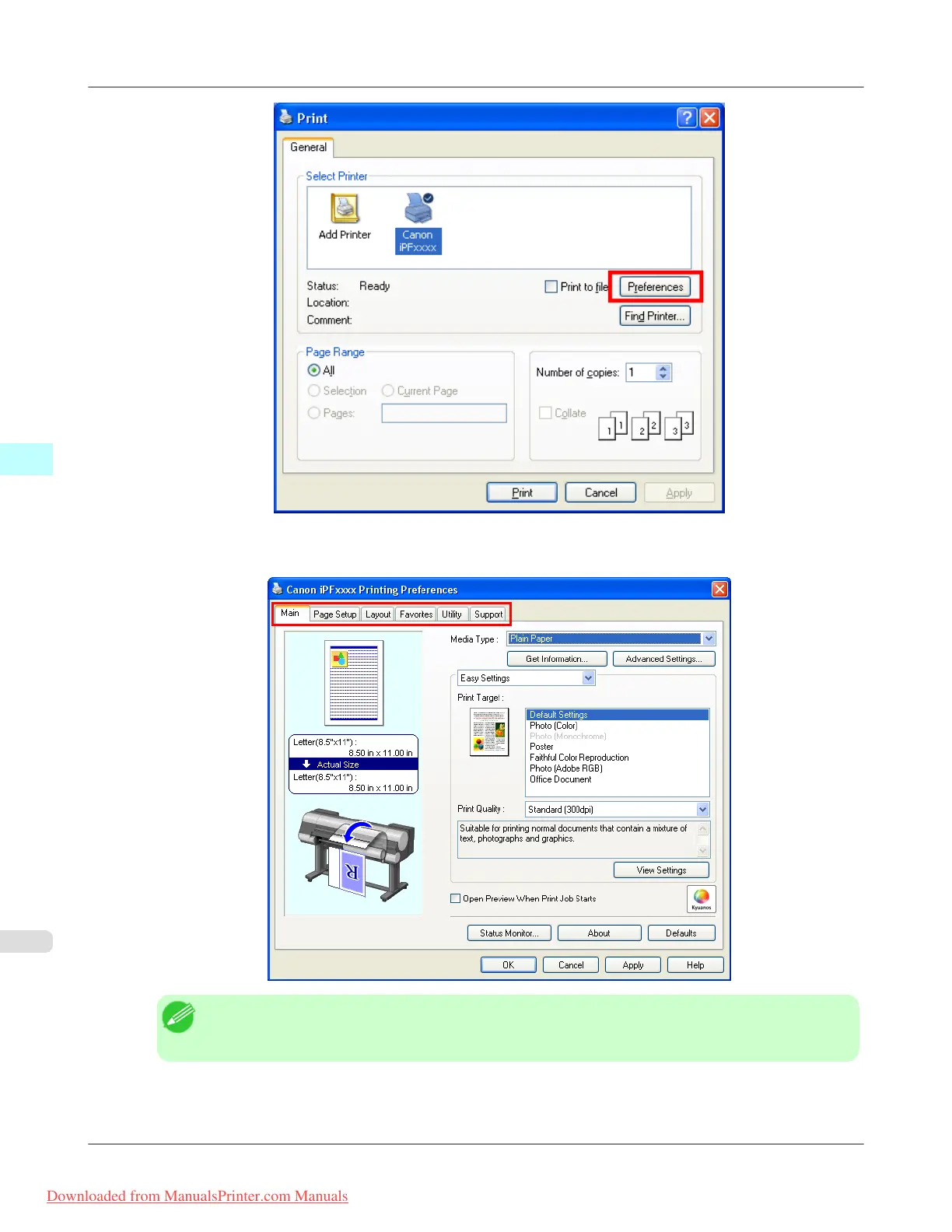
Six sheets of print settings are displayed by the printer driver: Main, Page Setup, Layout, Favorites, Utility, and
Support.
Note
• The titles of dialog boxes may vary depending on the application, and sheets other than these six
sheets may be displayed.
Windows Software
>
Printer Driver
>
Accessing the Printer Driver Dialog Box from Applications iPF8300
4
206
Downloaded from ManualsPrinter.com Manuals














 To Next Page