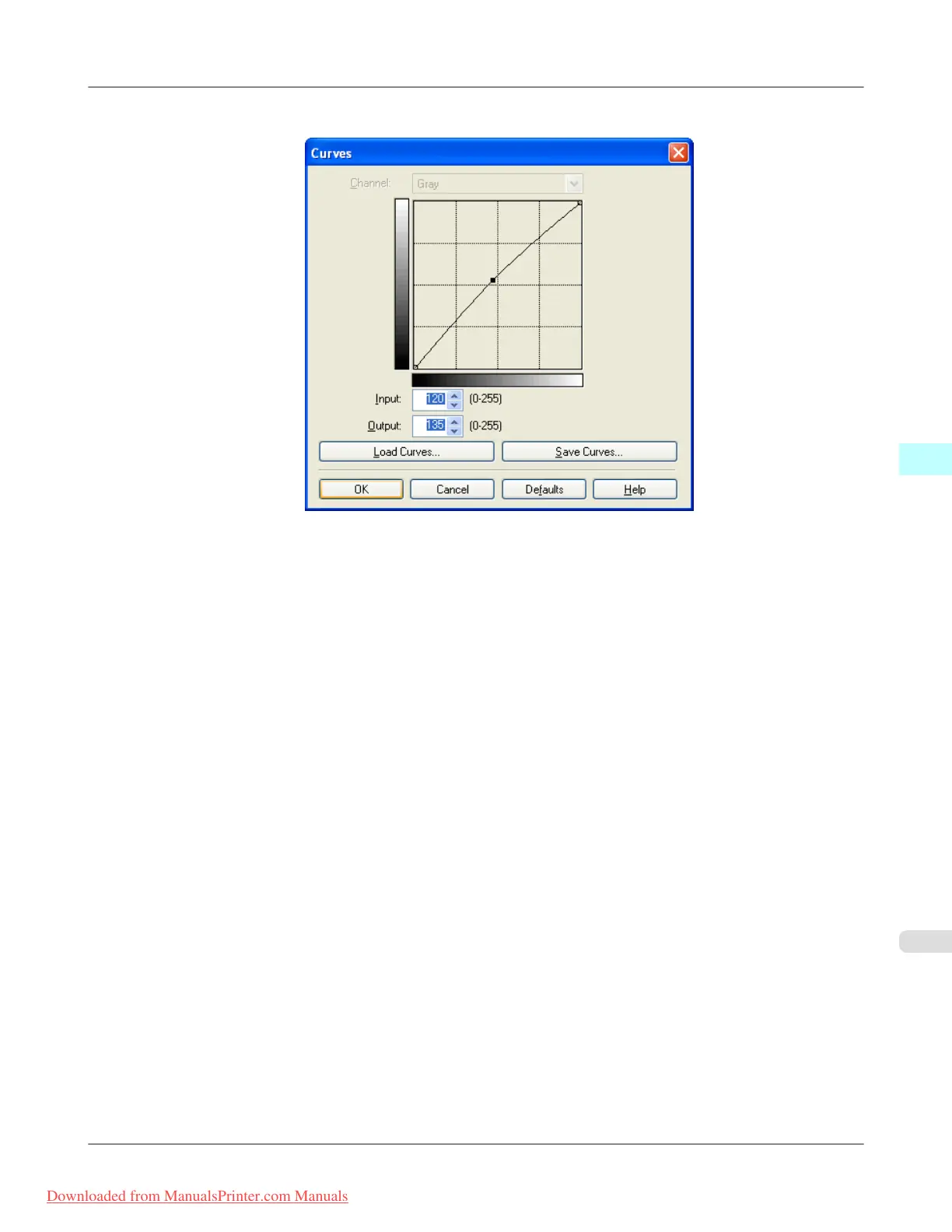
8. Enter 120 in Input and 135 in Output then click the OK button.
9. Click the Print button.
This applies the image adjustments and starts the print job.
Windows Software
>
Print Plug-In for Photoshop/Digital Photo Professional
>
iPF8300 Adjust the Colors while Checking the Preview (for Monochrome)
4
339
Downloaded from ManualsPrinter.com Manuals














 To Next Page