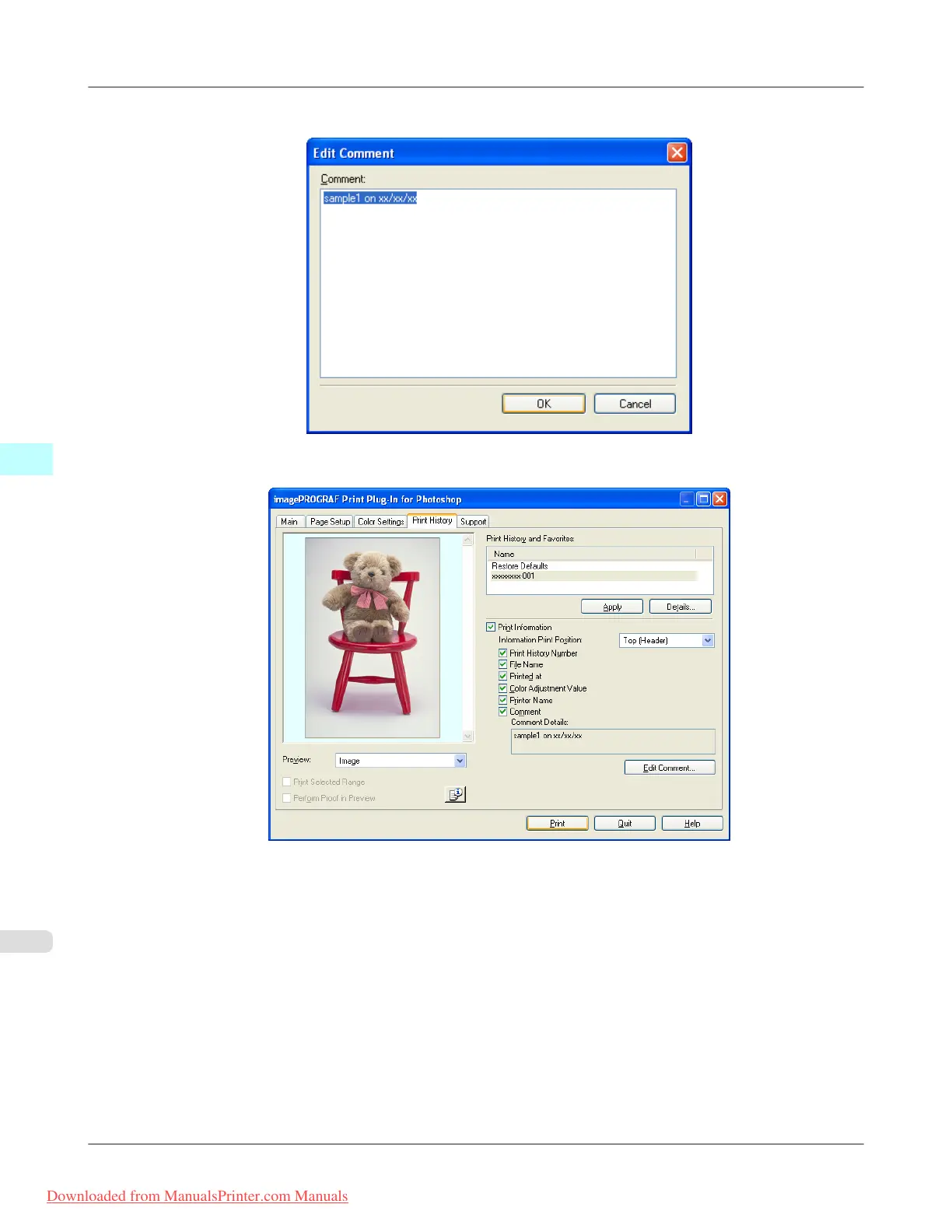
6. Input the comment in the Edit Comment dialog box, and click OK button.
7. Click the Print button.
Comments are printed with images.
Windows Software
>
Print Plug-In for Photoshop/Digital Photo Professional
>
Set Information to Print with Image iPF8300
4
366
Downloaded from ManualsPrinter.com Manuals














 To Next Page