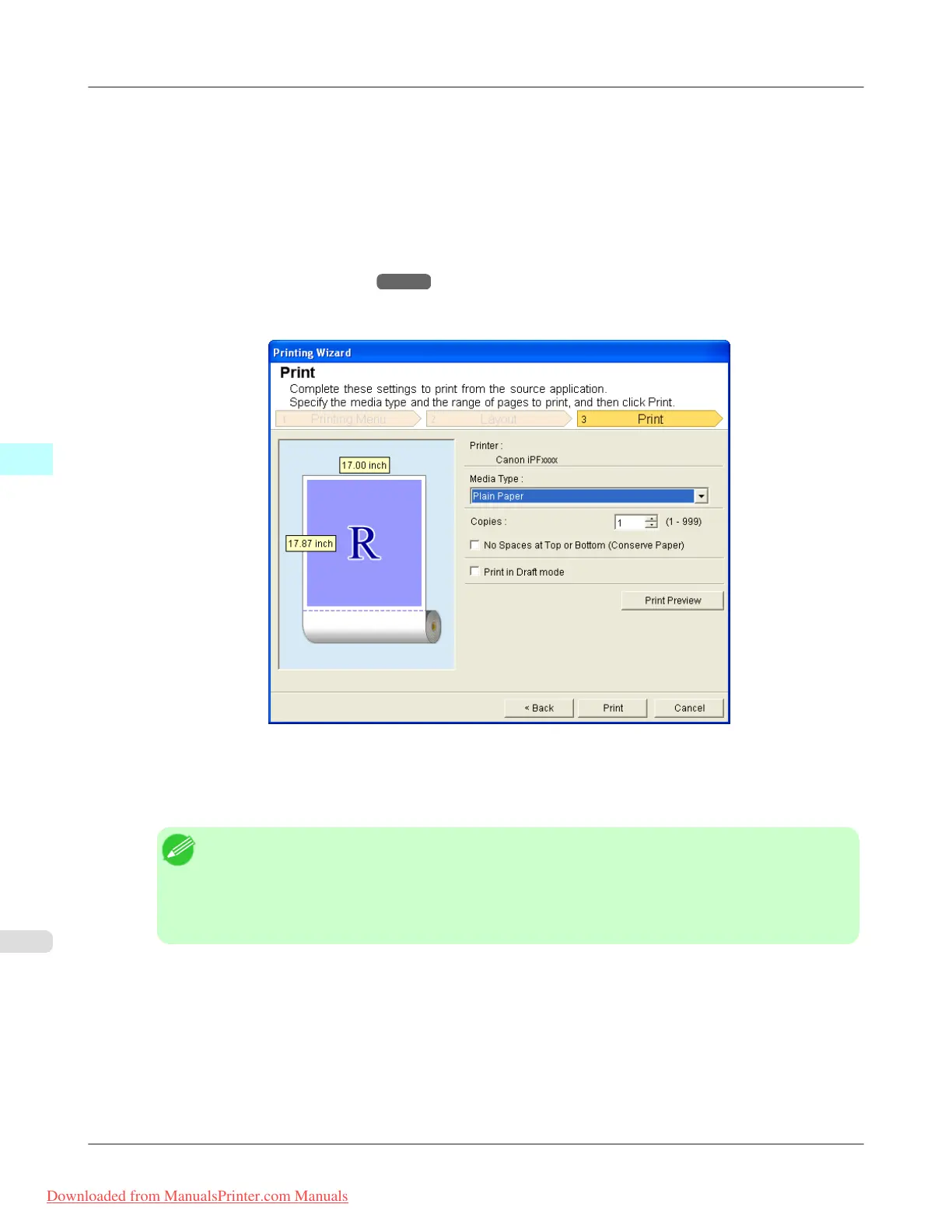
5. Select Roll Paper Width that is set in the printer.
6. Select image size.
7. Select layout.
8. To configure Binding, click the Binding Settings button.
Refer to Configuring Binding (Excel)
→P.416 for details on the procedure for configuring Binding.
9. Select Next.
10. Select Media Type.
11. Enter Copies.
Note
• When Print in Draft mode is selected, printing is fast but the print quality is poor.
• Press the Print Preview button to display the preview screen. You can check and make changes to
the layout in the preview screen.
• When you print to the edge of the roll width, the maximum print length is 18.0m.
12. If the upper and lower margins are too wide, check No Spaces at Top or Bottom (Conserve Paper).
The upper and lower margins can be checked in Print Preview.
Windows Software
>
Print Plug-In for Office
>
Print Entire Sheet (Excel) iPF8300
4
412
Downloaded from ManualsPrinter.com Manuals














 To Next Page