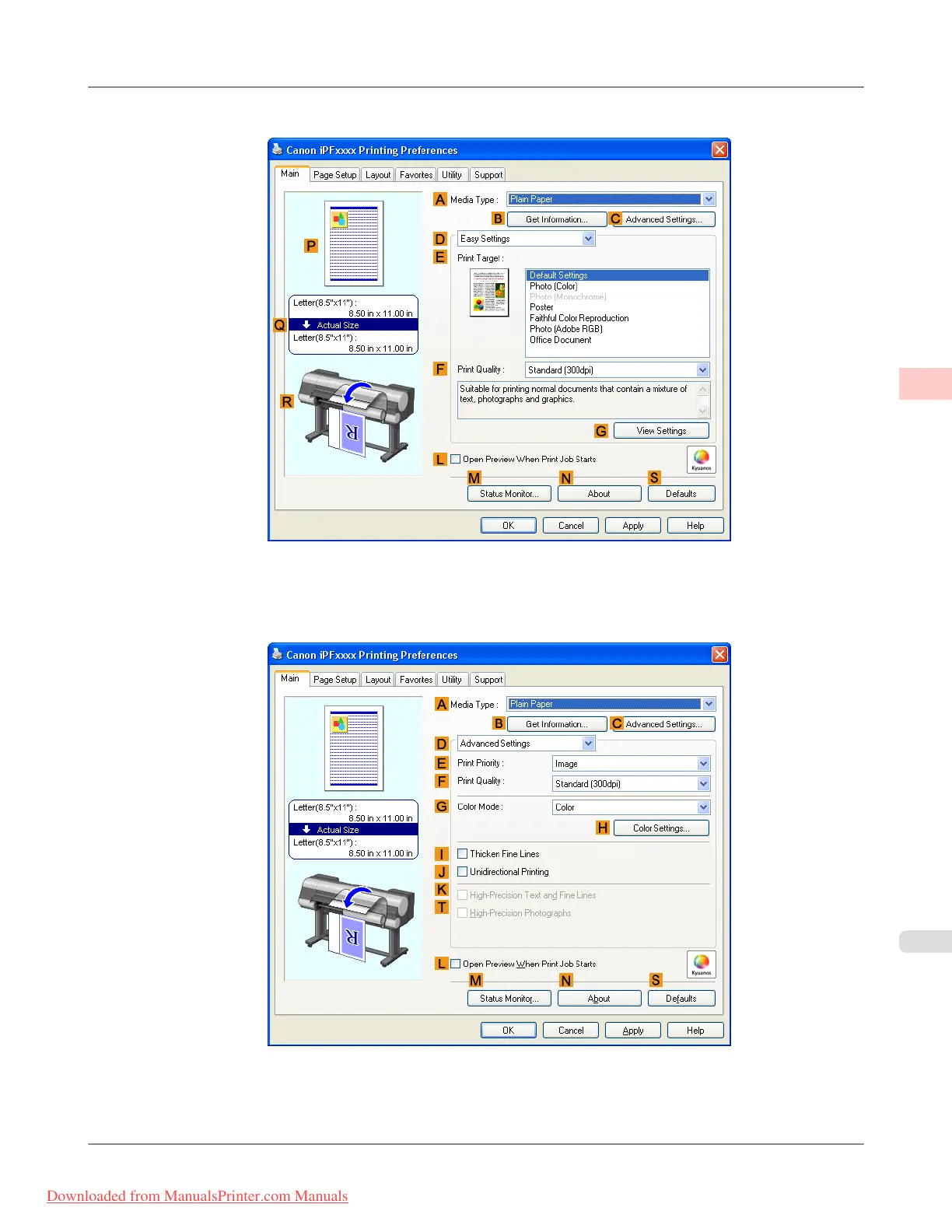
7. Make sure the Main sheet is displayed.
8. In the A Media Type list, select the type of paper that is loaded. In this case, click Premium Glossy Paper 200.
9. Click D Advanced Settings to switch the print mode.
10. Click Image in the E Print Priority list.
Working With Various Print Jobs
>
Printing Photos and Images
>
iPF8300 Printing Adobe RGB Images (Windows)
2
27
Downloaded from ManualsPrinter.com Manuals














 To Next Page