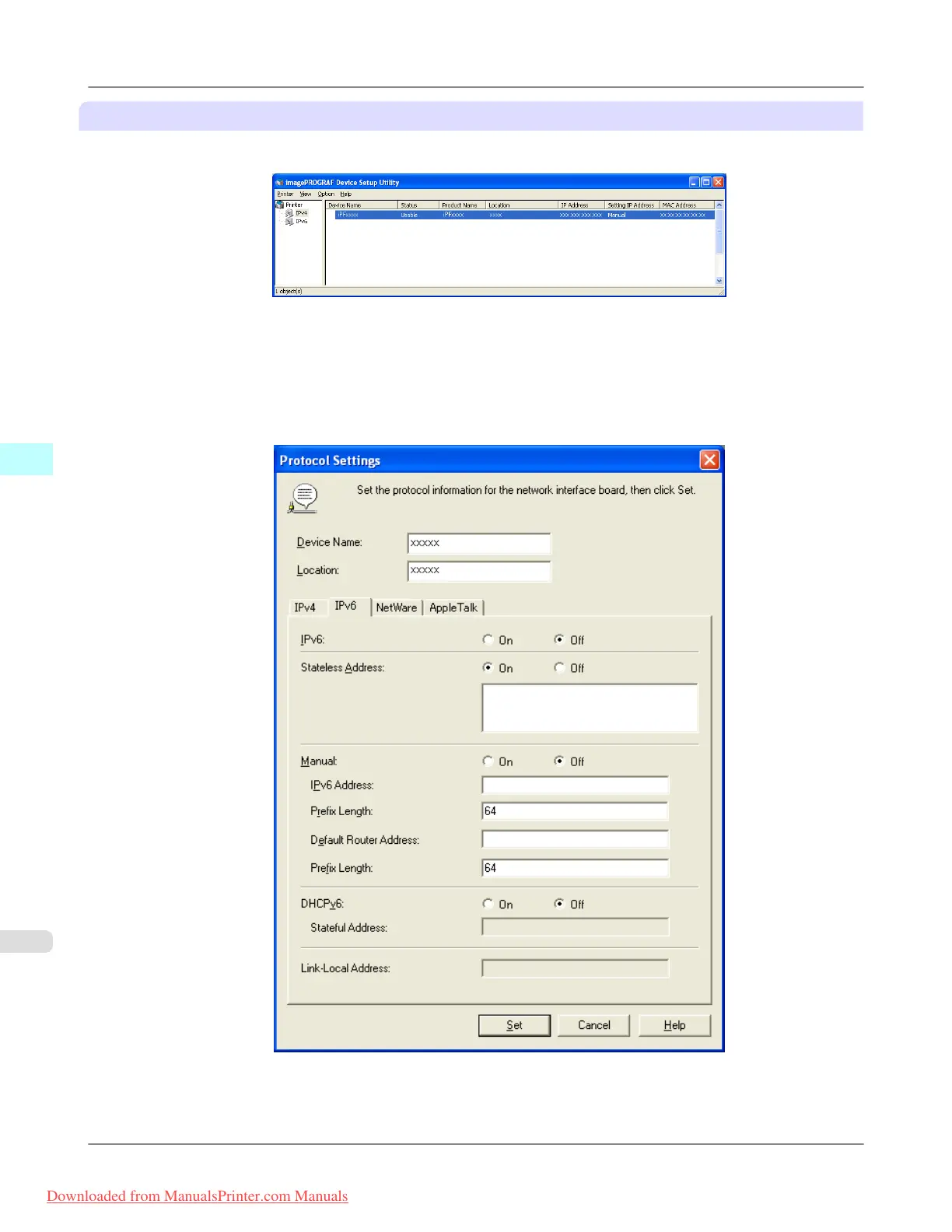
When specifying an IPv6 IP address
1. Start imagePROGRAF Device Setup Utility from the start menu.
2. In the Device Name list displayed, select the printer to configure.
3. Choose Protocol Settings from the Printer menu.
4. Select the IPv6 tab.
5. In IPv6, select On.
Windows Software
>
Device Setup Utility
>
Configuring the IP Address Using imagePROGRAF Device Setup Utility iPF8300
4
438
Downloaded from ManualsPrinter.com Manuals














 To Next Page