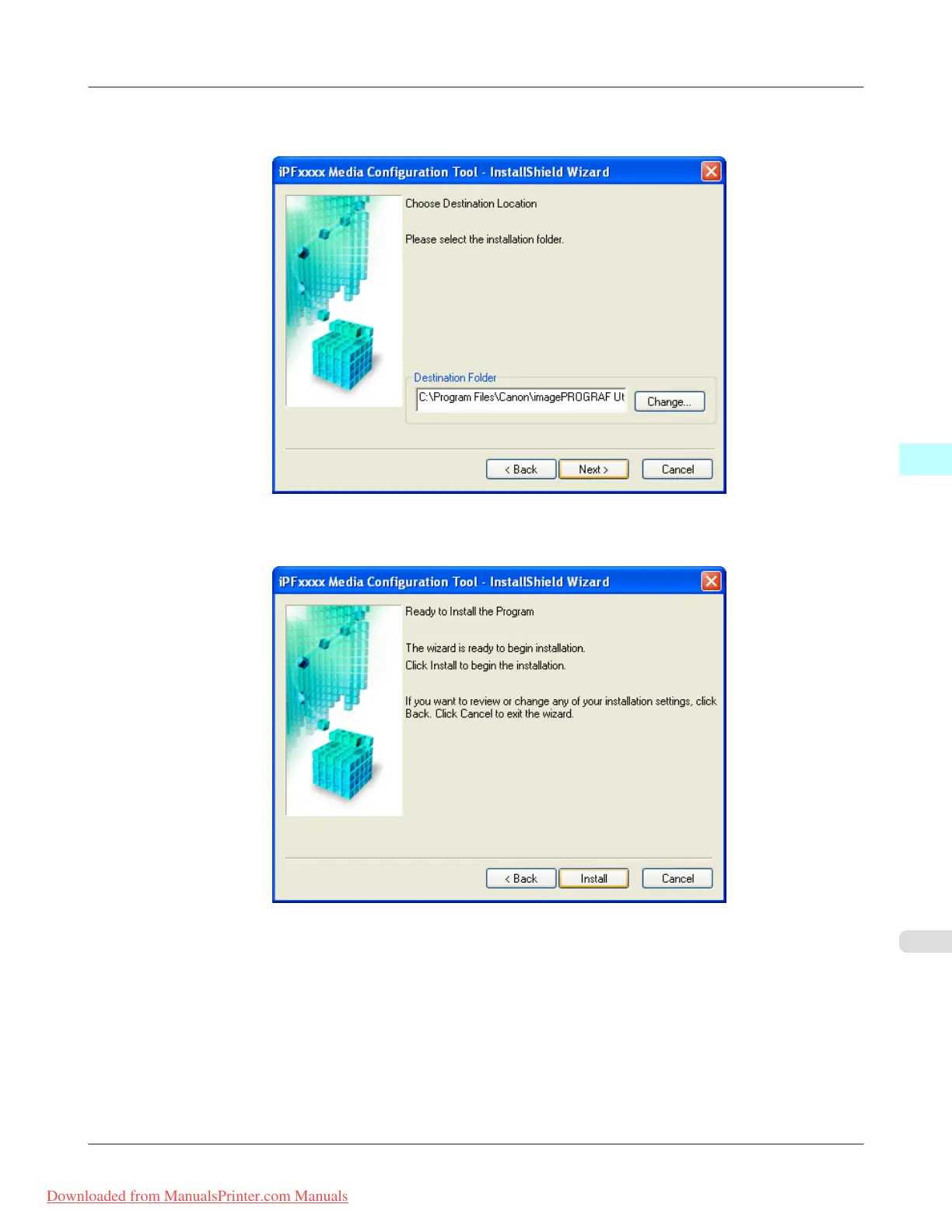
4. The Choose Destination Location screen appears.
Select the destination folder then click the Next button.
5. The Ready to Install the Program screen appears.
Click the Install button.
Windows Software
>
Media Configuration Tool
>
iPF8300 Installation Procedures
4
443
Downloaded from ManualsPrinter.com Manuals














 To Next Page