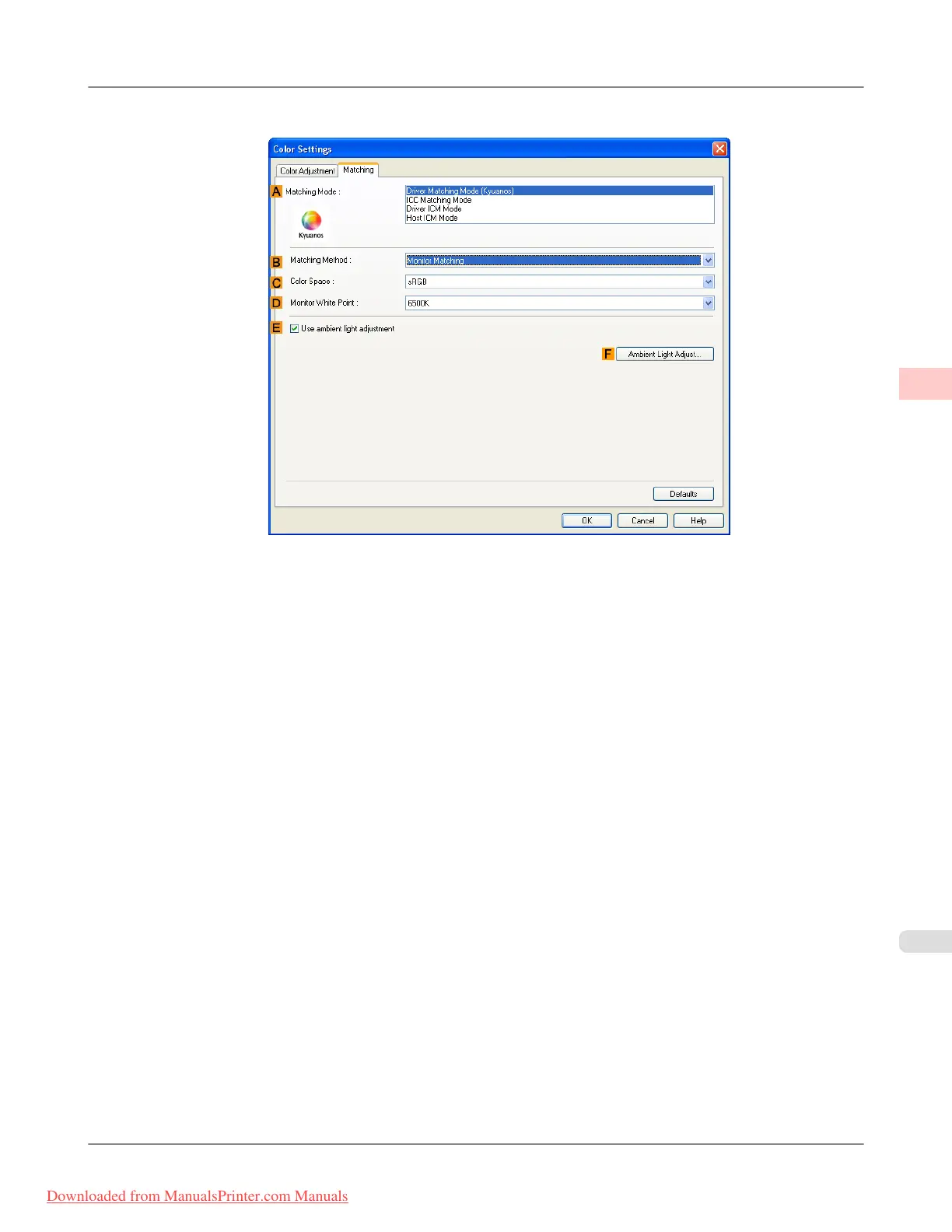
14. Click the Matching tab to display the Matching sheet.
15. In A Matching Mode, click Driver Matching Mode.
16. In C Color Space, click Adobe RGB.
17. Click OK to close the Color Settings dialog box.
Working With Various Print Jobs
>
Printing Photos and Images
>
iPF8300 Printing Adobe RGB Images (Windows)
2
29
Downloaded from ManualsPrinter.com Manuals














 To Next Page