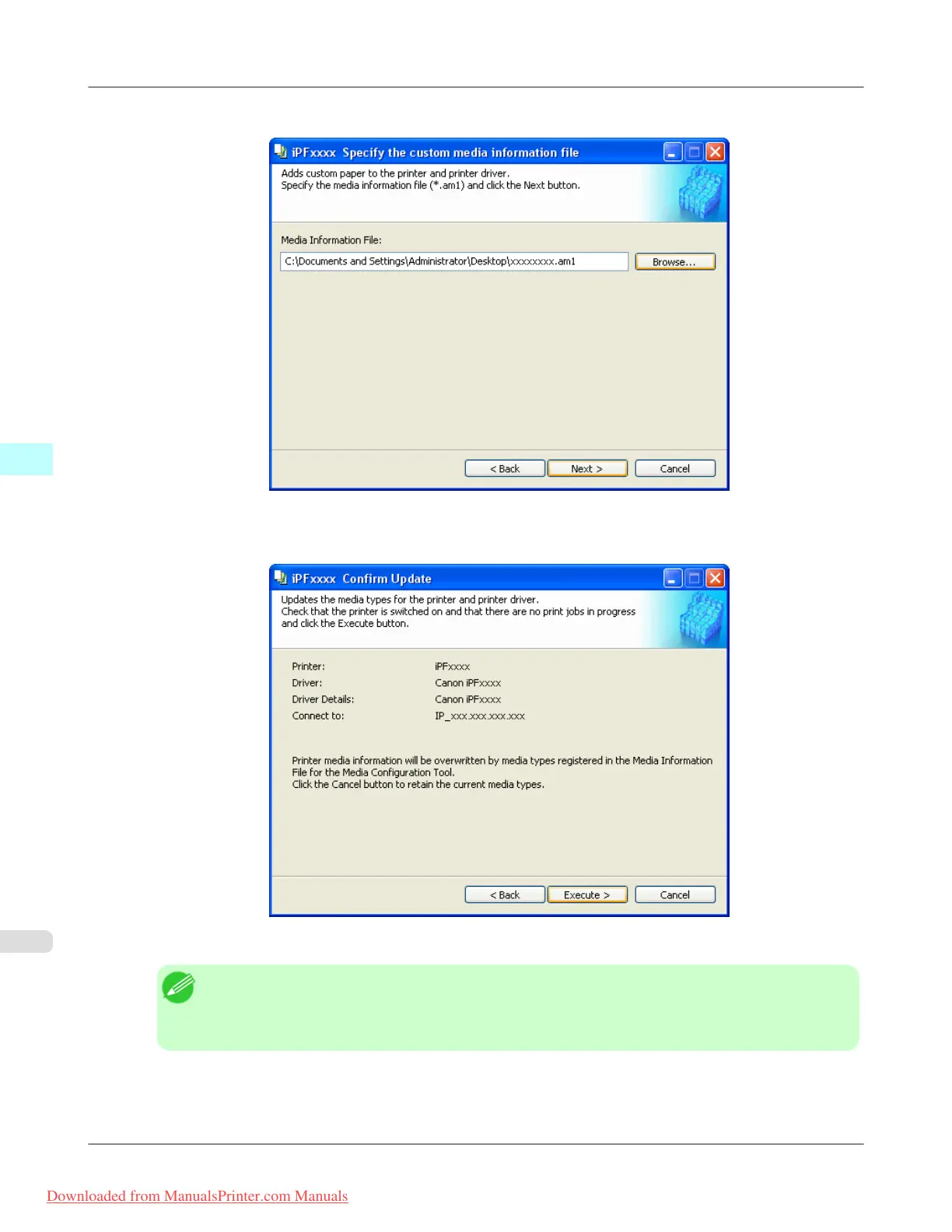
4. Select the Custom Media Information File (.am1 file) to import.
5. The Confirm Update dialog box opens.
Click the Execute button.
The custom paper is added to the control panel of the printer and to the printer driver of the PC you are using.
Note
• When the custom paper is correctly added to the printer driver, the name of the added custom paper is
displayed in the Edit Media Types dialog box that is opened by Add Genuine Paper in the Media
Configuration Tool window.
Windows Software
>
Media Configuration Tool
>
Import Custom Media Information iPF8300
4
474
Downloaded from ManualsPrinter.com Manuals














 To Next Page