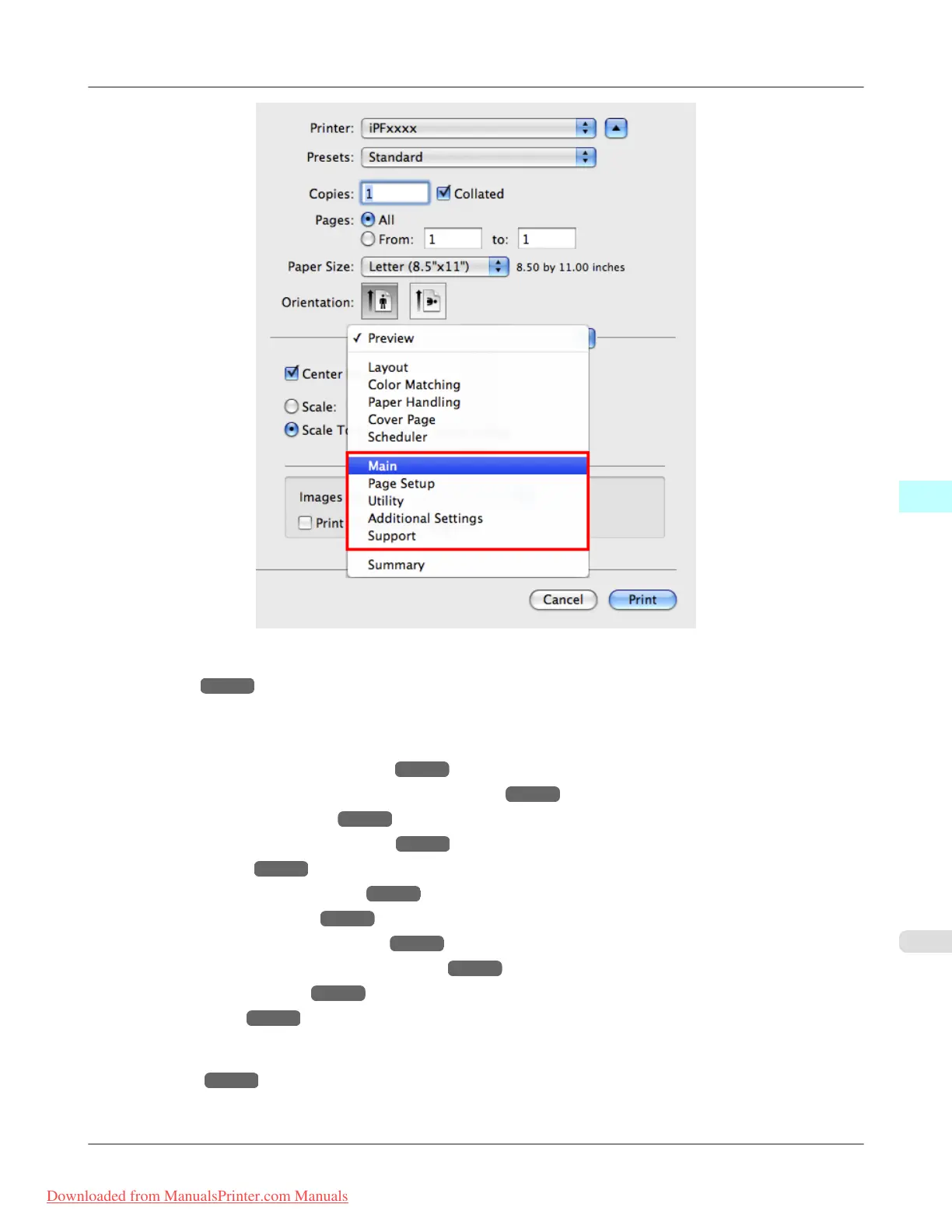
For information on the Mac OS X printer driver settings, refer to the following topics.
• Main Pane →P.486
You can specify the media type, color processing, print quality, print preview, and other settings. Choose Easy Set-
tings to specify basic print settings based on the printing application or Advanced Settings to complete more detailed
settings as desired.
• Paper Detailed Settings Dialog Box →P.492
• View settings Dialog Box for the Printing Application →P.493
• Color Settings Pane: Color →P.500
• Object Adjustment dialog box: Color →P.501
• Matching pane →P.494
• Ambient Light Adjust dialog box →P.497
• Light Source Check Tool →P.499
• Color Settings Pane: Monochrome →P.502
• Object Adjustment dialog box: Monochrome →P.503
• Gray Adjustment Pane →P.504
• Page Setup Pane →P.506
You can specify the page size of the original, borderless printing, enlargement or reduction, the orientation, the paper
size and source, and automatic cutting.
• Utility Pane →P.508
You can specify settings related to maintenance for the Printhead and feed amount, as well as settings for Color im-
ageRUNNER Enlargement Copy.
Mac OS X Software
>
Printer Driver
>
iPF8300 Printer Driver Settings
5
479
Downloaded from ManualsPrinter.com Manuals














 To Next Page