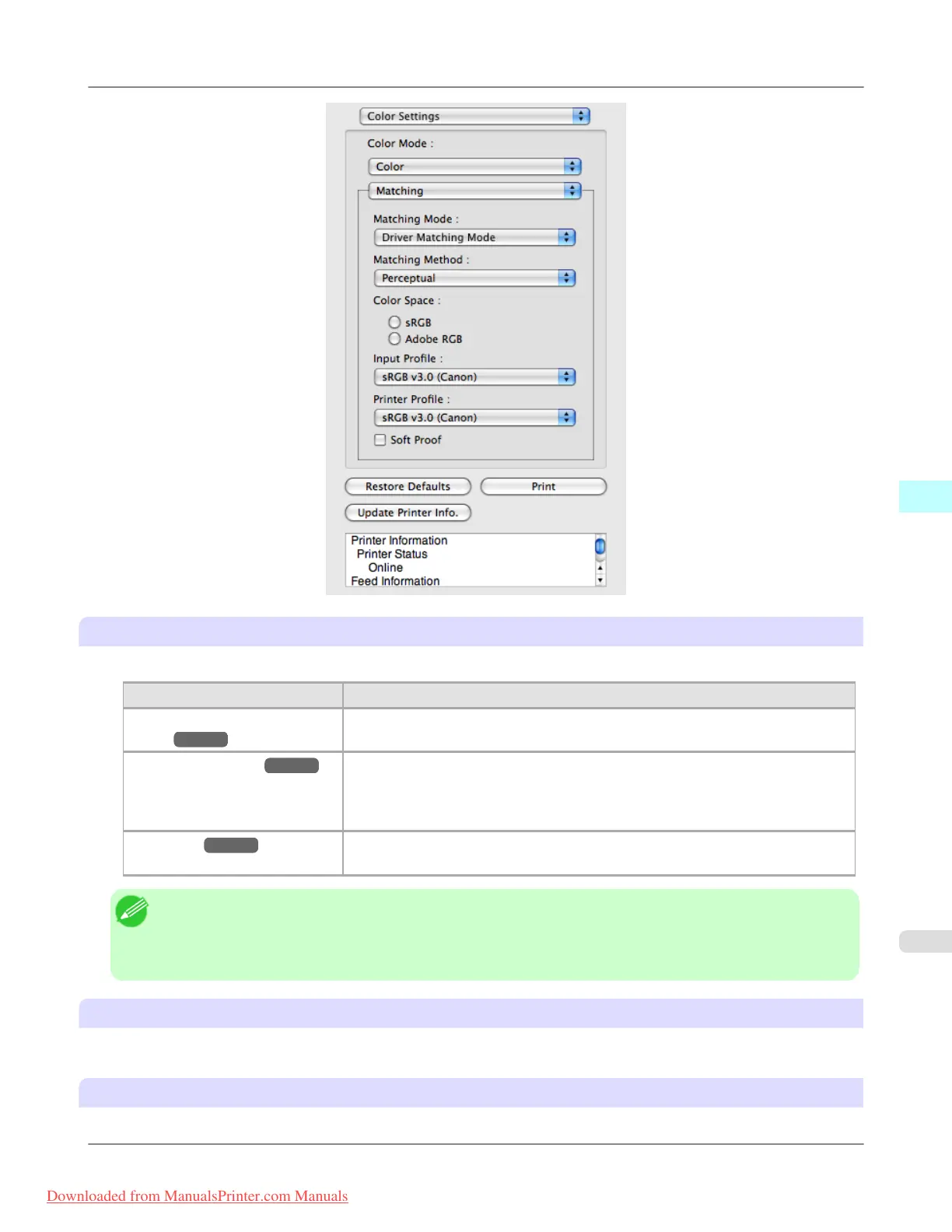
Matching Mode
You can select a matching mode to suit the print job.
Setting Details
Driver Matching
Mode →P.531
Enables printing of optimal color tones using a driver specific color profile. You
should normally select this mode.
ICC Matching Mode →P.532 Enables color matching using ICC profiles. Select this if you want to print by spec-
ifying the input profile, printer profile, and matching method in detail. This allows
you to use ICC profiles for digital cameras and scanners, ICC profiles created us-
ing the profile creation tool, etc.
ColorSync →P.533 Enables color matching by using the ColorSync function of Mac OS. Select this if
you want to perform soft proofing using ColorSync before printing.
Note
• You need to set each correction on the printer driver.
• Using Mac OS X 10.5 or later, ColorSync needs to be selected in the Color Matching panel of the driver in
order to select ColorSync.
Matching Method
You can select a matching method to suit the print job.
Color Space
Select the color space.
Mac OS X Software
>
Preview
>
iPF8300 Matching
5
529
Downloaded from ManualsPrinter.com Manuals














 To Next Page