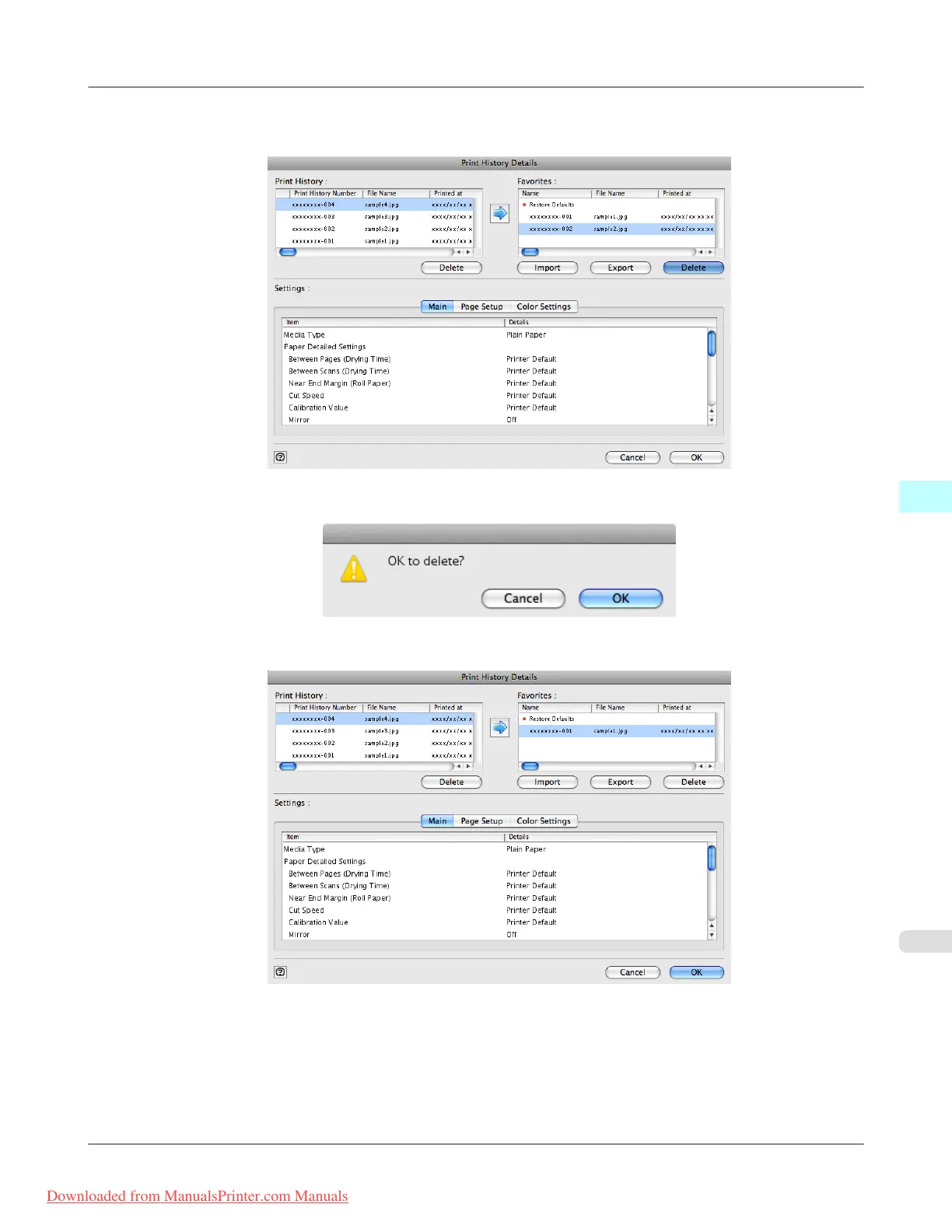
3. Select the print history you wish to delete from Favorites in the Print History Details dialog box, and click the
Delete button.
4. Click the OK button.
5. Click the OK button to close the Print History Details dialog box.
Mac OS X Software
>
Print Plug-In for Photoshop/Digital Photo Professional
>
iPF8300 Delete Print History from Print Preferences
5
665
Downloaded from ManualsPrinter.com Manuals














 To Next Page