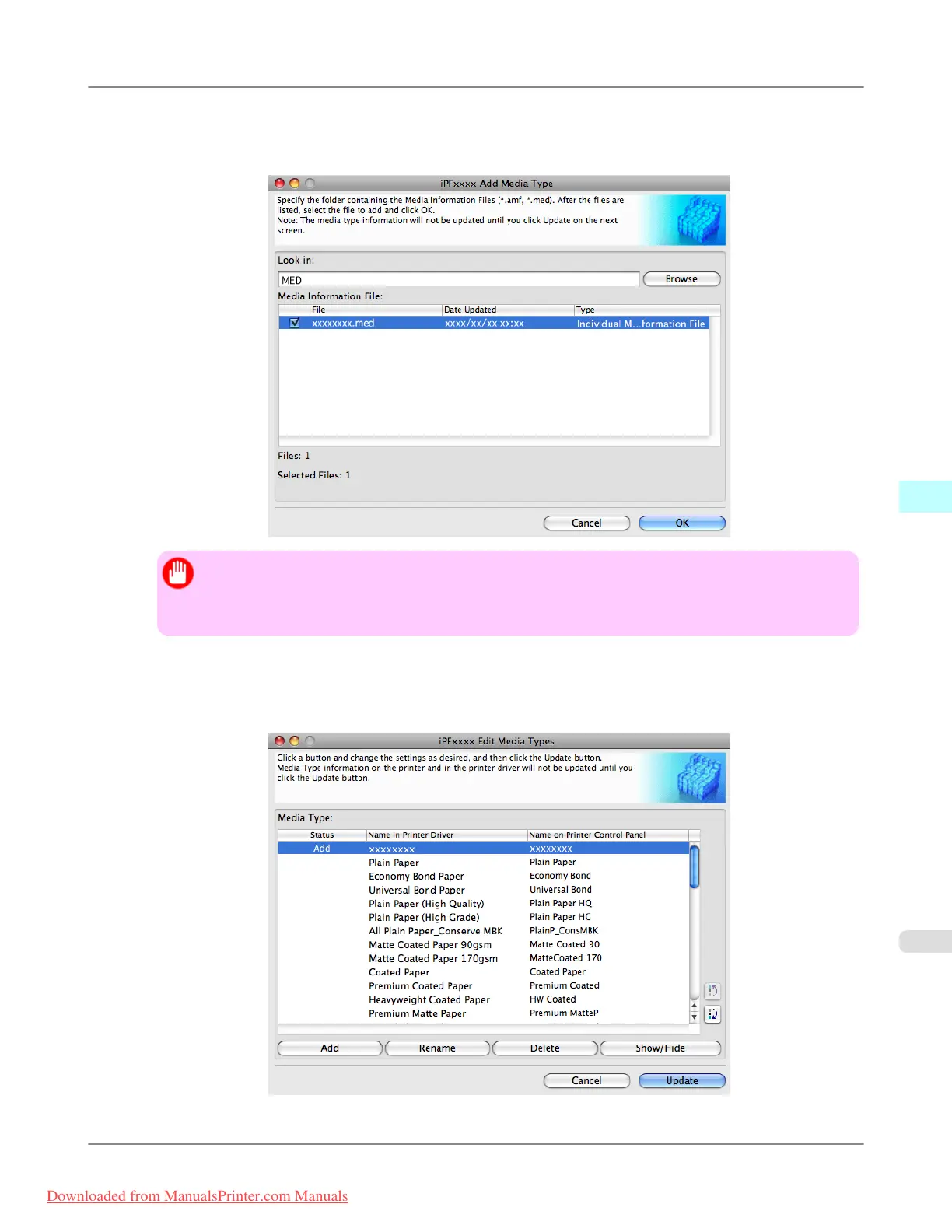
4. The names of media information files in the folder you selected in the Open dialog box are displayed under Media
Information File in the Add Media Type dialog box. Select the check boxes of paper to add and click the OK
button.
Important
• If Master Media Information File is displayed as the Type of the Media Information File, the me-
dia type display order and media type display/non-display settings are initialized. Reconfigure these
after added the master media information file.
5. Click OK when the confirmation message is displayed.
6. In the Edit Media Types dialog box, click the Update button.
Mac OS X Software
>
Media Configuration Tool
>
iPF8300 Adding Media Types
5
683
Downloaded from ManualsPrinter.com Manuals














 To Next Page