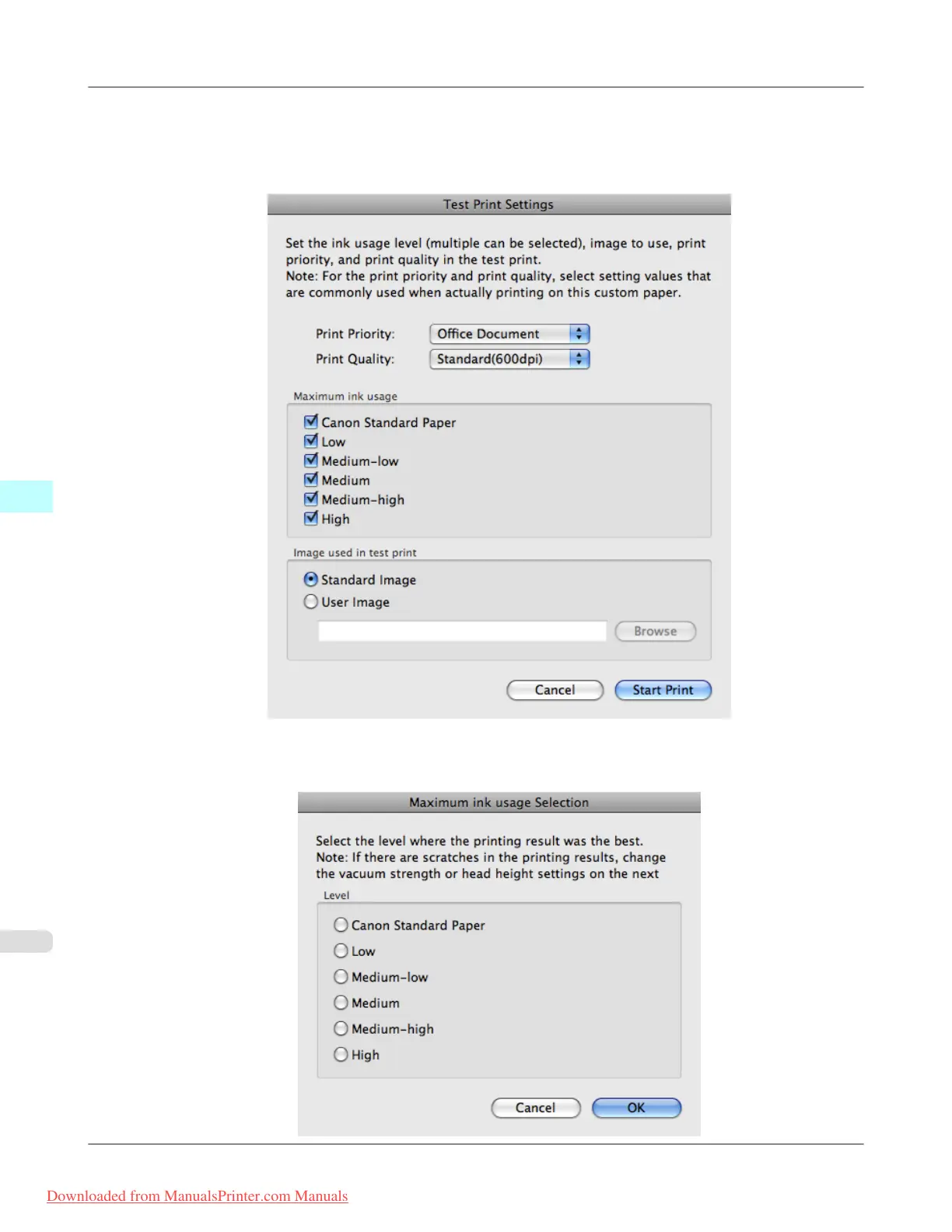
11. The Test Print Settings dialog box is displayed.
Select the print priority and print quality of the test print using Print Priority and Print Quality.
Set the level to test print using Maximum ink usage and the image to use using Image used in test print, and then
click the Start Print button.
12. Determine and set the ink level that is thought to give the best visual test print results with no bleeding or scraping of
ink.
Mac OS X Software
>
Media Configuration Tool
>
Add Custom Paper iPF8300
5
702
Downloaded from ManualsPrinter.com Manuals














 To Next Page