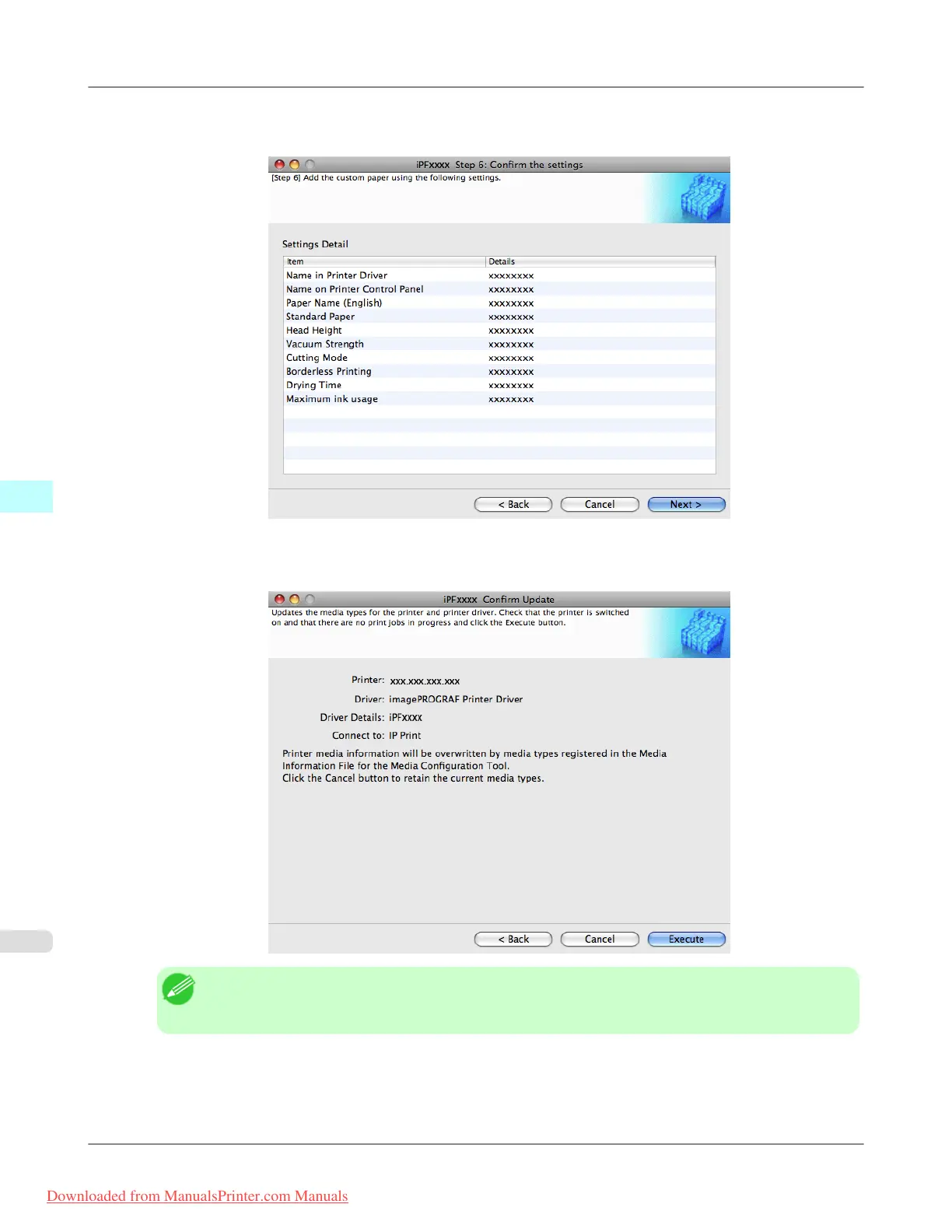
14. The Step 6: Confirm the settings dialog box is displayed.
Configure the settings of the custom paper, and then click the Next button.
15. The Confirm Update dialog box is displayed.
Confirm the updates and then click the Execute button.
Note
• If the authentication screen is displayed, input the administrator name and passowrd and click the OK
button.
Mac OS X Software
>
Media Configuration Tool
>
Add Custom Paper iPF8300
5
704
Downloaded from ManualsPrinter.com Manuals














 To Next Page