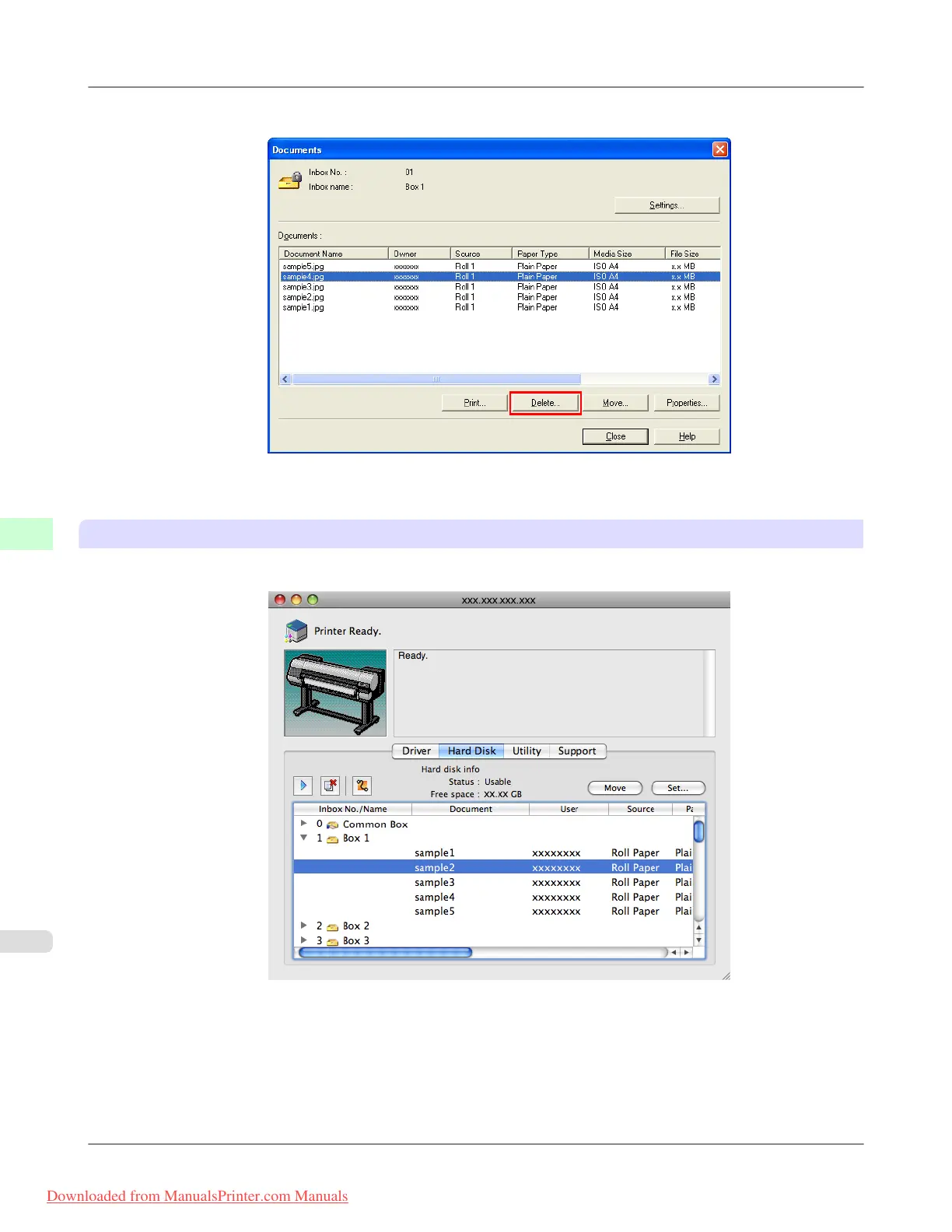
2. In the Documents dialog box, select the print job and click Delete.
For details, refer to the imagePROGRAF Status Monitor help file.
Using imagePROGRAF Printmonitor
1. In the Hard Disk pane, click ▶ next to Inbox No./Name.
Print Jobs
>
Basic Print Job Operations
>
Deleting Saved Jobs iPF8300
6
734
Downloaded from ManualsPrinter.com Manuals














 To Next Page