For details, refer to the imagePROGRAF Status Monitor help file.
Using imagePROGRAF Printmonitor (Macintosh)
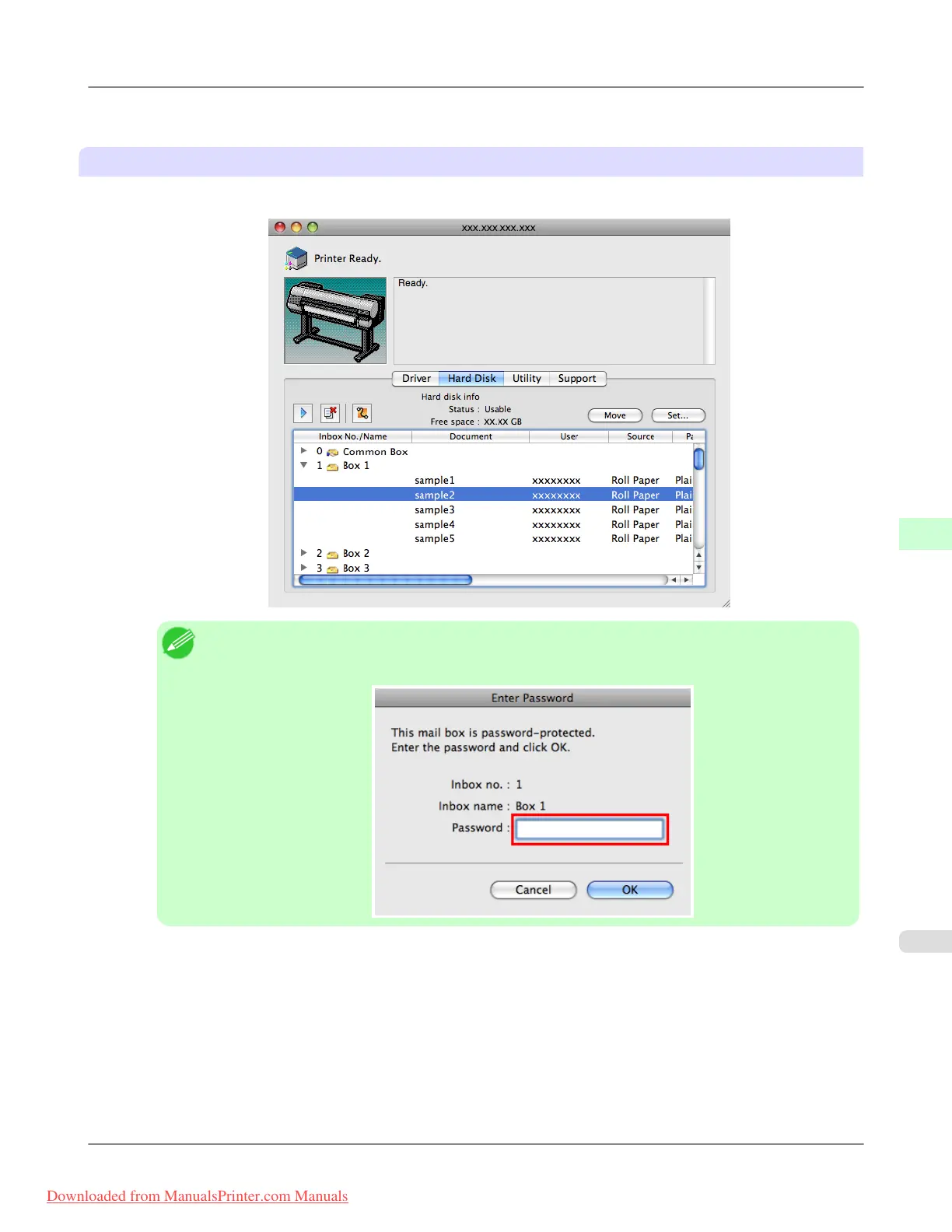
1. In the Hard Disk pane, click ▶ next to Inbox No./Name.
Note
• Enter a password if one has been set.
The password is a four-digit number.
Print Jobs
>
Basic Print Job Operations
>
iPF8300 Moving Saved Jobs
6
739
Downloaded from ManualsPrinter.com Manuals














 To Next Page