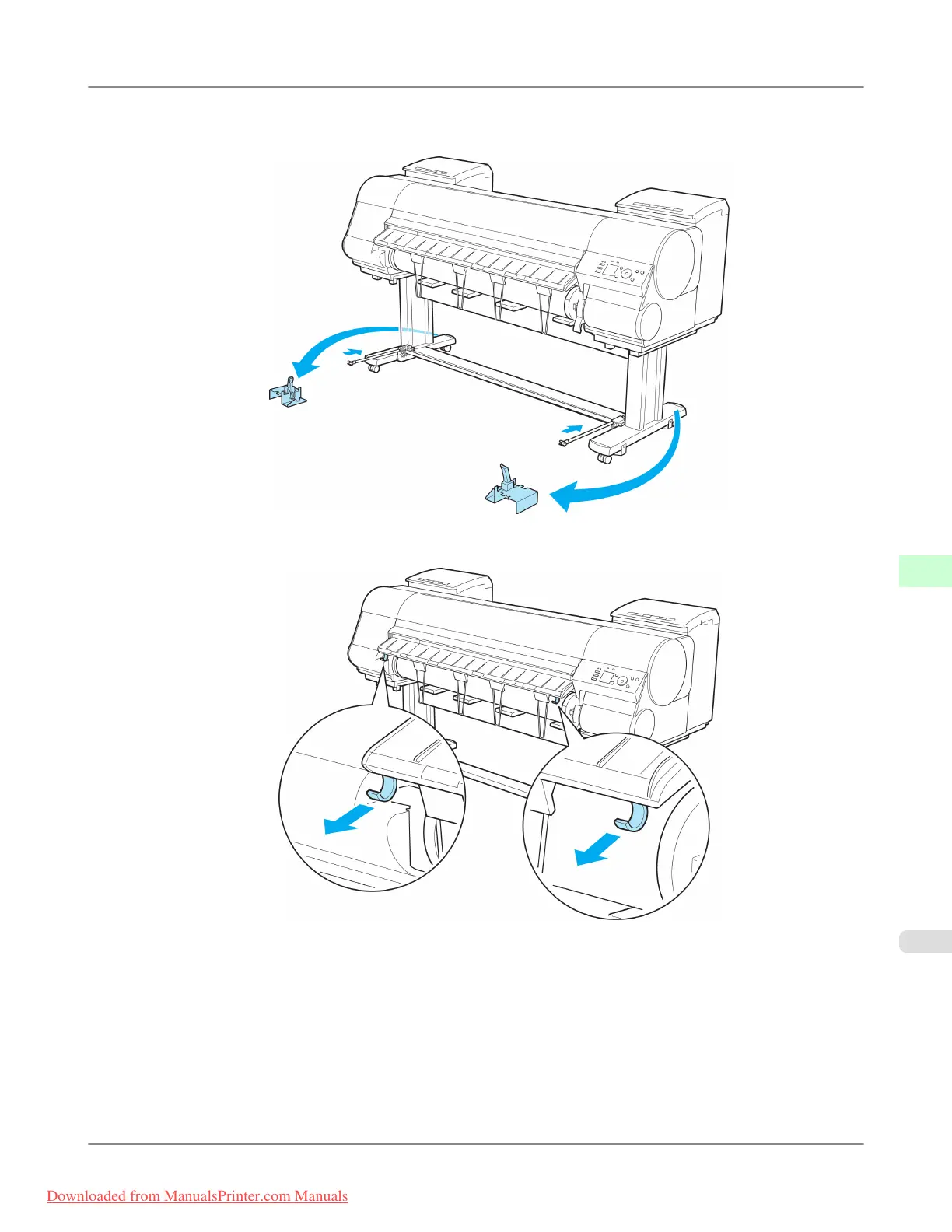
3. Stow the left and right basket arms. Next, with the Rod Holder still attached, remove the Rod Holder Adapter and
put it in front of the printer.
4. Pull out the left and right Basket Hooks from the Ejection Guide.
Handling Paper
>
Output Stacker
>
iPF8300 Using the Output Stacker
7
817
Downloaded from ManualsPrinter.com Manuals














 To Next Page