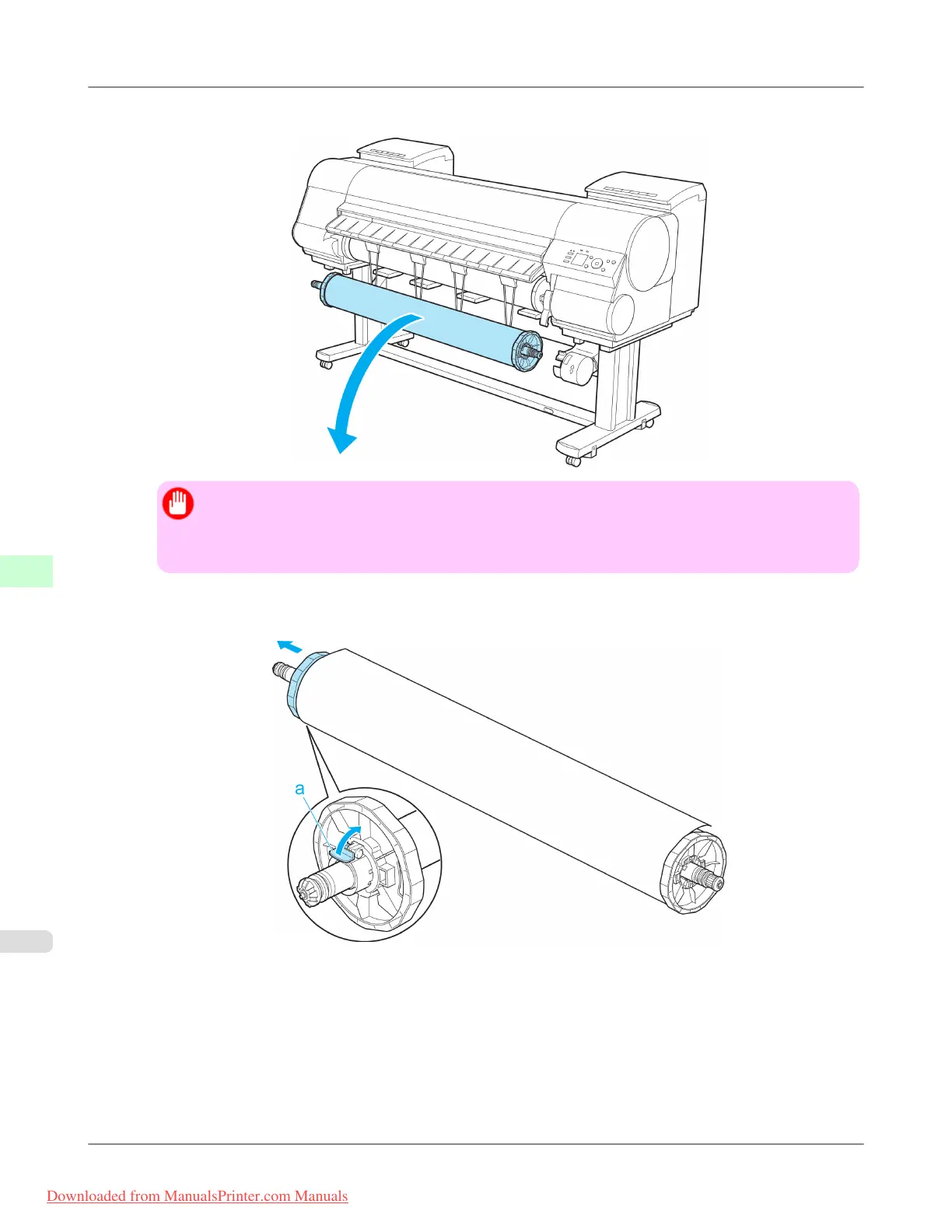
8. Remove the Rewind Spool from the Media Take-up Unit.
Important
• Always turn off the Media Take-up Unit before removing the Rewind Spool. The Media Take-up
Unit may be damaged if you do not turn it off first.
• Remove the Rewind Spool, pulling off both ends from the Media Take-up Unit at once.
9. Unlock the flange on the left side of the Rewind Spool by lifting the lever (a) from the shaft side. Remove the
flange.
Handling Paper
>
Media take-up unit
>
Removing Printed Documents from the Media Take-up Unit (Optional) iPF8300
7
834
Downloaded from ManualsPrinter.com Manuals














 To Next Page