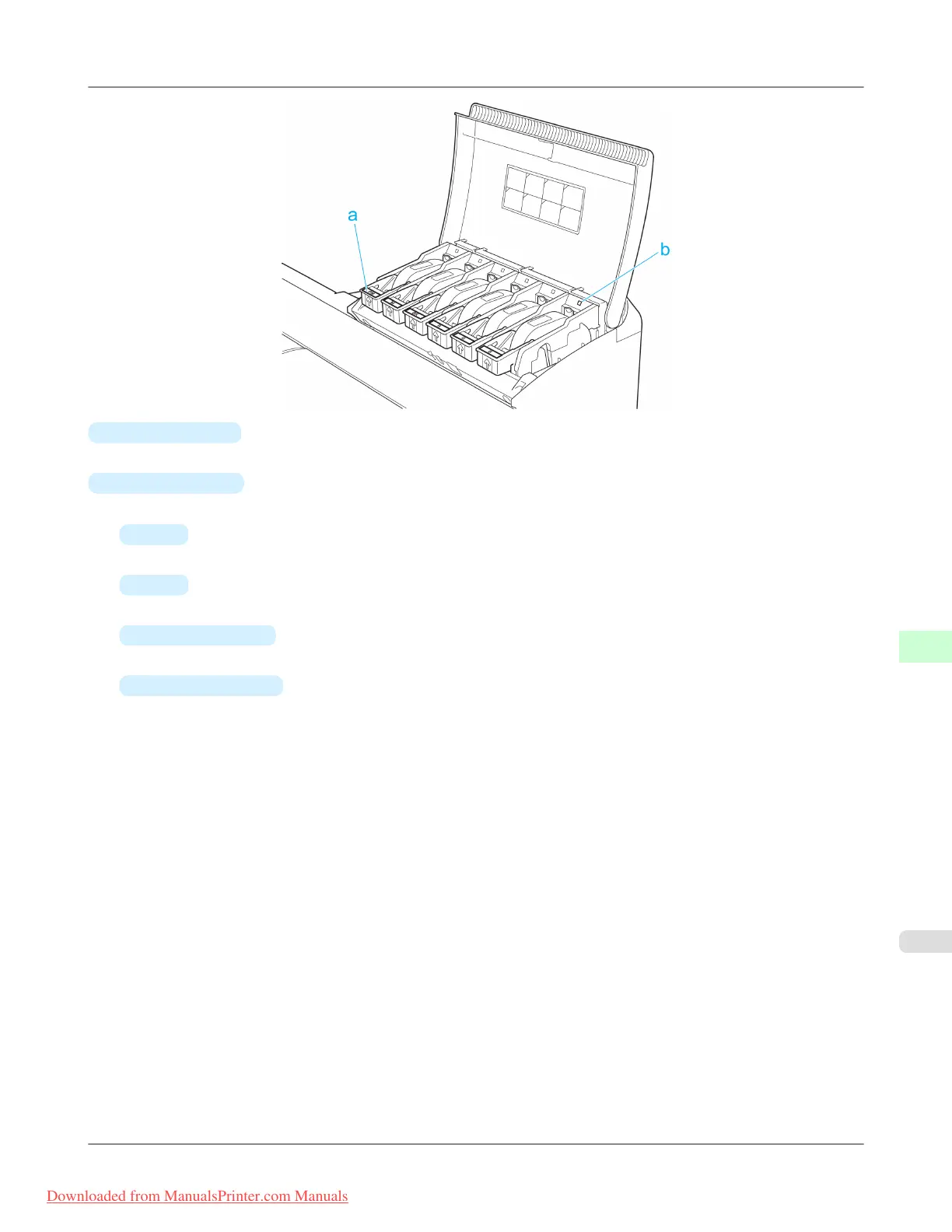
a.
Ink Color Label
Load an Ink Tank that matches the color and name on this label.
b.
Ink Lamp (Red)
Indicates the state of the Ink Tank as follows when the Ink Tank Cover is opened.
•
On
The Ink Tank is installed correctly.
•
Off
No Ink Tank is installed, or the ink level detection function is disabled.
•
Flashing Slowly
Not much ink is left.
•
Flashing Rapidly
Ink tank is empty.
Printer Parts
>
Printer parts
>
iPF8300 Ink Tank Cover (Inside)
9
887
Downloaded from ManualsPrinter.com Manuals














 To Next Page