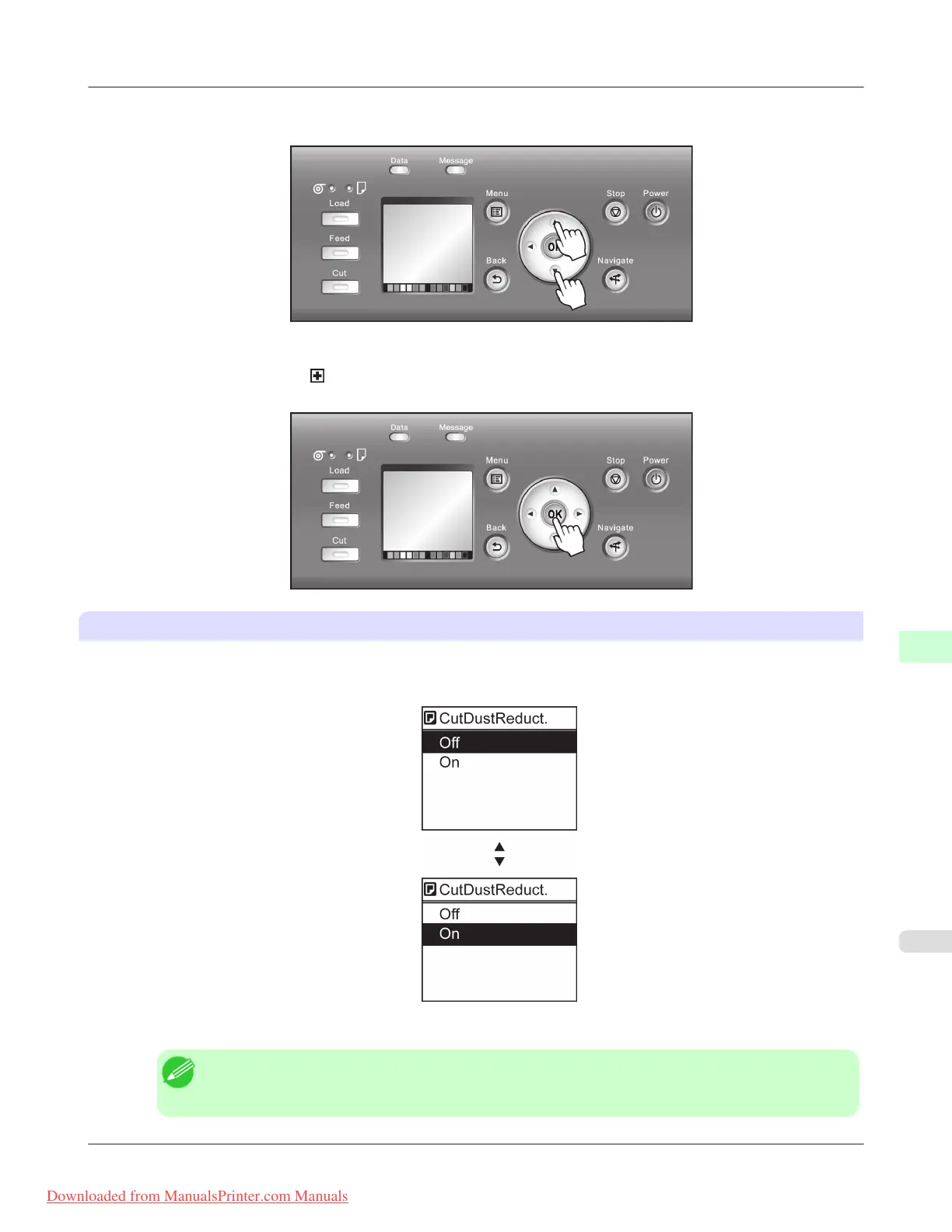
• Press Back to access a higher menu in the menu list, and press OK to access a lower one. If not all menu items are
displayed, hold down ▲ or ▼ to scroll through higher and lower menu items. Items you select are highlighted.
The scroll bar at right indicates the current position in the overall menu.
• Lower menus are available if
is displayed at left next to the second and subsequent rows. To access the lower me-
nus, select the menu and press the OK button.
Specifying menu items
Menu items can be set as follows.
1. Press ▲ or ▼ to select the desired setting, and then press the OK button.
After two seconds, the display reverts to the upper level menu.
Note
• If a confirmation message is displayed regarding the setting you entered, press the OK button. The
setting is applied, and the printer is now in Standby.
Printer Parts
>
Control Panel
>
iPF8300 Menu Operations
9
903
Downloaded from ManualsPrinter.com Manuals














 To Next Page