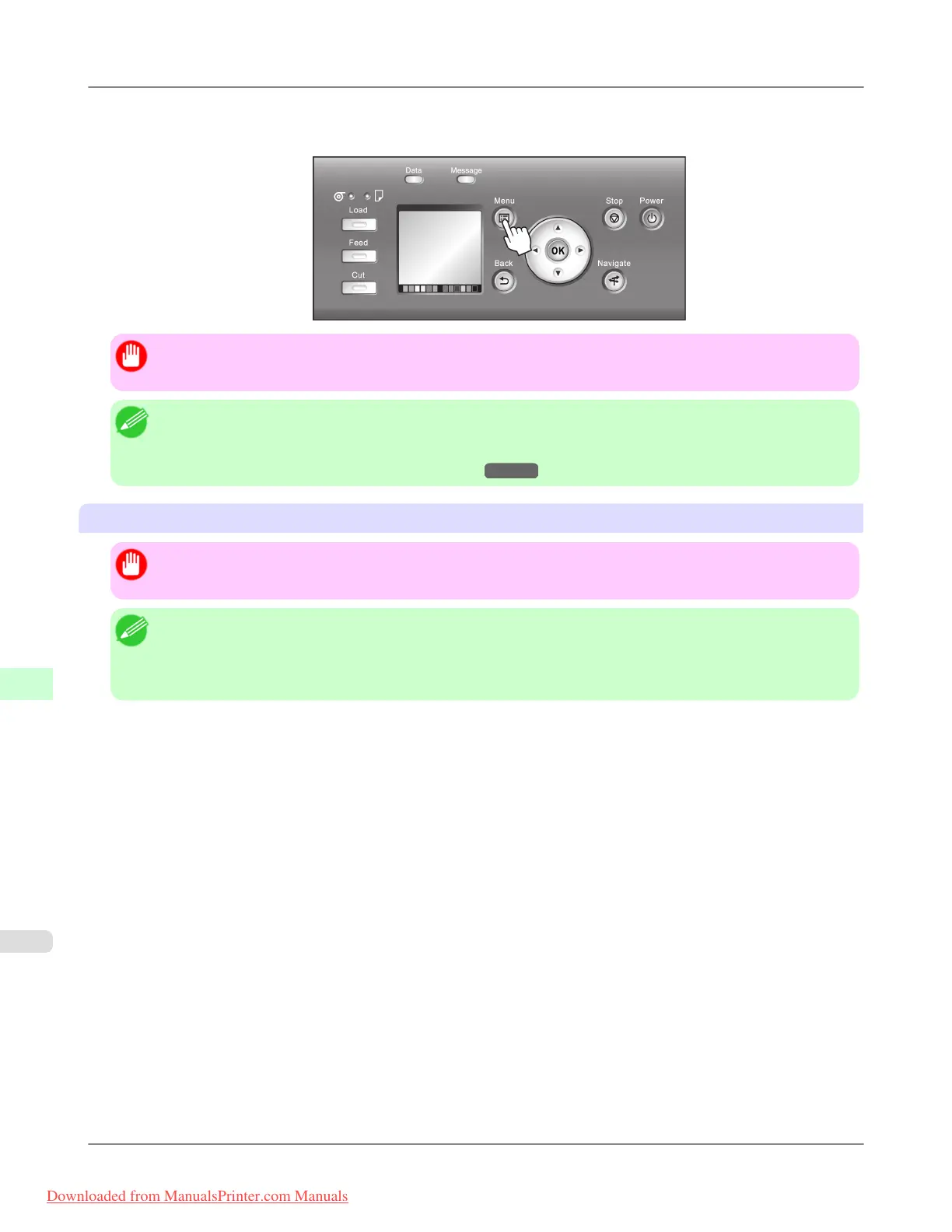
6. Press the Menu button.
If you have changed any settings, a confirmation message is displayed. In this case, press the OK button.
Important
• Be sure to complete step 6. This will activate the values you have entered.
Note
• By using RemoteUI, you can also specify the object name used for AppleTalk, as well as the printer zone
name.
For details on RemoteUI, see "Using RemoteUI." →P.955
Configuring the Destination (Mac OS X)
Important
• AppleTalk is supported in Mac OS X 10.2.8–10.4.
Note
• The following procedures are based on Mac OS X 10.4. The method of configuring the destination varies
depending on the version of Mac OS X.
• The imagePROGRAF printer driver is not compatible with AppleTalk.
1. In System Preferences, click Network to display the Network window.
Network Setting
>
Network Setting (Mac OS X)
>
Configuring the Destination for AppleTalk Networks iPF8300
10
976
Downloaded from ManualsPrinter.com Manuals














 To Next Page