Tablet replenishment section
1/1
2. Replacement and adjustment of parts
27610
27610
Tablet replenis hment s ection
Removing the tablet replenishment unit [J]
!
!!
! Procedure
1. Remove all the tablet cartridges.
2. Remove the tablet replenishment unit section cover.
☞20020
3. Disconnect the connector(s).
J/P539, J/P541: tablet replenishment driver PCB
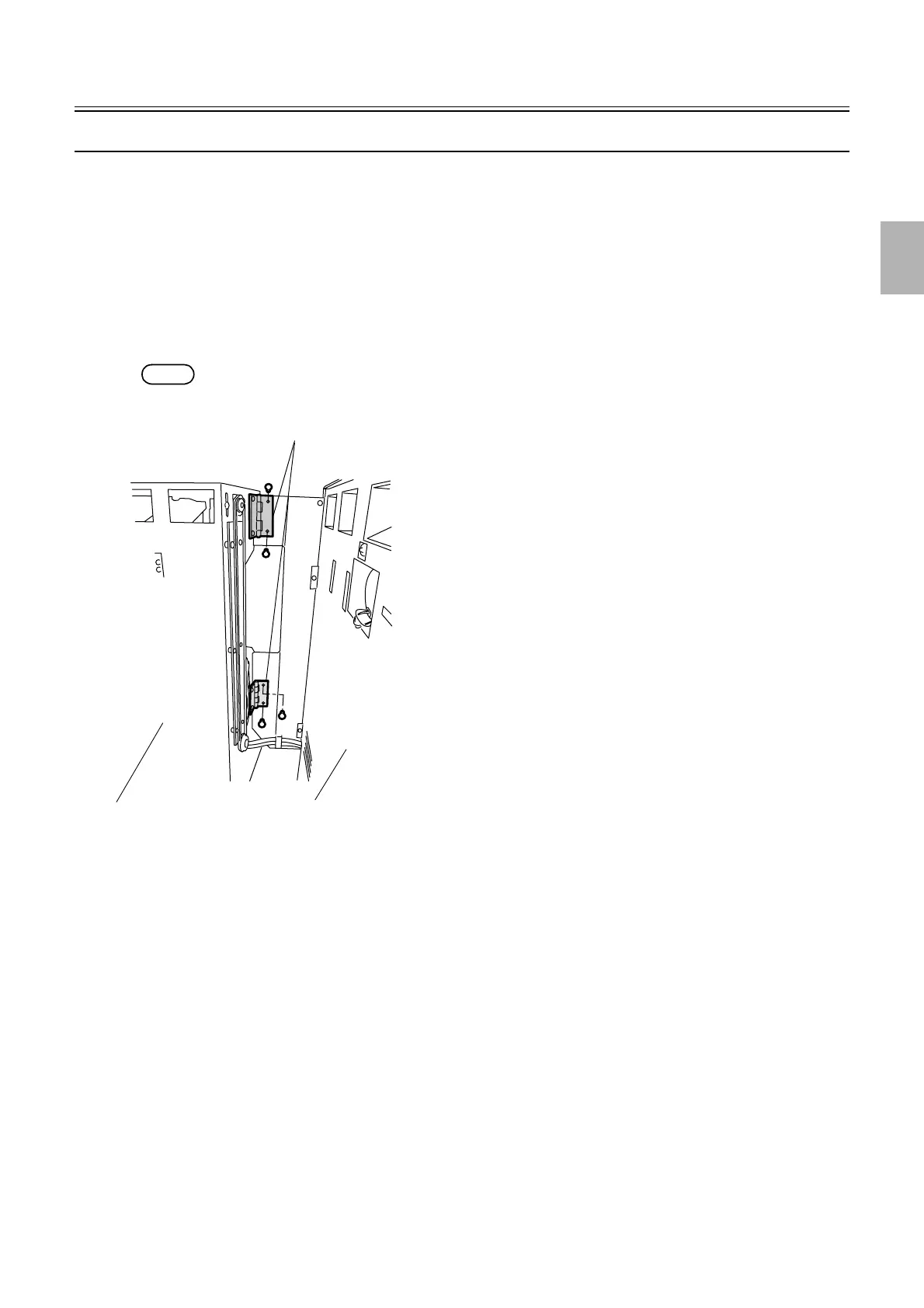
4. Remove the hinge that connects the tablet replenishment unit to the processor. (two screws)
NOTE
• After operating, confirm that the tablet replenishment units were properly installed.
5. Reassemble the parts.
6. Check the tablet sensor via Input Check.
☞35220
7. Check the drum operation via Output Check.
☞35320
Tablet replenishment unit
Paper processor section
Hinge
G050733
Distributed by: minilablaser.com



 To Next Page