Printer Mechanical Adjustment
1/2
3. Mode
36005
36005
Paper Guide Width Correction
Bringing up the display
Maintenance: 2260 → Extension → Maintenance → Various Adjustment → Printer Mechanical Adjustment → Paper Guide Width
Correction
NOTE
• Enter the service personnel password (2260) to access this display.
• This display is shown if you register the Quad Magazine Unit in Option Registration.
!
!!
! Explanation
Adjust the paper guide width of paper supply unit A2 so that the width is the same as the loading paper width.
This adjustment is required when replacing paper supply unit A2 or the guide width sensor.
!
!!
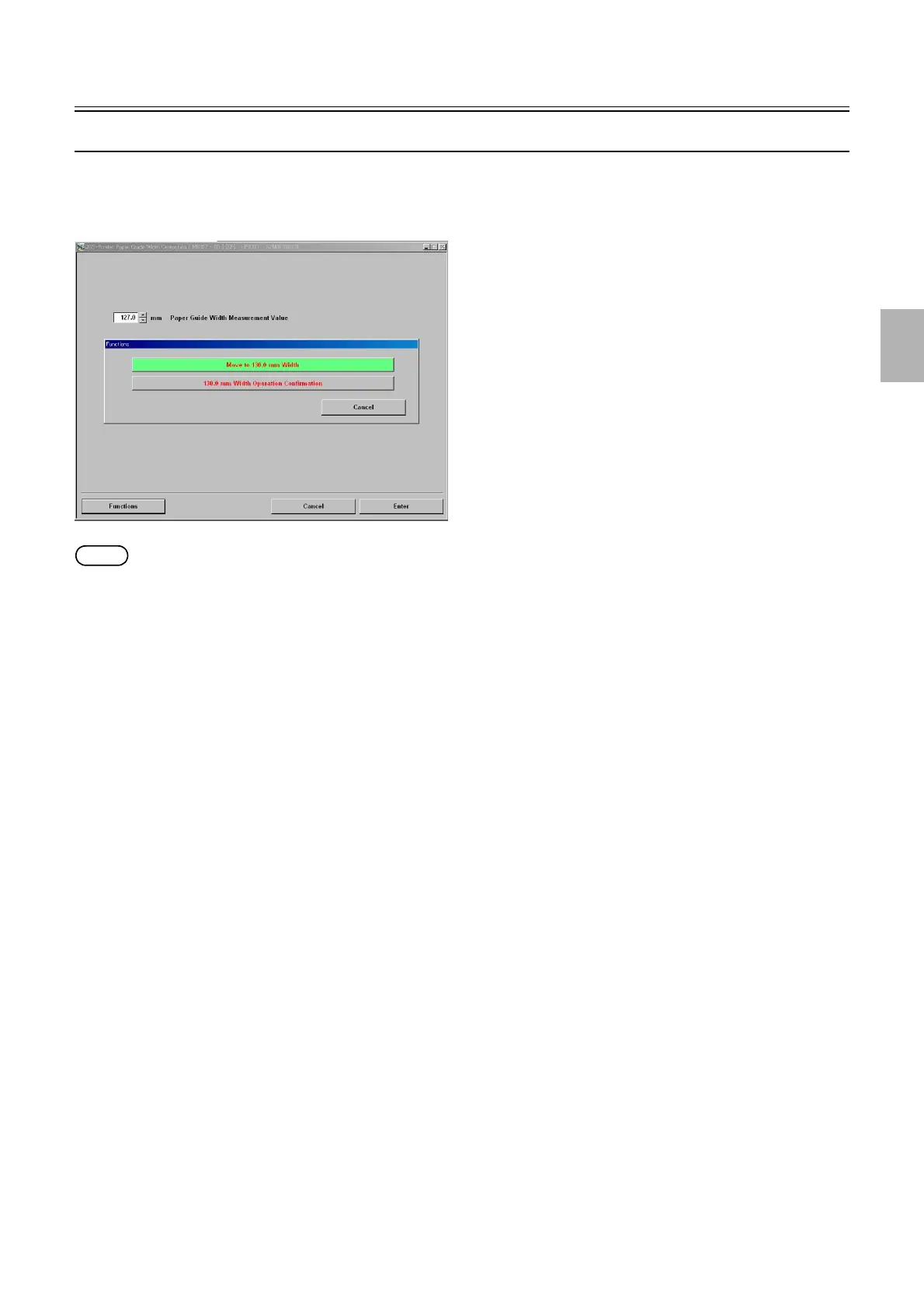
! Paper Guide Width Measurement Value (initial value: 130.0) (input range: 127.0 to 133.0 mm)
Carry out Move to 130.0 mm Width via Functions and input measured value.
!
!!
! Functions
!
!!
! Move to 130.0 mm Width
The paper guide is moved to the home position. Then the correction value is canceled and it moves to the standard position (width
130.0 mm).
!
!!
! 130.0 mm Width Operation Confirmation
The paper guide is moved to the home position. Then the correction value is activated and it moves to the standard position (width
130.0 mm).
!
!!
! Adjusting procedure
!
!!
! Paper Guide Width Correction
1. Perform Move to 130.0 mm Width via Functions.
2. Open the printer door to pull out the pre-exposure advance unit.
M5397-00
Distributed by: minilablaser.com



 To Next Page