Maintenance
1/2
3. Mode
35400
35400
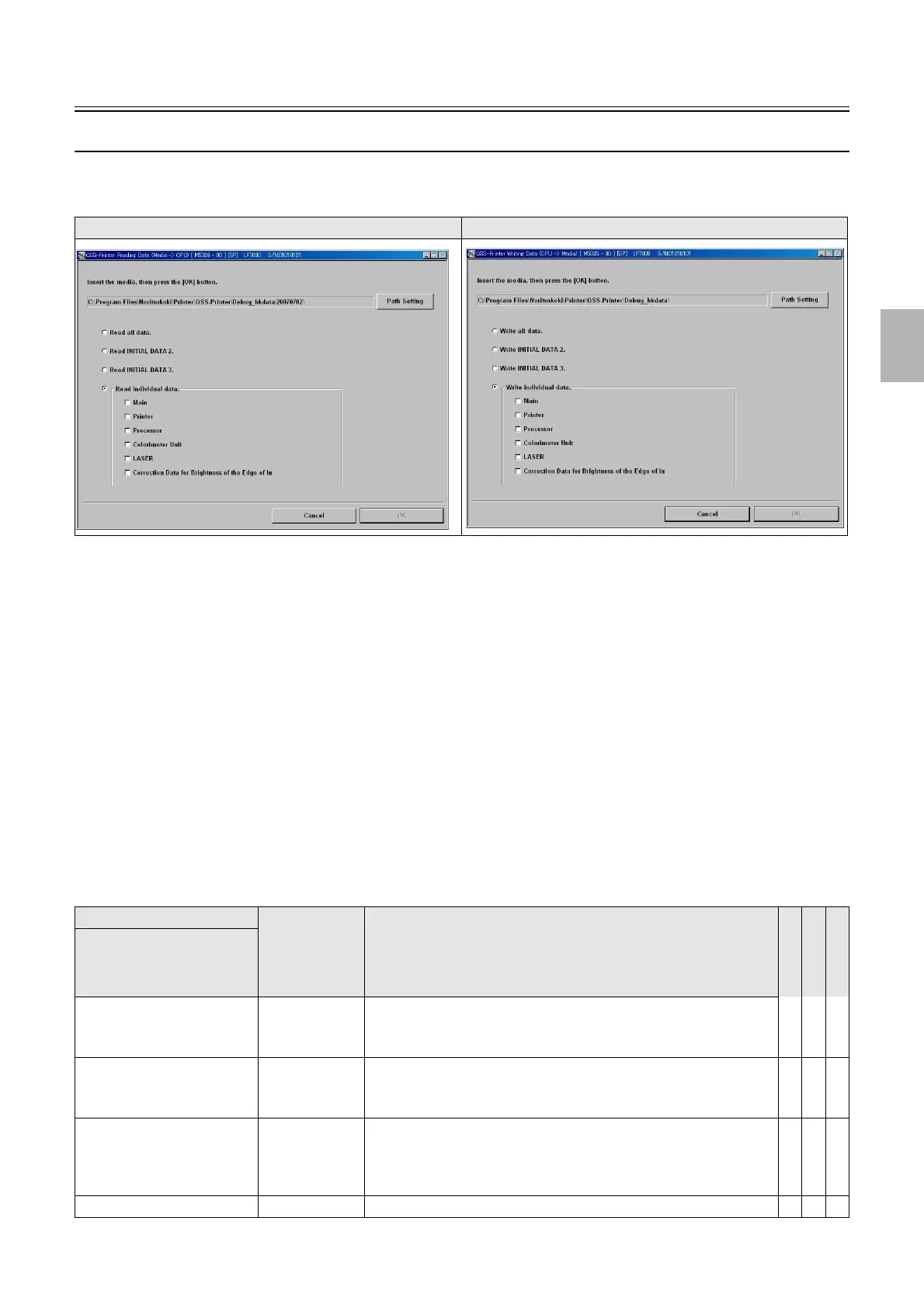
Reading and Writing Data
Bringing up the display
Maintenance: 2260 → Extension → Maintenance → Reading and Writing Data
!
!!
! Explanation
!
!!
! Path Setting
When reading and writing data, carry out the path setting to save to the media.
!
!!
! Read all data., Write all data. (ALL)
The data to backup is as follows.
!
!!
! Read INITIAL DATA 2./Write INITIAL DATA 2. (DATA2)
The data to backup is as follows.
!
!!
! Read INITIAL DATA 3./Write INITIAL DATA 3. (DATA3)
The data to backup is as follows.
!
!!
! Read individual data./Write individual data.
The backup data can be read or written separately.
Reading Data (Media -> CPU) Writing Data (CPU -> Media)
Backup data File name Remarks A
L
L
D
A
T
A
2
D
A
T
A
3
Item
Main PrinterIF.Izh Printer I/F Main PCB data
• Machine Specification information, Option Setting information,
Setup Data
## -
Printer Printer.lzh Printer control PCB data
• Mechanical Adjustment, Function and Option Registration (Printer-
related), Operator Selections (Printer-related), Setup Data
## -
Processor Proc.lzh Processor control PCB data
• Processor Adjustment data, Function and Option Registration
(Processor-related), Operator Selections (Processor-related), Timer
Setting data
# - #
Colorimeter unit Color.lzh Colorimeter unit adjustment data # - #
Distributed by: minilablaser.com



 To Next Page