Setup
1/2
3. Mode
32520
32520
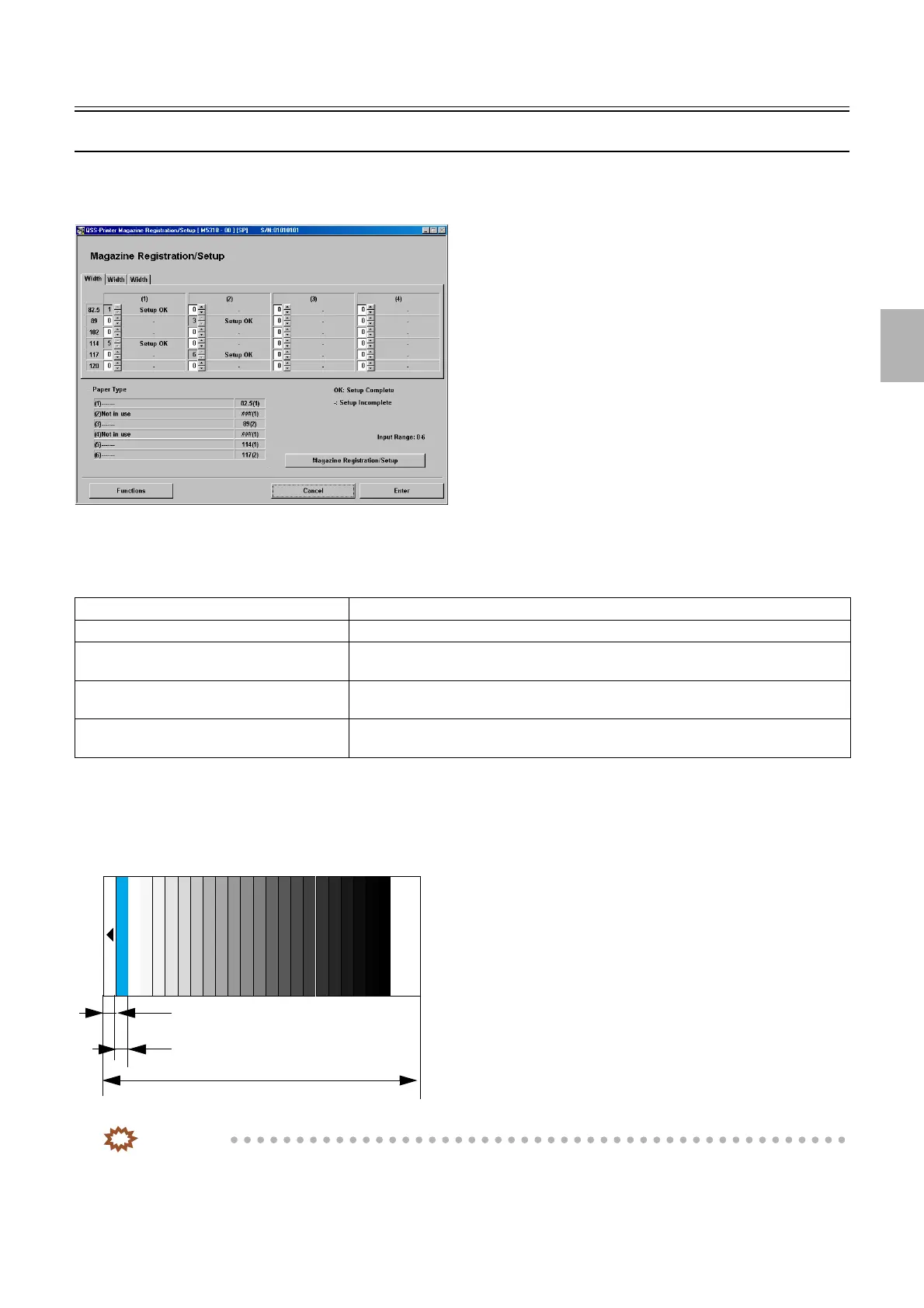
Magazine Registration/Setup
Bringing up the display
Maintenance → Extension → Setup → Laser Setup → Magazine Registration/Setup
!
!!
! Explanation
The paper magazine to be used is registered and the paper gamma setup is carried out.
!
!!
! Magazine Registration/Setup (Paper width: 82.5 to 305 mm) (Paper surface: 1 to 4)
You can resister and setup the paper magazine for each paper type to be used. Also setup status can be checked.
The test print is a gray 22-step setup sheet.
IMPORTANT
• To carry out Magazine Registration/Setup, Paper Specification Registration/Setup of the paper type needs to be
completed.
Setup OK The magazine is registered for setup and its paper specification is also registered.
Setup − The magazine is registered for setup and its paper specification is not registered.
Magazine Registration OK The magazine not for setup is registered and the magazine registration setup is
completed.
Magazine Registration − The magazine not for setup is registered and the magazine registration setup is not
completed.
− The magazine not for setup is not registered and the magazine registration setup is not
completed.
M5318-00
Length of unexposed part: 12 mm
Each step length: 12 mm
22-step setup print: 320 mm
G068485
Distributed by: minilablaser.com



 To Next Page