Tablet replenishment section
1/1
2. Replacement and adjustment of parts
27620
27620
Replacing the module [J]
!
!!
! Procedure
1. Remove all the tablet cartridges.
2. Remove the tablet replenishment unit section cover. ☞ 20020
3. Disconnect the connector(s).
J/P571, J/P572, J/P575, J/P588: CD module
J/P576, J/P577, J/P580, J/P589: BF module
J/P581, J/P582, J/P585, J/P590: STB module
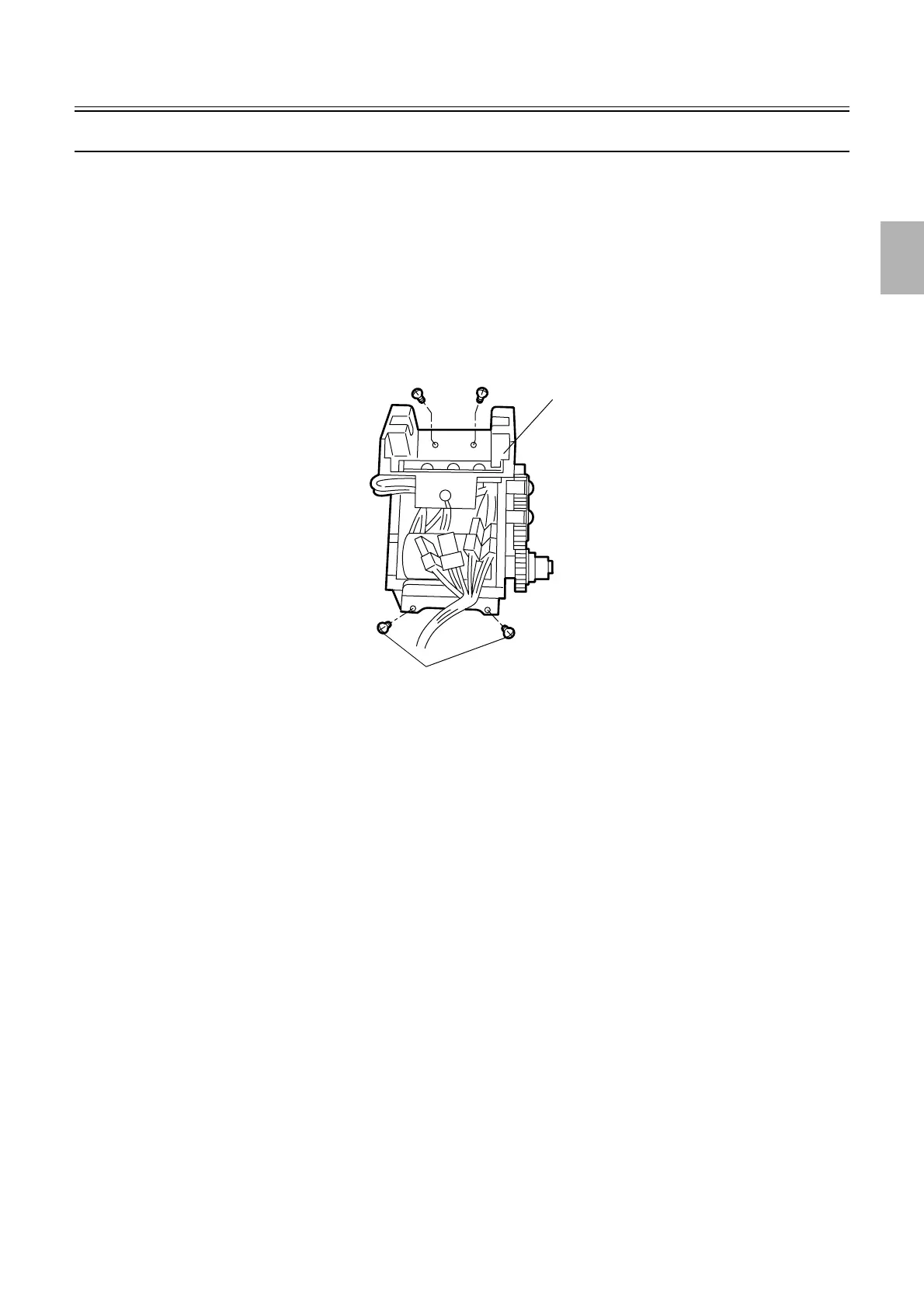
4. Replace the module. (Loosen two of the four screws.)
5. Reassemble the parts.
6. Check the tablet sensor via Input Check.
☞35220
7. Check the drum operation via Output Check.
☞35320
Module
Loosen these screws.
G050711
Distributed by: minilablaser.com



 To Next Page