Processor Settings
1/1
3. Mode
33030
33030
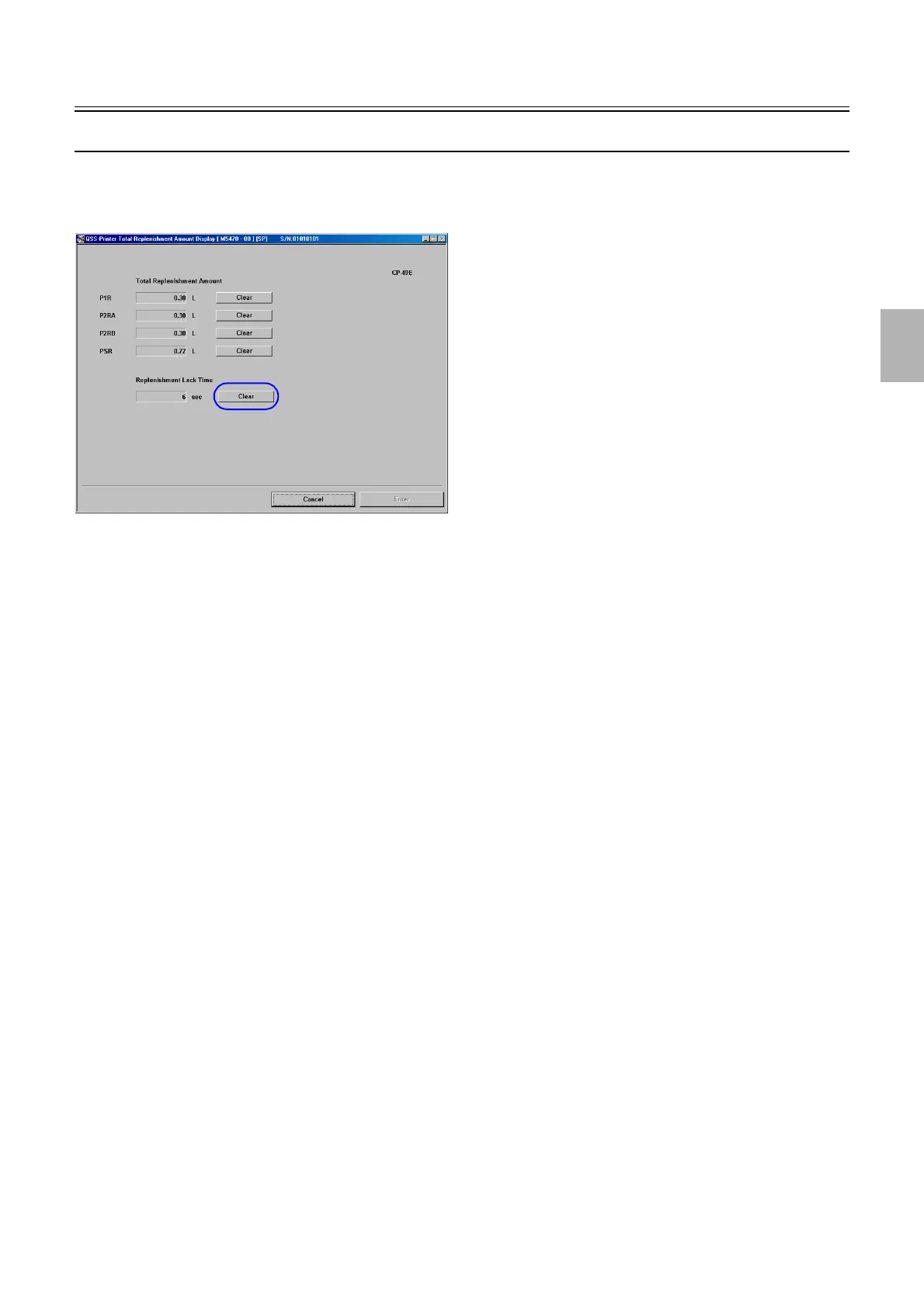
Total Replenishment Amount Display[F]
Bringing up the display
Maintenance: 2260 → Extension → Processor Settings → Total Replenishment Amount Display
• Clear of Replenishment Lack Time is shown if you enter the service personnel password (2260).
!
!!
! Explanation
!
!!
! Total Replenishment Amount
Accumulated replenishment amount for each pump is shown.
!
!!
! Replenishment Lack Time
Replenishment is stopped if the effluent tank is full or an error occurs. However, if paper is being processed at that moment, the system
can continue processing the paper. Based on the amount of the processed paper, the amount of the replenishment solution shortfall will
be accumulated as Replenishment Lack Time so that such shortfall during lack time will be replenished after the effluent is removed
or the error is cleared.
!
!!
! Clear
Resets each data.
M5470-00
Distributed by: minilablaser.com



 To Next Page