Maintenance
1/2
3. Mode
31110
31110
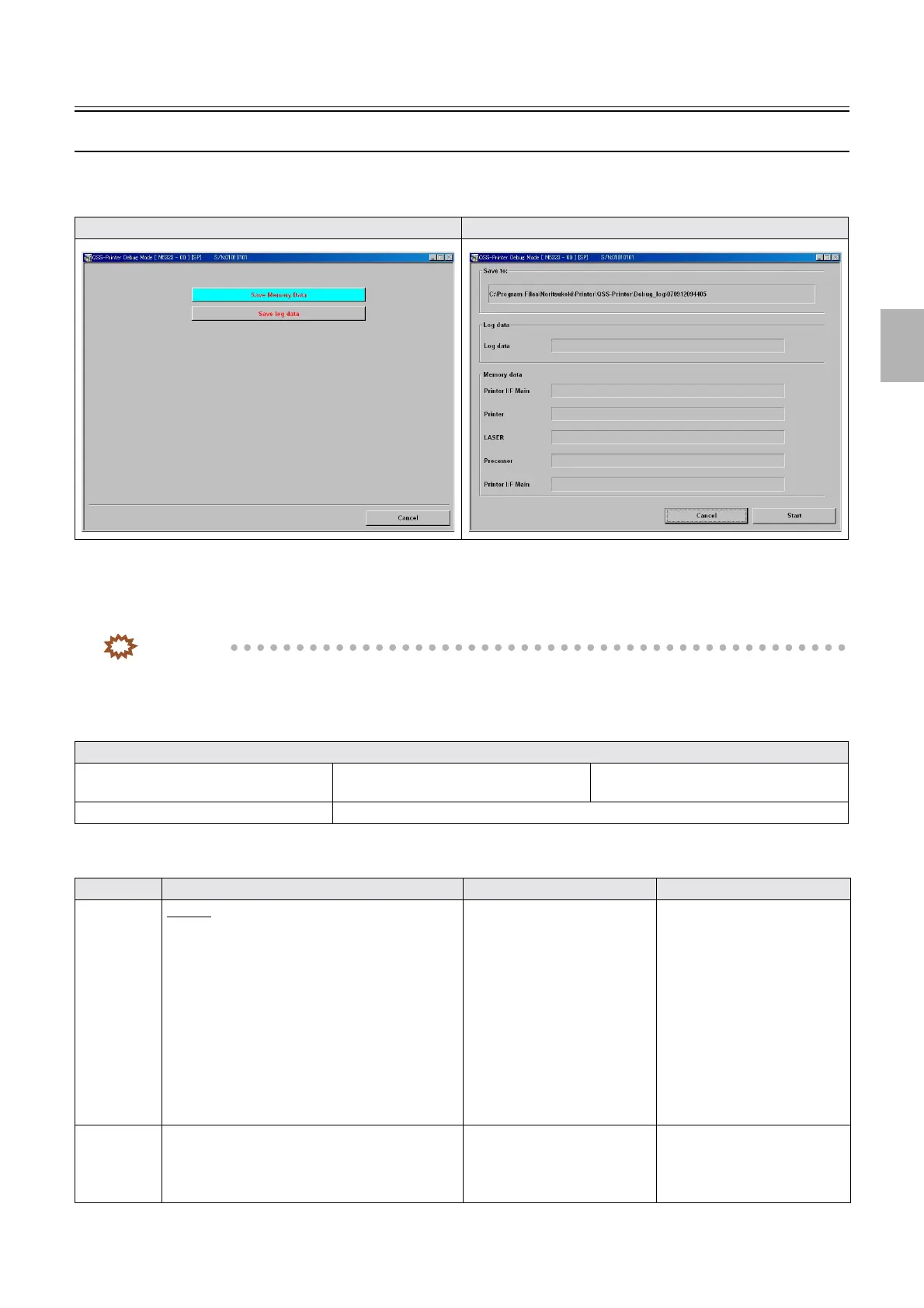
Debug Mode (Saving the Logdata)
Bringing up the display
Maintenance: 2260 → Extension → Debug Mode
!
!!
! Explanation
If a problem occurs during the printer/processor operation, the operation status when the problem occurs is recorded to HDD as a
Memory data and Log data.
IMPORTANT
• If the EZ Controller is installed, save a Memory data and Log data with Alt+Y.
☞If the EZ Controller is installed (Alt+Y)
• If the EZ Controller is not installed, save a Memory data and Log data with Save log data.
☞If the EZ Controller is not installed (Save log data)
!
!!
! If the EZ Controller is installed (Alt+Y)
*1. Up to 10 log data are stored on the HDD.
Debug Mode Save log data
• If a problem occurs in the software, save the information shown below with the Logdata and memory data
Status when the problem occurred Operation performed before the problem
occurred
With or without an error, its kind
Any other things you realized Paper used when the problem occurred
Keyboard Destination Data format Output data
Alt+Y
*1
QSS-37
• C:\NoritsuKoki\Printer\QSS-Printer\ [Serial
number folder of the output system] \Log\
[Registered date folder]
Compresses and saves the files
shown in the right column as
LogData_YYYYMMDDhhmms
s.LZH
*2
• Log file of the module that
uses log output API
• Log file of the image
processing module
• Log files of printer and
processor
• Log file of the scanner
• Watson log file
• Spec log
• Event log
• Error record file
Alt+L
*1
C:NoritsukokiLogData Saves the files shown in the right
column to the
LogData_Main_YYYYMMDD
hhmmss folder
*2
• Log file of the module that
uses log output API
• Log file of the image
processing module
Distributed by: minilablaser.com



 To Next Page