Setup
1/4
3. Mode
32517
32517
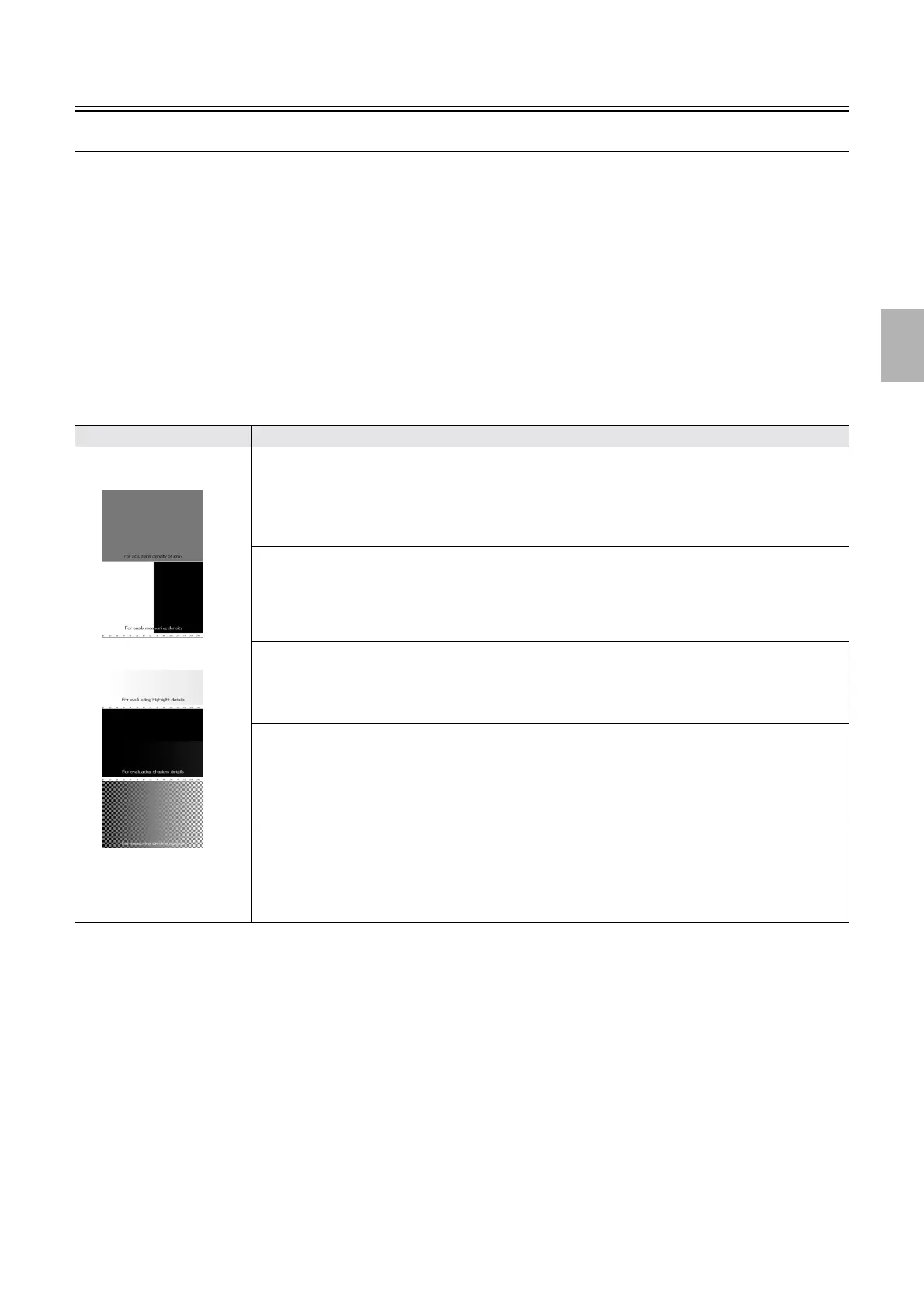
Sample images for evaluating image quality (Sample 1/Sample 2)
Bringing up the display
Maintenance: 2260 → Extension → Setup → Laser Setup → Paper Specification Registration/Setup → Functions → Print Check →
Sample 1/Sample 2
!
!!
! Explanation
• These sample prints are tools for service personnel to objectively evaluate image quality.
• Positions to check of the sample prints shown below differ depending on the paper and processing solution to use.
• We recommend that you compare sample prints made when the system condition is good such as in system installation and those
made when a problem occurs.
• Make the sample prints with paper whose width is 127 mm or more to print whole image.
!
!!
! Explanation of images
Image Explanation
1. For adjusting density of gray
Print for adjusting density of gray
• Gray whose RGB values are [R:120, G:120, B:120]
For details, see
☞For adjusting density of gray.
2. For easily measuring density
Print for easily measuring density
• Black whose RGB values are [R:0, G:0, B:0] and white whose RGB values are [R:255, G:255,
B:255]
3. For evaluating highlight details
Print for evaluating gradation (White)
• White whose RGB values are [R:255, G:255, B:255] and highlight gradation
For details, see
☞For evaluating highlight details, For evaluating shadow details.
4. For evaluating shadow details
Print for evaluating gradation (Black)
• Shadow gradation whose RGB values are [R:0, G:0, B:0]
For details, see
☞For evaluating highlight details, For evaluating shadow details.
5. For measuring printing gamma
Print for checking gamma
• Lattice pattern of black and white on black-and-white gradation
For details, see
☞For measuring printing gamma.
1
2
3
4
5
Sample 1
Distributed by: minilablaser.com



 To Next Page