Self-diagnostic
1/5
3. Mode
35941
35941
ARCNET Self-Diagnostic (diagnosis)
Also see the following references to utilize for diagnosis.
!
!!
! Checking procedure
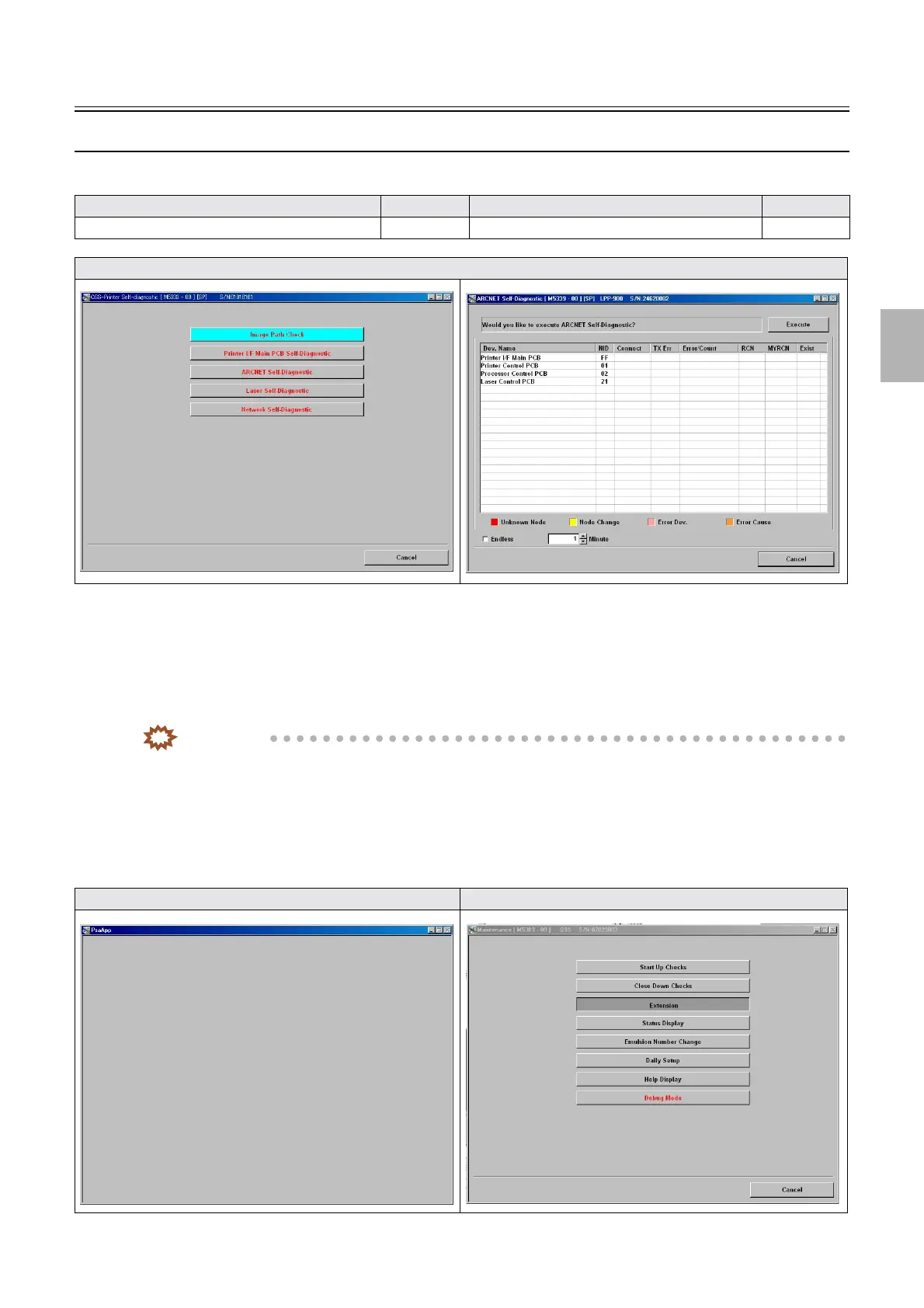
1. Select the ARCNET Self-Diagnostic mode.
Bringing up the display
Maintenance: 2260 → Extension → Maintenance → Self-diagnostic → ARCNET Self-Diagnostic
IMPORTANT
• When selecting the ARCNET Self-Diagnostic mode while communication status of the ARCNET PCB is not
normal or during an occurrence of
☞No. 06901ARCNET communication error., the following phenomenon
may occur.
1. When clicking each mode, nothing may be shown as in
☞Screen 1 until approximately ten seconds passes, so just
wait till then.
2. When clicking a mode, the selected mode button may remain gray for approximately ten seconds as in
☞Screen 2
until the screen switches to the next, so just wait till then.
Model Reference Model Reference
ARCNET Self-Diagnostic (details of modes)
☞35940 ARCNET Self-Diagnostic (results) ☞35942
Display
Screen 1 Screen 2
Distributed by: minilablaser.com



 To Next Page