Error message: Main
1/7
4. Troubleshooting
46900
46900
Error message: Main
No. 06901
ARCNET communication error.
Error message release
NO
Condition
IMPORTANT
• When this error occurs, the operation may not be continued. It is necessary to reset the power supply of the system.
• The PCB without reference to the error may be displayed in the second line depending on the equipped options, cable
connecting position and/or ARCNET communication feature.
Check the ARCNET communication path other than the displayed PCB.
☞50520
• Check the ARCNET communication status on the Version Check display.
☞35500
• For details about the diagnosis of ARCNET communication error, see ☞35940.
Check Point
Diagnosis
Others
Condition
When the power supply is turned on, the version is checked, or software is upgraded, an ARCNET communication error occurs.
The communication error occurs temporarily because of the instant power failure.
Suffix number (bit) PCB
00001 Printer control PCB
00008 Processor control PCB
00512 Laser control PCB
1 Reset the power supply.
Failed part
• Check the conditions of ARCNET cables and connectors explained in 68100 ☞The Factor List of the ARCNET Communication
Errors.
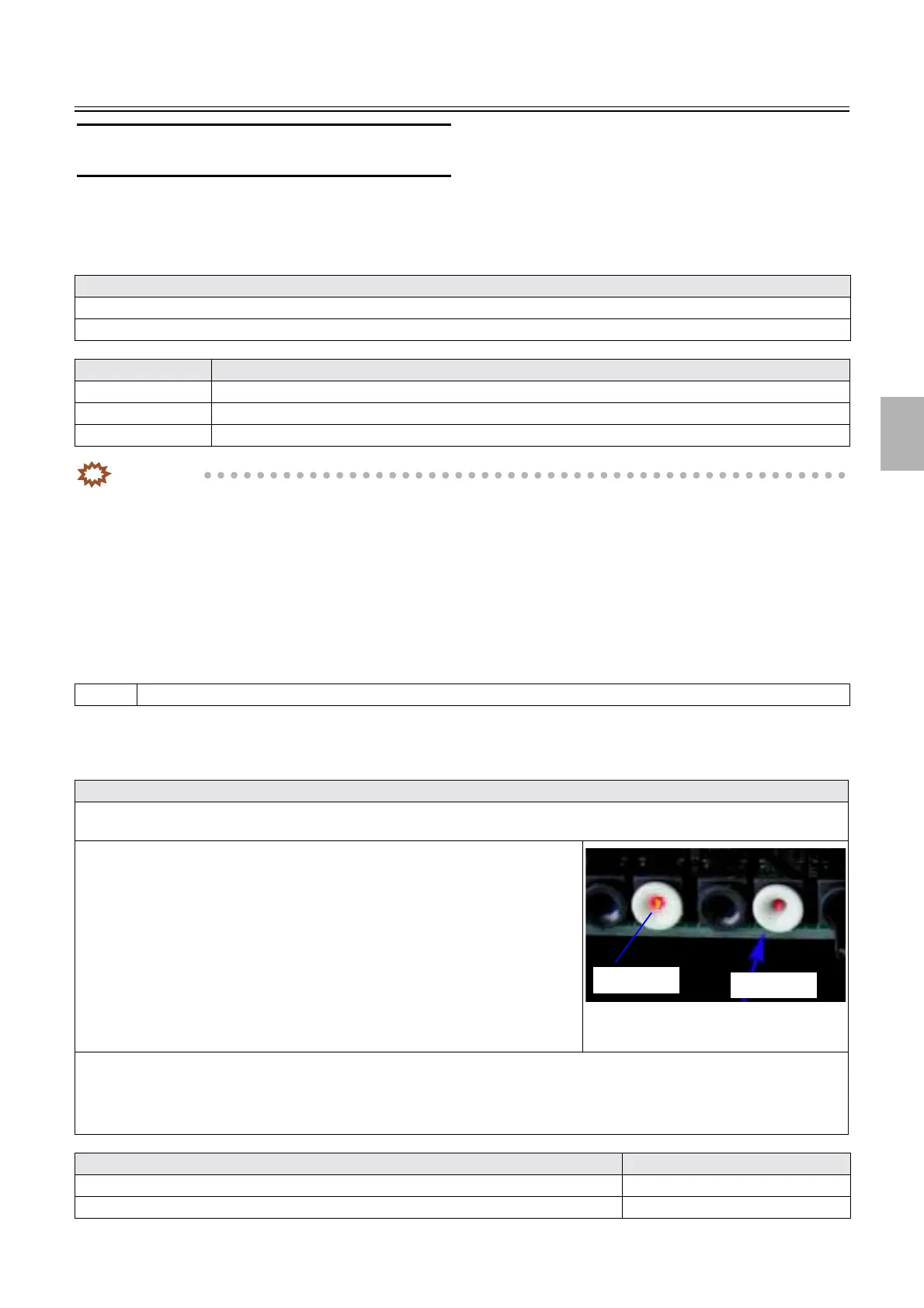
• Remove the ARCNET cable of the emission side connected to the white connector,
and check whether the red light is weaker than any of the other connectors.
• If the red light is weaker than the other connectors or the the connector does not
emit any light, check whether there are chips of shaved ARCNET cable sheath
inside the connector.
• See 68100
☞Removing chips of shaved cable sheath in the ARCNET
connector.
• See 68100
☞How to use the aspirator.
• If no chips of the shaved cable sheath is found, check whether +5 V is normally
supplied to the printer control PCB, processor control PCB, laser control
PCB and printer I/F main PCB.
• If ☞No. 06909 or ☞No. 06901 occurs after replacing the printer I/F main PCB, Machine Type Registration of Machine
Specification may not be configured normally.
• For the QSS-Printer, see
☞66006.
• For the FRONTIER-Printer, see ☞66007.
Failed part Manual No.
ARCNET cable -
Printer control PCB
☞66000
Normal
Problem
Distributed by: minilablaser.com



 To Next Page