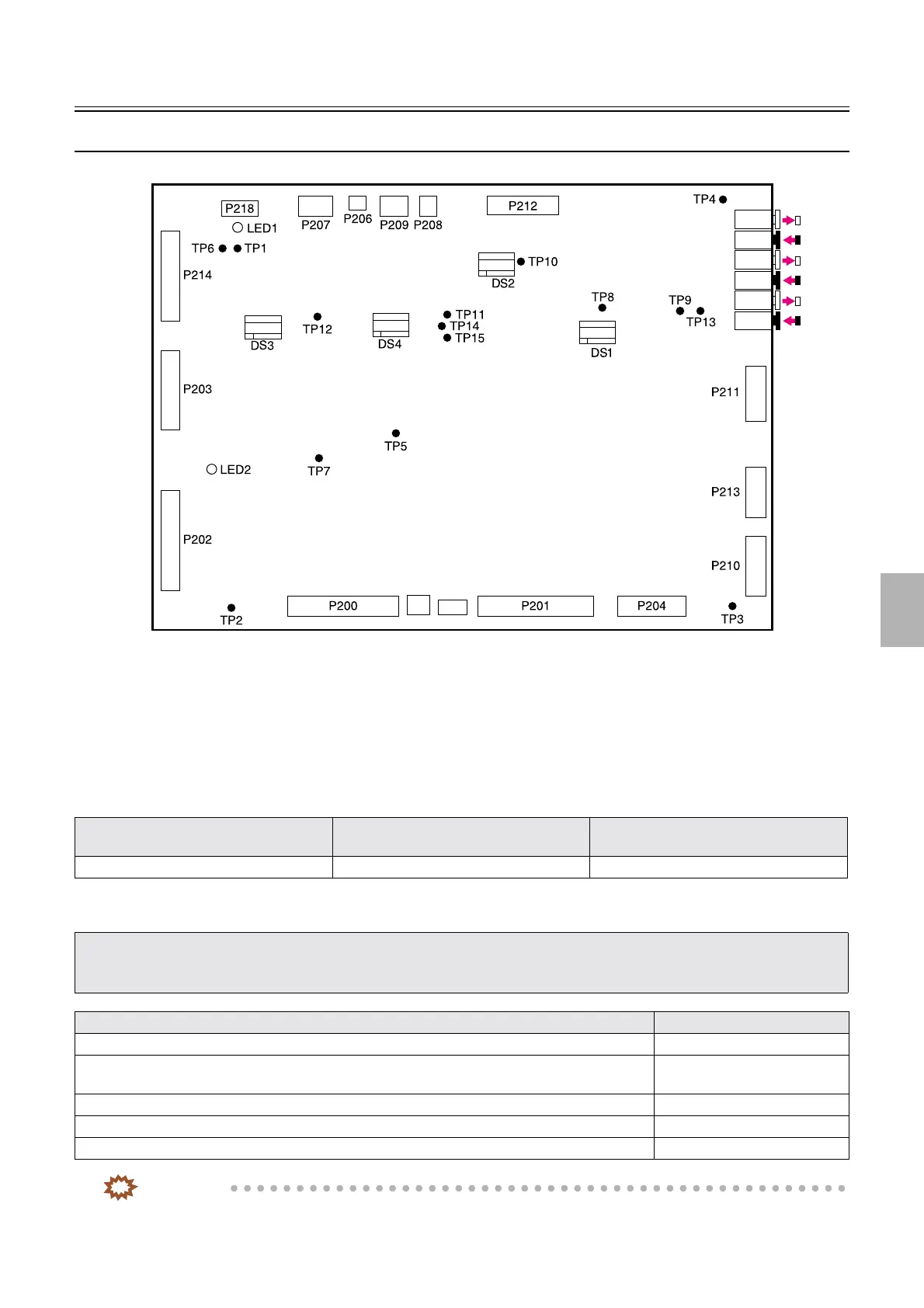
Description of PCB (printer section)
1/3
6. Electrical parts
66000
66000
Description of PCB (printer section)
Printer control PCB (J391423)
!
!!
! Function
• Controls the printer I/O PCB.
• Communicates with the laser control PCB.
• Performs the optical ARCNET communications.
!
!!
! Reference
!
!!
! Adjustments and precautions for PCB replacement
IMPORTANT
• You can connect the optical fiber cable to any connector below only if you do not mistake IN and OUT.
Layout diagram Symptom due to the poor connection of
wiring
Symptoms of fuse blowout
☞63000 ☞4202 -
• When replacing a PCB, save the Memory data and Logdata of when a problem (error) occurs.
Press the Alt key and the Y key on the keyboard when the problem occurs.
☞31110
• Return the failed PCB with the Memory data and Logdata.
Explanation Reference
• Backup the system data.
☞35400
• Check the setting of the DIP switch. Refer to explanations in each
table.
• Read the system program.
☞35600
• Load the system data. ☞35400
• Perform paper sensor adjustment.
☞36000
P226
P225
J224
J223
J222
J221
J220
J219
G085260
Distributed by: minilablaser.com



 To Next Page