3. Mode
33003
3/3
33003
Processor Settings
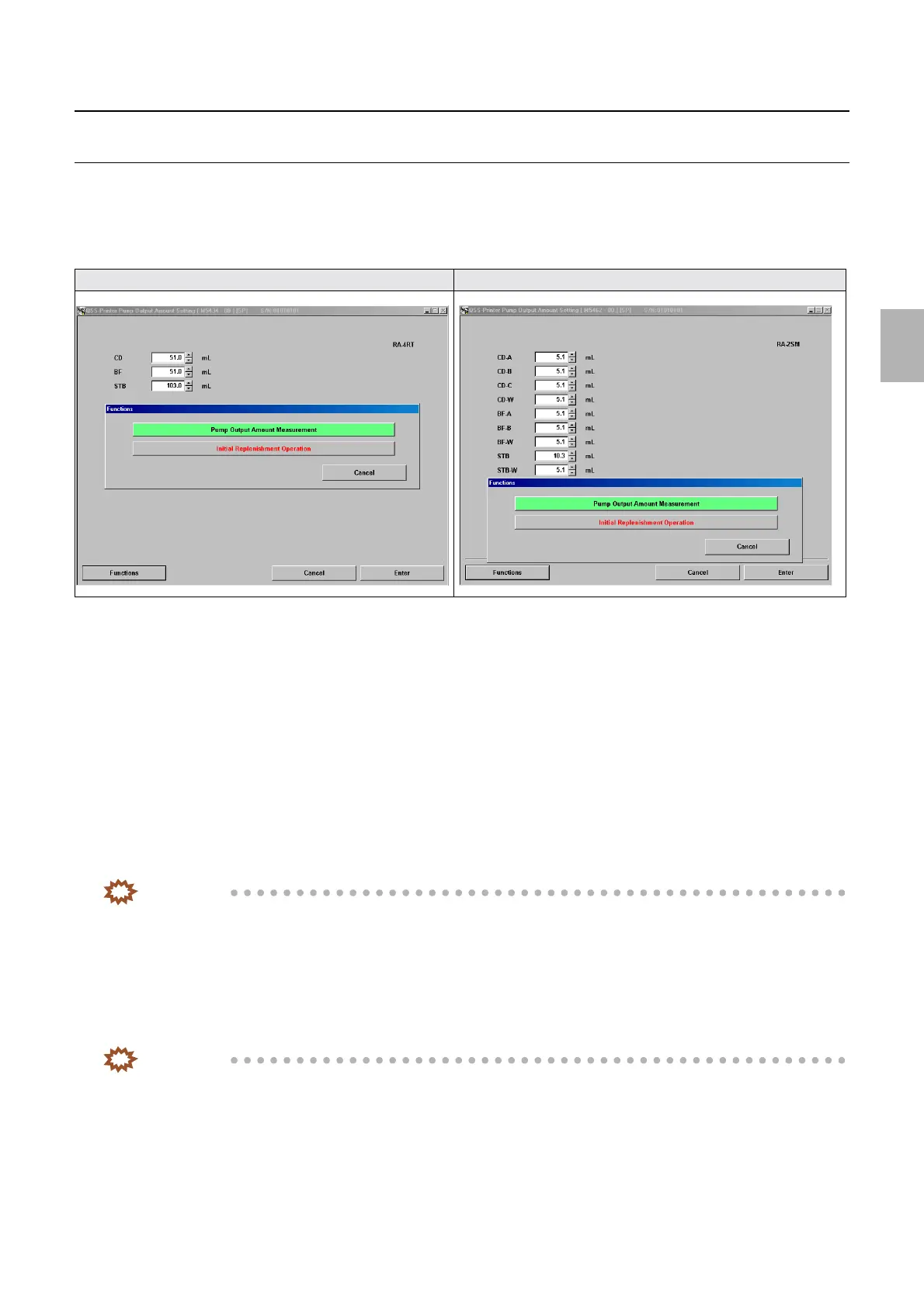
Pump Output Amount Setting [N] [SM]
!
!!
! Display
Bringing up the display
Maintenance: 2260 → Extension → Processor Settings → Pump Output Amount Setting
!
!!
! Explanation
!
!!
! Pump Output Amount Setting (input range: 0.1 to 200.0 ml)
In Pump Output Amount Setting via F: Functions, output amount of each replenisher pump is measured and compared with the set
values.
!
!!
! F: Functions
• SP1: The menus marked with (SP1) in the table below are only shown when the service personnel password (2260) has been
entered.
!
!!
! Pump Output Amount Measurement
Use this function to measure the output amount of each pump.
IMPORTANT
• When the replenisher pump is activated via the pump output amount measurement of Functions, amount remaining
is subtracted.
• Do not change the pump output amount except for when changing the pump.
!
!!
! Initial Replenishment Operation (SP1)
After operating each replenisher pump for a specified time, the air remaining in the hose can be exhausted.
To stop the initial replenishment, press NO: Cancel.
IMPORTANT
• Be sure to carry out the initial replenishment operation at system installation.
• When the initial replenishment operation has been carried out if air in the hose cannot be removed, activate the pump
of the relevant hose to remove air using the pump output amount setting of Functions.
For [N] display For [SM] display
Distributed by: minilablaser.com



 To Next Page