Printer Mechanical Adjustment
1/2
3. Mode
36090
36090
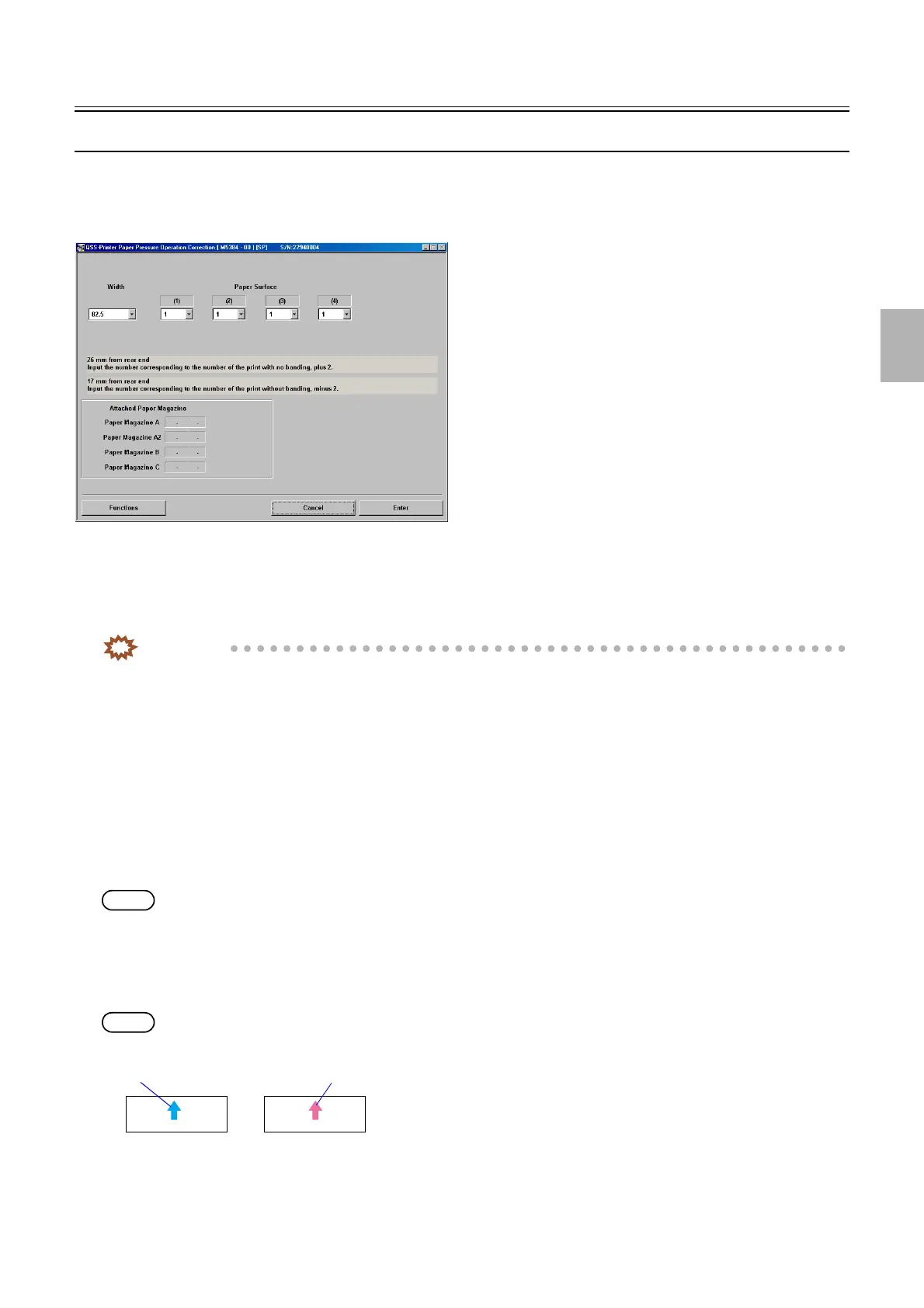
Paper pressure operation correction
Bringing up the display
Maintenance → Extension → Maintenance → Various Adjustment → Printer Mechanical Adjustment → Paper Pressure Operation
Correction
!
!!
! Explanation
The banding for each magazine type can be carried out by adjusting the space between the pressure roller of the exposure advance unit
and the paper.
IMPORTANT
• Carry out paper pressure operation correction for each paper type.
• Copy the paper width correction value that the correction is finished to the same paper type paper magazine.
!
!!
! Paper Pressure Operation Correction (Initial value: 1) (input range: from 1 to 13)
Correct the pressure release of the pressure roller.
!
!!
! Functions
!
!!
! Test Print (Paper Magazine A/A2/B/C)
Prints the gray test prints (13 patterns).
Test prints with the advance length of 152 mm to 164 mm is printed.
NOTE
• The paper width, [A ####(#)] is printed as the CVP imprinting.
!
!!
! Test print confirmation (Paper Magazine A/A2/B/C)
Validate the Paper Pressure Operation Correction to make a test print.
A test print which number is registered to the paper pressure operation correction is made.
NOTE
• A magenta arrow is shown on the Test Print Confirmation print.
• The paper width, 〈A ####(#)〉 is printed as the CVP imprinting.
!
!!
! Loading (Paper Magazine A/A2/B/C)
The paper is loaded.
M5384-00
Test print
Test Print (Confirmation)
G066121
Distributed by: minilablaser.com



 To Next Page