3. Mode
36080
9/9
36080
Printer Mechanical Adjustment
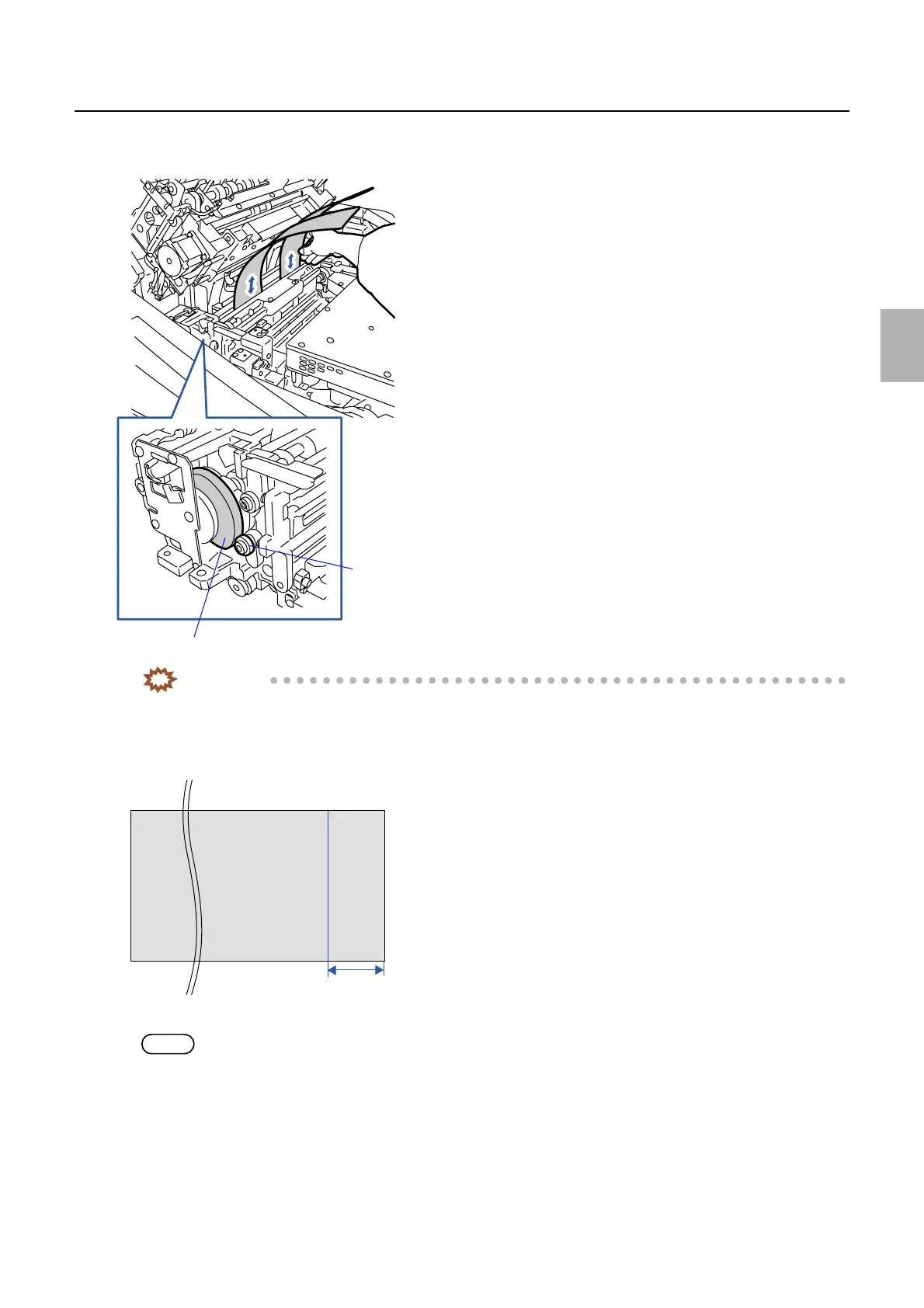
3. Use the paper to check that the pressure of the pressure roller at the inlet side is equable at the right
and left.
IMPORTANT
• If the pressure adjustment is required, perform ☞ 6 to ☞ 8 of Exposure Advance Unit Zigzagging
Adjustment.
4. Make some gray prints in the Print mode to see if the banding occurs at the area 24 to 27 mm from the
paper rear end.
NOTE
• Any paper size is acceptable.
Cam
Pressure roller at the inlet side
G072397
Rear end
Leading
end
24 to 27 mm
G074602
Distributed by: minilablaser.com



 To Next Page