Processor Standard Setting
1/2
3. Mode
33590
33590
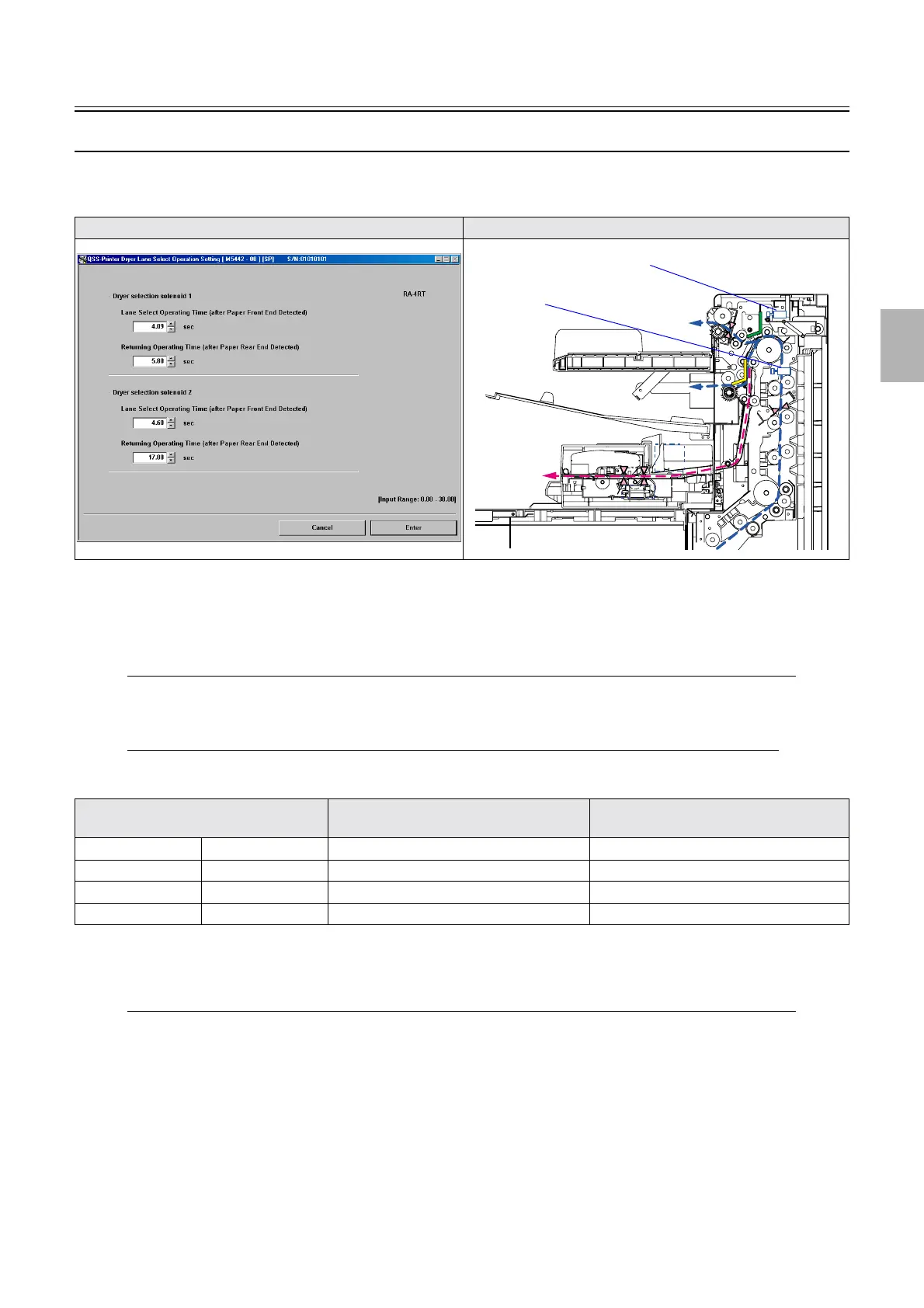
Dryer Lane Select Operation Setting
Bringing up the display
Maintenance: 2260 → Extension → Processor Settings → Processor Standard Setting → Dryer Lane Select Operation Setting
!
!!
! Explanation
!
!!
! Dryer selection solenoid 1
$ Lane Select Operating Time (after Paper Front End Detected) (input range: 0.00 to 9.90 seconds)
Specify the time from when the dryer select sensor detects the paper leading edge until the Dryer selection solenoid
1 turns on.
$ Returning Operating Time (after Paper Rear End Detected) (input range: 0.00 to 9.90 seconds)
Specify the time from when the dryer select sensor finishes the detection of the paper until the Dryer selection
solenoid 1 turns off.
!
!!
! Dryer selection solenoid 2
$ Lane Select Operating Time (after Paper Front End Detected) (input range: 0.00 to 9.90 seconds)
Specify the time from when the dryer select sensor detects the paper leading edge until the Dryer selection solenoid
2 turns on.
Display Illustration
Model Dryer selection solenoid 2 (default value) Returning Operating Time (after Paper
Rear End Detected) (default value)
LP7500 3701/3702 5.15 seconds 8.20 seconds
LP7600 3703 4.05 seconds 6.50 seconds
LP7700 3704 2.25 seconds 4.85 seconds
LP7900 3705 1.95 seconds 3.75 seconds
Dryer selection solenoid 1
Dryer selection solenoid 2
Distributed by: minilablaser.com



 To Next Page