Paper advance operation
1/2
5. Operation sequence
55900
55900
Fogged paper operation
This section explains the fogged paper processing operation.
Condition of fogged paper processing operation
• The printer door is opened while the printer or paper is being loaded.
• The printer top cover is opened with printer door closes.
!
!!
! Flow chart (when the printer door is opened)
1. Close printer doors 1, 2, 3, and 4.
2. The paper end sensor checks if there is any paper.
If the paper end sensor detects paper
• The system rewinds the paper and perform Step 4.
If the paper end sensor does not detect any paper
• No. 01002, No. 01086: Would you like to feed the leading edge of paper? Paper Magazine A
• No. 01003: Would you like to feed the leading edge of paper? Paper Magazine B
• No. 01053: Would you like to feed the leading edge of paper? Paper Magazine C
• No. 01084: Would you like to feed the leading edge of paper? Paper Magazine A2
• Selecting Yes advances the paper by 100 mm.
• If No is selected, fogged paper operation is ended.
3. The paper loading operation starts.
4. The paper is advanced to the cut position.
• If neither the triple magazine unit nor quad magazine unit is installed, the paper of magazine B or C is advanced by 100
mm.
5. Paper cut ☞ 55100☞ 55200
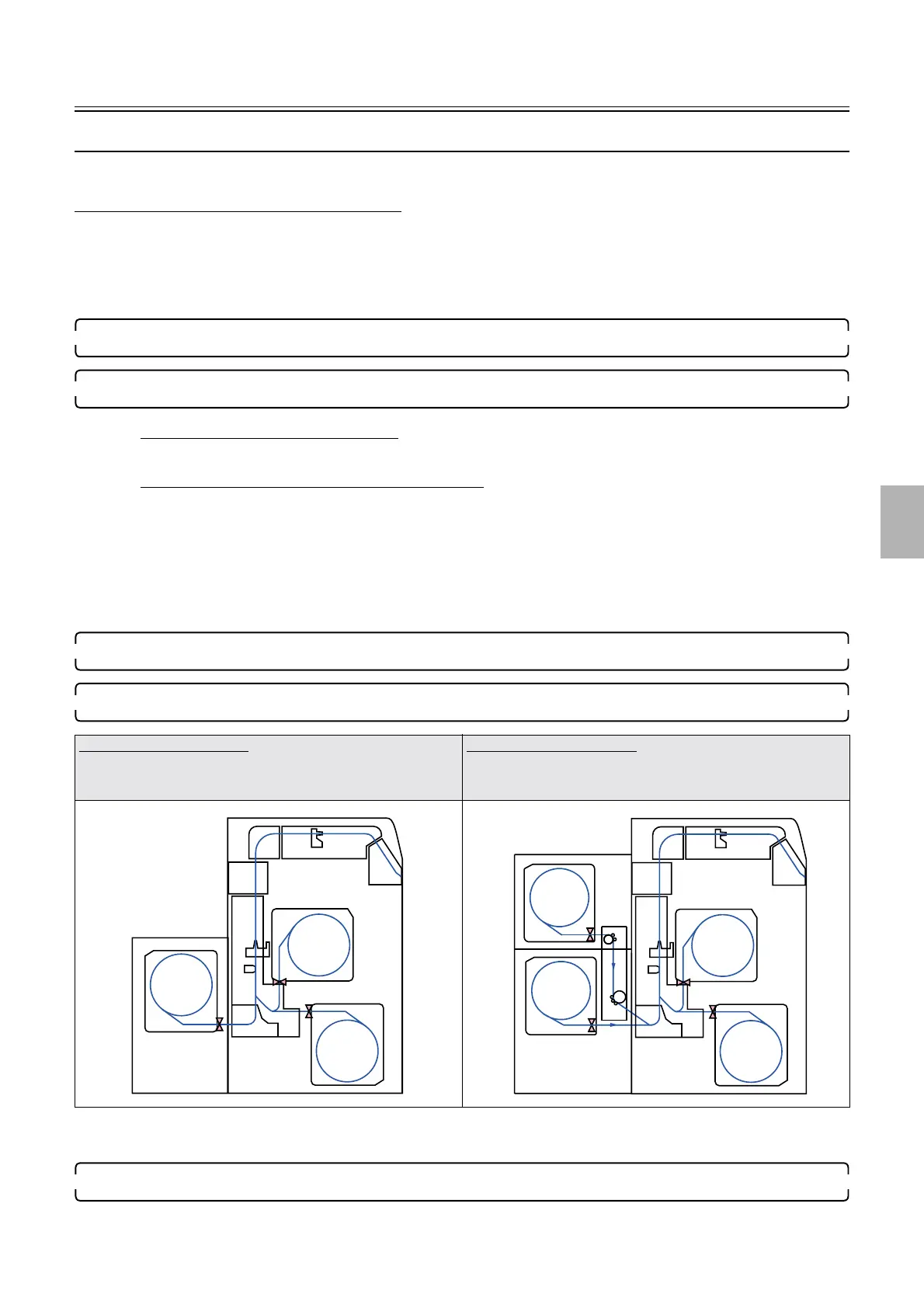
For the triple magazine unit
• For magazine B or C, the paper is advanced by 100 mm.
• For magazine A, the paper is advanced by 120 mm.
For the quad magazine unit
• For magazine A, A2, B or C, the paper is advanced by 100
mm.
A
B
C
A
A2
B
C
Distributed by: minilablaser.com



 To Next Page