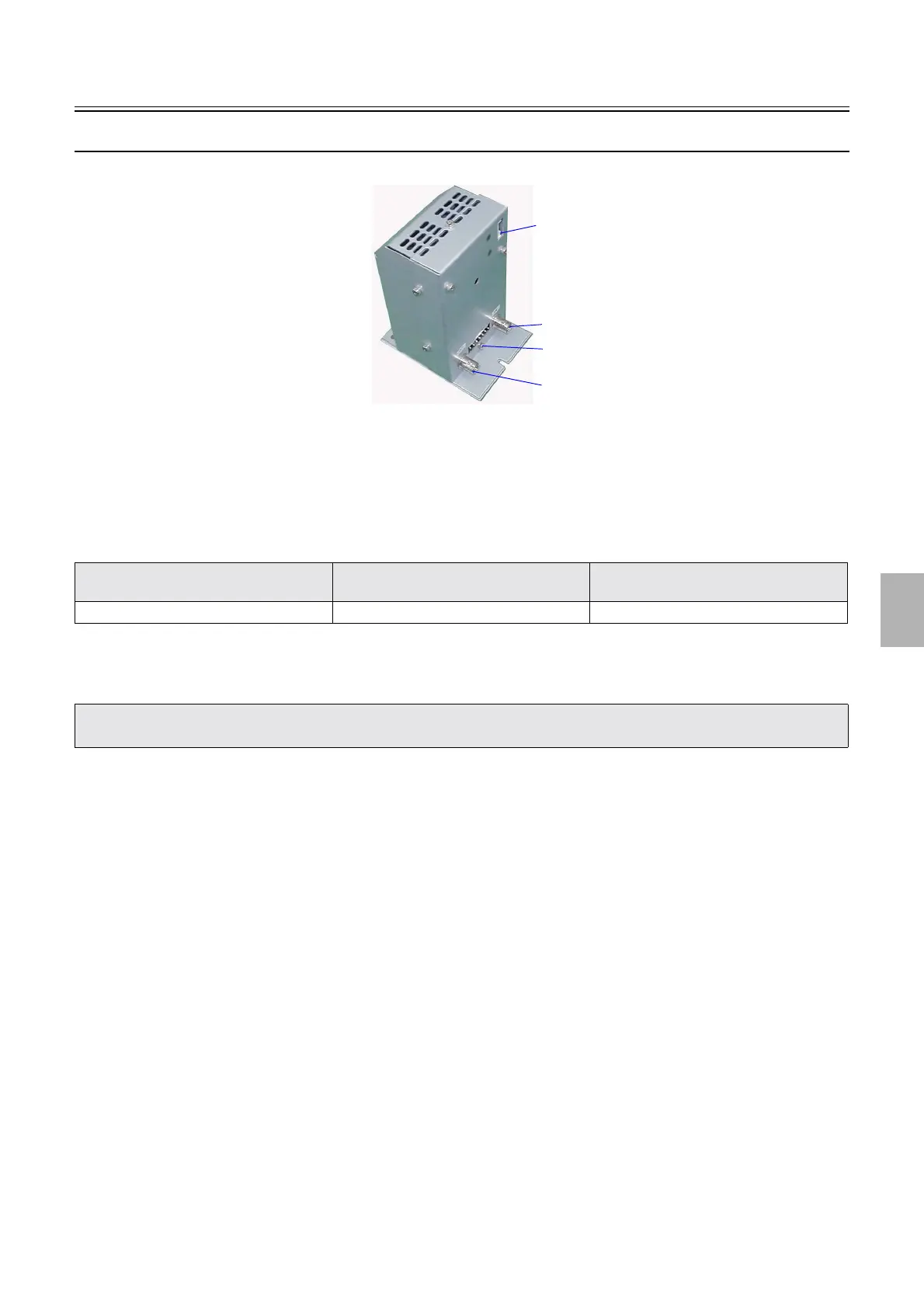
Description of PCB (printer section)
1/2
6. Electrical parts
66080
66080
G-AOM driver (Z025645)
!
!!
! Function
• Converts the image data to the signal that controls the AOM (optoacoustic modulation) element.
• Controls AOM (optoacoustic modulation) element.
!
!!
! Reference
!
!!
! Adjustments and precautions for PCB replacement
• Perform the daily setup for each paper type.
!
!!
! Unused connector
• None
!
!!
! Component parts table
• None
!
!!
! Removing the AOM driver
1. Open the printer top cover.
2. Remove paper advance unit 2.
☞26550
3. Remove the processor loading unit.
☞26610
Layout diagram Symptom due to the poor connection of
wiring
Symptoms of fuse blowout
☞63000 ☞4202 -
• If the daily setup is completed normally, the work has finished.
• If the daily setup is not completed normally, perform the initial setup.
J1639
J1636
J1637
J1638
G085042
Distributed by: minilablaser.com



 To Next Page