3. Mode
33040
2/3
33040
Processor Settings
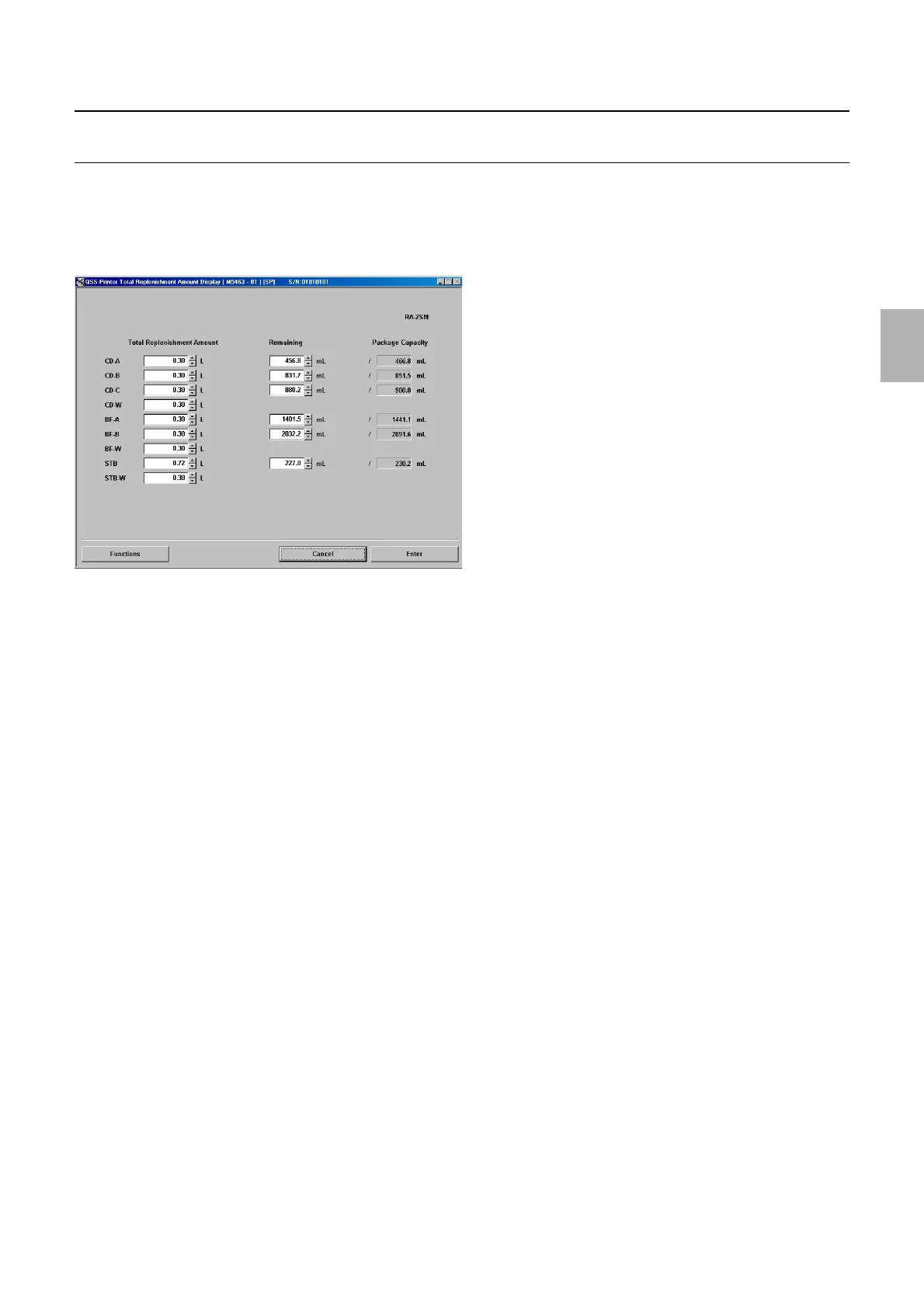
Total Replenishment Amount Display [SM]
!
!!
! Display
Bringing up the display
Maintenance: 2260 → Extension → Processor Settings → Total Replenishment Amount Display
!
!!
! Explanation
!
!!
! Total Replenishment Amount (Input range: 0.00 to 99999.99 mL)
The total replenishment amount can be checked and set.
!
!!
! Remaining (Initial value: Package Capacity) (Input range: 0.00 to Package Capacity)
When the prints have been processed, the amount discharged from the replenisher pump is subtracted from the remaining amount.
When replacing the package before the replenishment package gets completely empty, it returns to the initial value. (Initial value:
Package Capacity)
!
!!
! Package Capacity
The package capacity which has been set in the Package Capacity Setting via Functions is shown.
!
!!
! Functions
!
!!
! Package Capacity Setting
The service personnel password (2260) is required to display this.
$ Replenishment Alarm Value (Initial value: -5%) (Input range: -50 to +50%)
When the percentage of the replenishment remaining amount (internal calculated value) to the replenishment
package capacity became smaller than the Replenishment Alarm Value, 5708-5709 Replenishment Package
solution remaining error. occurs.
☞ No. 05708[SM]
$ Package Capacity Setting (Input range: 0.1 to 9999.9 mL)
Set the replenishment solution amounts for the replenishment packages.
!
!!
! SM Forced Replenishment Setting
The service personnel password (2260) is required to display this.
M5463-01
Distributed by: minilablaser.com



 To Next Page