Processor Standard Setting
1/2
3. Mode
33505
33505
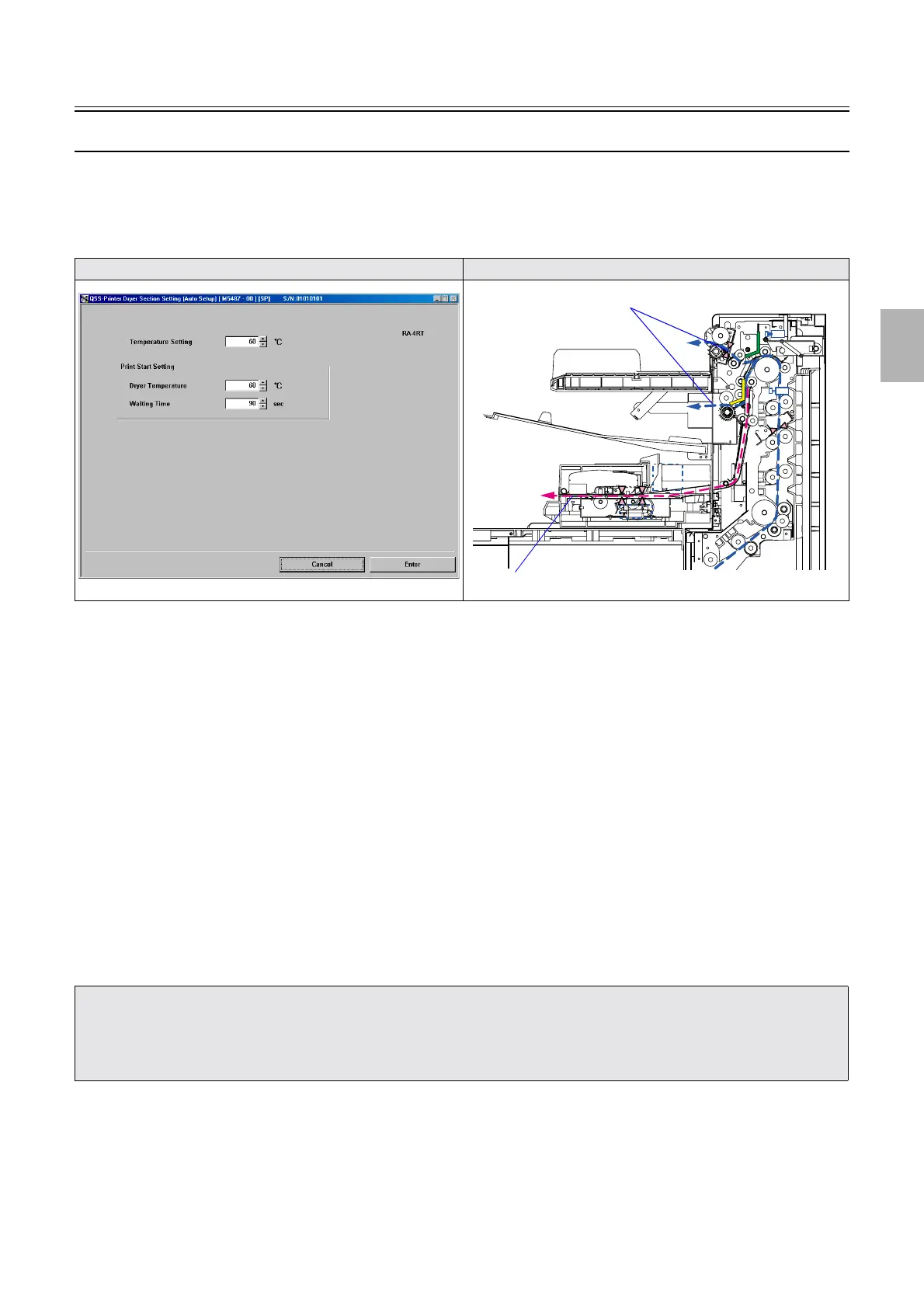
Dryer Section Setting (Auto Setup)
!
!!
! Display
Bringing up the display
Maintenance: 2260 → Extension → Processor Settings → Processor Standard Setting → Dryer Section Setting (Auto Setup)
!
!!
! Explanation
• The settings of Dryer Section Setting (Auto Setup) are applied to the following setups.
• Initial Setup
• Paper Specification Registration/Setup
• Daily Setup (Auto Setup inclusive)
• Magazine Registration/Setup
• Paper Setup
• Emulsion Number Change
!
!!
! Temperature Setting (input range: 63 to 85°C)
For the QSS-3701/3702/3703/LP7500/LP7600, the initial value is 75°C.
For the QSS-3704/3705/LP7700/LP7900, the initial value is 80°C.
• The dryer temperature can be specified for Auto Setup.
!
!!
! Print Start Setting
• Temperature at which to start setup (test print) and setup timing can be specified.
!
!!
! Dryer Temperature (Initial value: 60°C) (Input range: 60 to Temperature Setting −3 °C)
• The dryer temperature can be specified to start the Waiting Time of Print Start Setting.
Display Illustration
• Normally, the initial value is used in Dryer Section Setting (Auto Setup).
However, the test print does not dry in a humid environment, and the error
☞No. 05535Paper has jammed in the processor
section. may occur. Then, change the settings.
• Dryer Section Setting (Auto Setup) is valid only when setup is performed.
The dryer temperature of normal print is adjusted in Dryer Temperature Setting.
Normal prints
Auto Setup (Test print)
Distributed by: minilablaser.com



 To Next Page