Setup
1/3
3. Mode
32514
32514
Brightness of the Edge
Bringing up the display
Maintenance: 2260 → Extension → Setup → Laser Setup → Paper Specification Registration/Setup → Functions → Brightness of the
Edge
!
!!
! Explanation
!
!!
! Brightness of the Edge
• If prints lack uniformity, you can return the system's gray levels to the factory defaults.
• You can perform Brightness of the Edge only with paper whose width is 305 mm.
• This adjustment is effective only for the type of unevenness shown on the left below.
!
!!
! Adjusting procedure
!
!!
! Brightness of the Edge
1. Confirm that Paper Specification Registration/Setup and Magazine Registration/Setup have been
completed.
2. Perform Edge Brightness Correction Data Initialization.
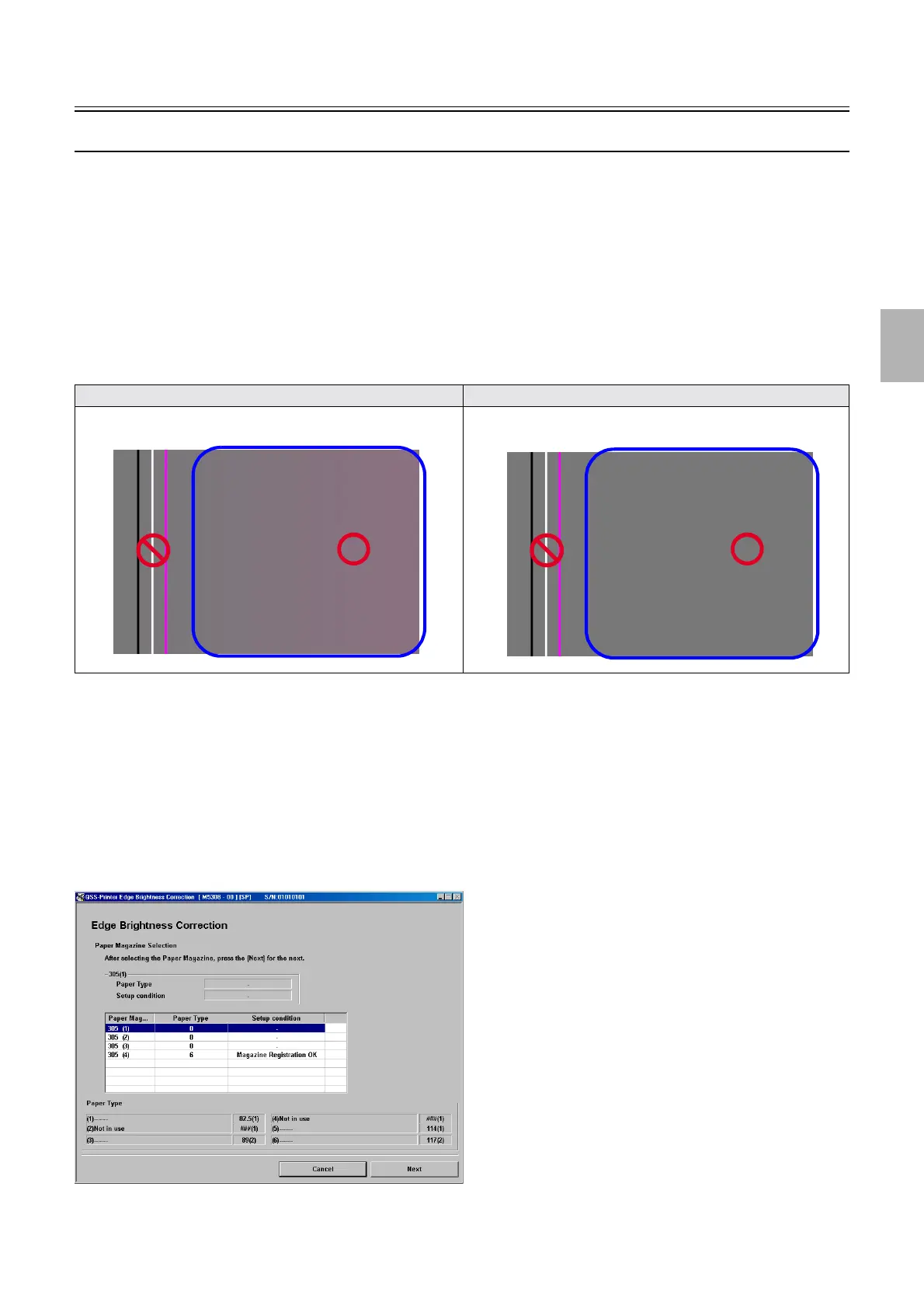
3. Select the paper type to be use for Brightness of the Edge.
Example: Before performing Brightness of the Edge Example: After performing Brightness of the Edge
Edge Brightness Correction is
effective
Edge Brightness Correction is not
effective
Edge Brightness Correction is
effective
Edge Brightness Correction is not
effective
M5308-00
Distributed by: minilablaser.com



 To Next Page