2/4
3. Mode
32513
32513
Setup
!
!!
! F: Function
!
!!
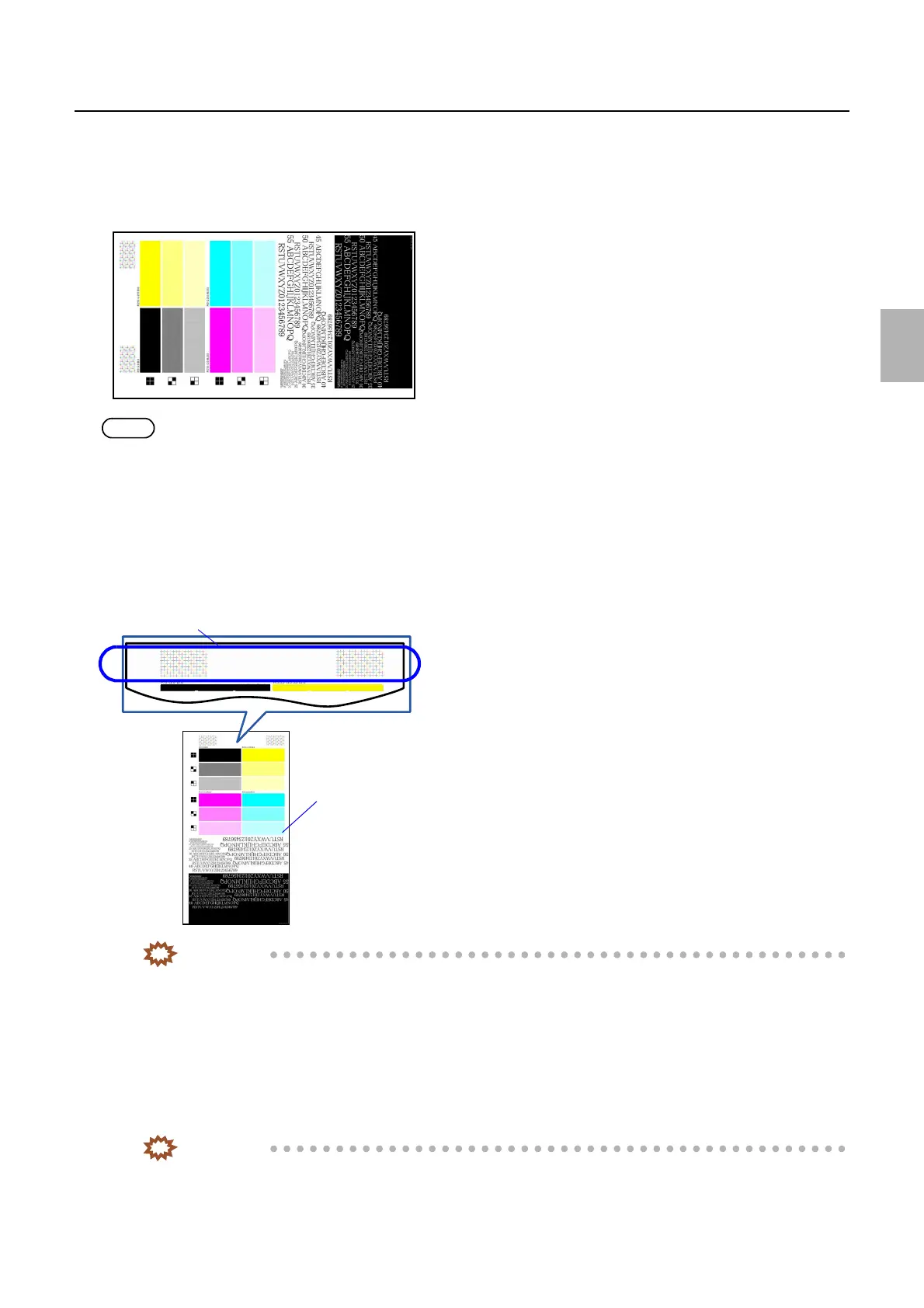
! Test print
Make a test print of characters and images.
NOTE
• Confirm the test print using the loupe.
!
!!
! Adjusting procedure
1. Select the magazine to be corrected.
2. Carry out Test Print of Functions.
3. Check the dot position whether it is moved from the proper position.
IMPORTANT
• If the dot position of LASER is moved, the correction cannot be done on the NCE Mode. Correct the dot
position by Exposure Magnification Correction/Exposure Position Adjustment/Exposure Magnification Fine
Adjustment.
• Exposure Magnification Correction: ☞36020
• Exposure Position Adjustment:
☞36030
• Exposure Magnification Fine Adjustment:
☞36040
4. Check if the white letters/black letters on the test print are not broken.
If the letters are not broken, go to Step 5.
IMPORTANT
• The cause of the broken letters is that all color density is high.
G084967
Pattern of dot position disorder check
Test print
G084962
Distributed by: minilablaser.com



 To Next Page