Processor Standard Setting
1/1
3. Mode
33500
33500
Proce ssor Stan dard S etting
Thermosensor Calibration
Bringing up the display
Maintenance: 2260 → Extension → Processor Settings → Processor Standard Setting → Thermosensor Calibration
!
!!
! Explanation
NOTE
• Enter the service personnel password (2260) to configure these settings.
!
!!
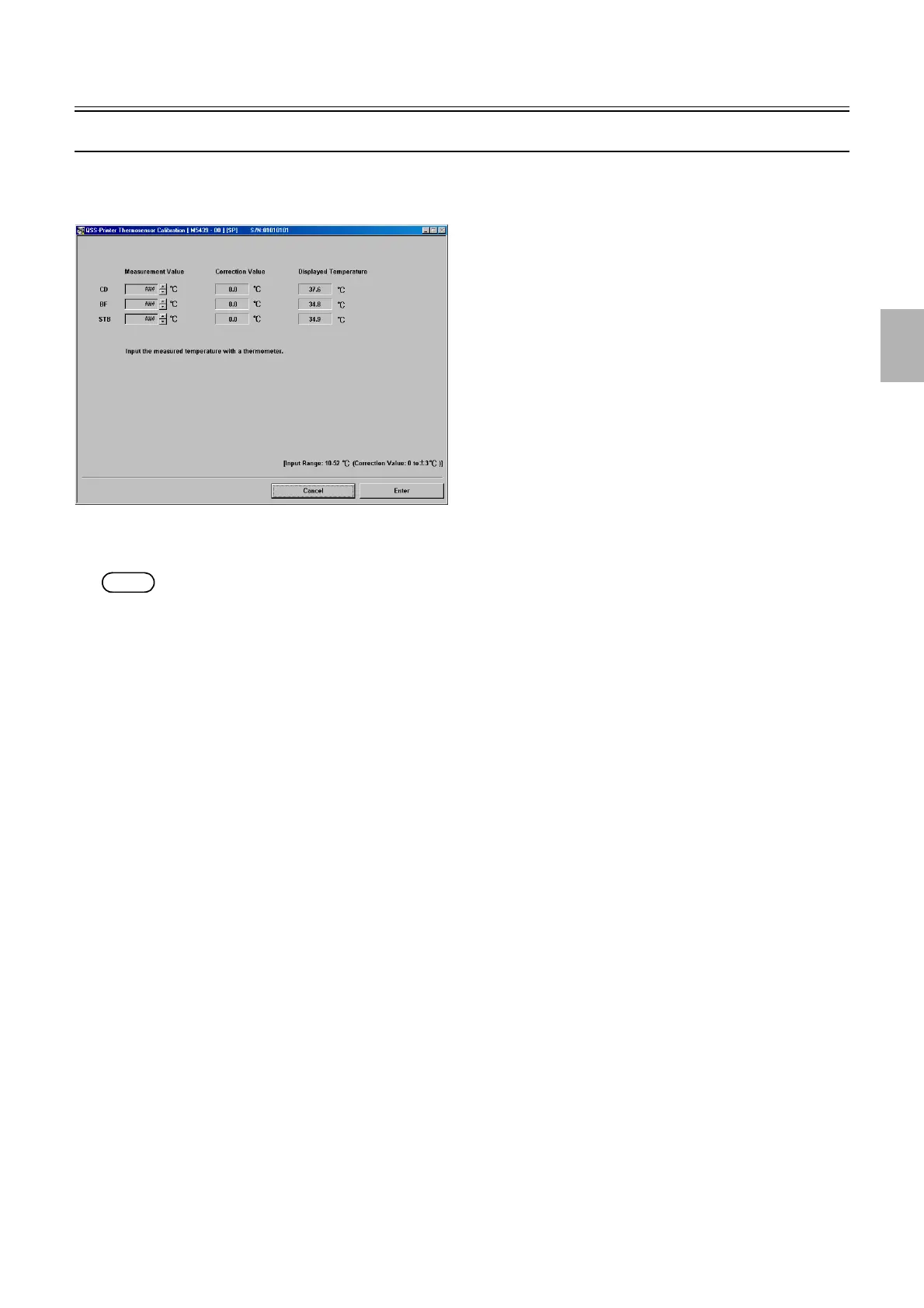
! Measurement Value (Initial value: 0.0°C) (Input range: 10 to 52°C (Correction value: 0 to ±3°C)
Measure the temperature with a mercury thermometer and enter the measured values.
!
!!
! Correction Value
After entering the measured temperature, the correction value, subtracting the displayed temperature from the measured temperature,
will be automatically entered.
!
!!
! Displayed Temperature
The processing solution temperature measured by the thermosensor is displayed.
M5439-00
Distributed by: minilablaser.com



 To Next Page