3. Mode
36030
3/5
36030
Printer Mechanical Adjustment
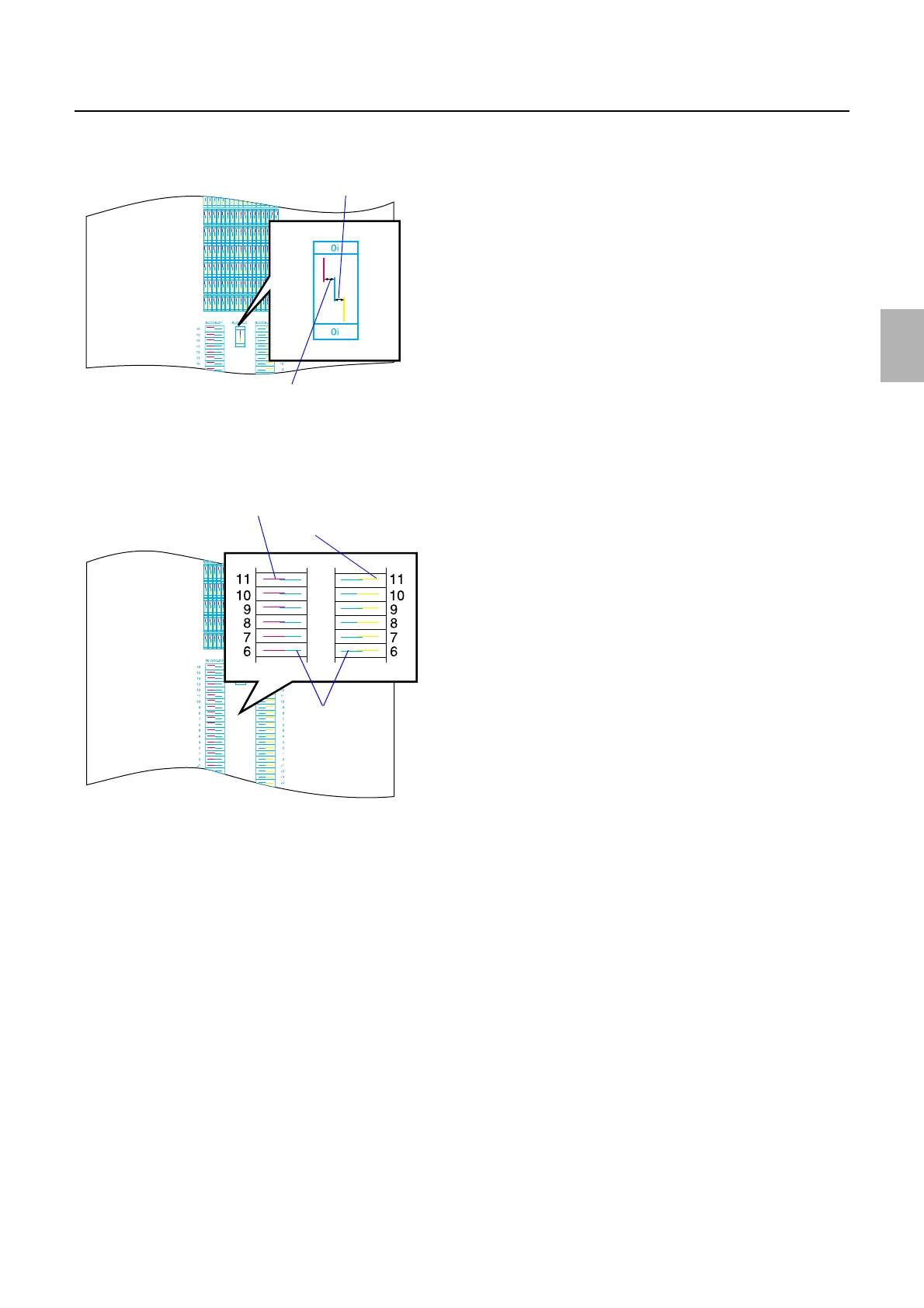
4. If there is no part where the cyan line aligns with the magenta/ yellow line on the test print BLOCK-B,
check BLOCK-C 0i and enter the offset value of main scanning and make a Test Print again.
5. Enter each checked number.
6. Check the number of the image where the cyan line aligns with the magenta line on the test print
BLOCK-D1, and where it aligns with the yellow line on the test print BLOCK-D2.
7. Enter each checked number.
8. Perform Test Print Confirmation of Functions.
Minus correction
Positive correction
G068455
Yellow line
Cyan lines
Magenta line
G068456
Distributed by: minilablaser.com



 To Next Page